154
Installation:
1. In case the lamp is already connected to a gateway or remote control, please
reset the lamp.
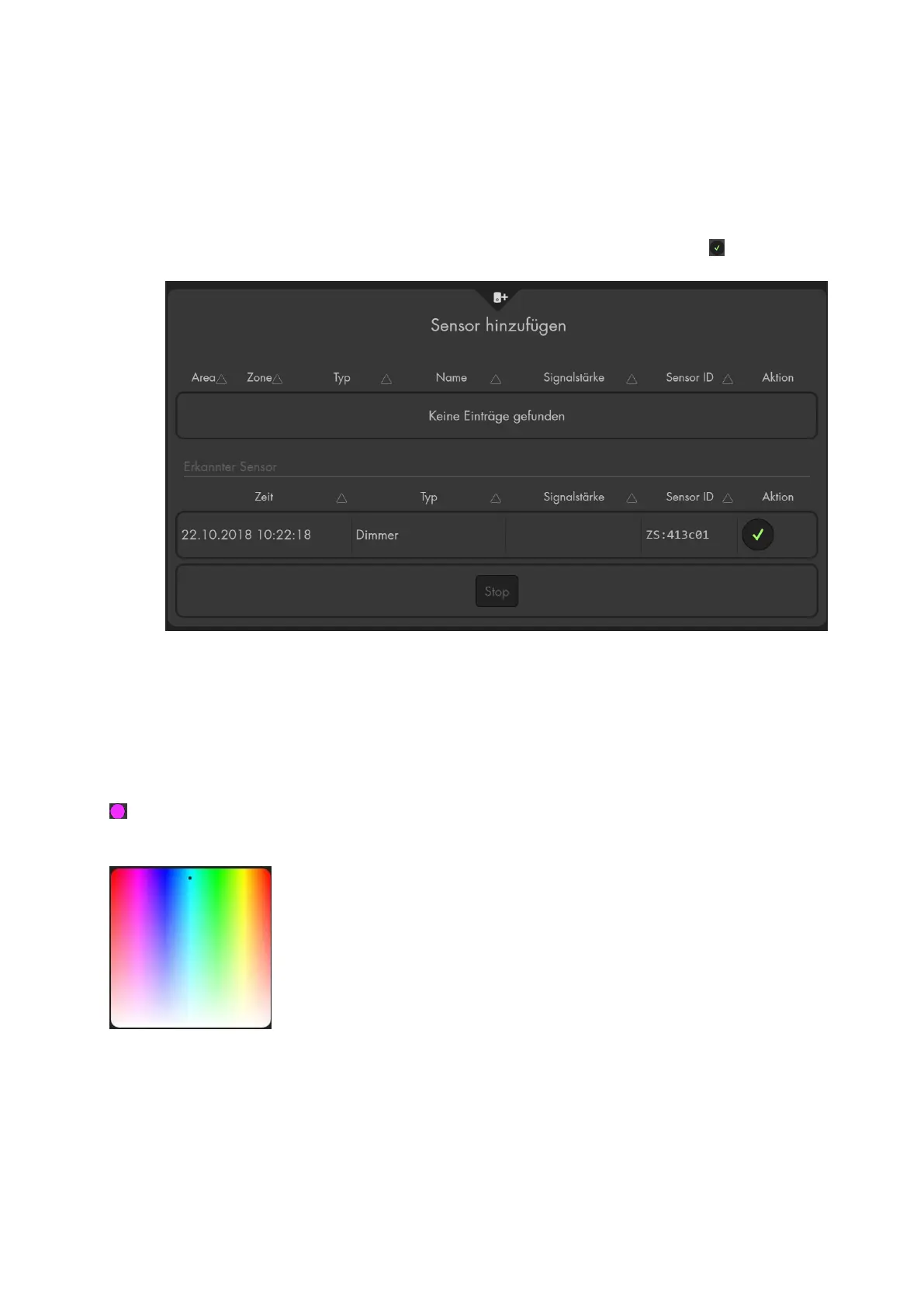
2. Open the menu “Sensors” “Add” -> “Add Sensors” und click on “start”.
3. Switch the lamp on.
4. The alarm panel lists the lamp as dimmer and can be added with . Philips Hue
colour lamps are listed as lamps instead of dimmer.
5. Click on “stop” to end the learn mode of the alarm panel.
Manual control
You can control your lamps in the menu “Smarthome” “Wireless plugs” “Wireless
Plug list manually. You can switch them on/off, adjust the brightness (dim), and, with
Philips Hue colour lamps, also set the colour.
/ Colour control circle (only lamps with colour selection)
When you press the colour circle, a selection table is displayed. You can select the
colour for your lamp.
You can add a GRID control. Right mouse button “Add Grid” “Groups and devices”
“Philips Hue”



 To Next Page