155
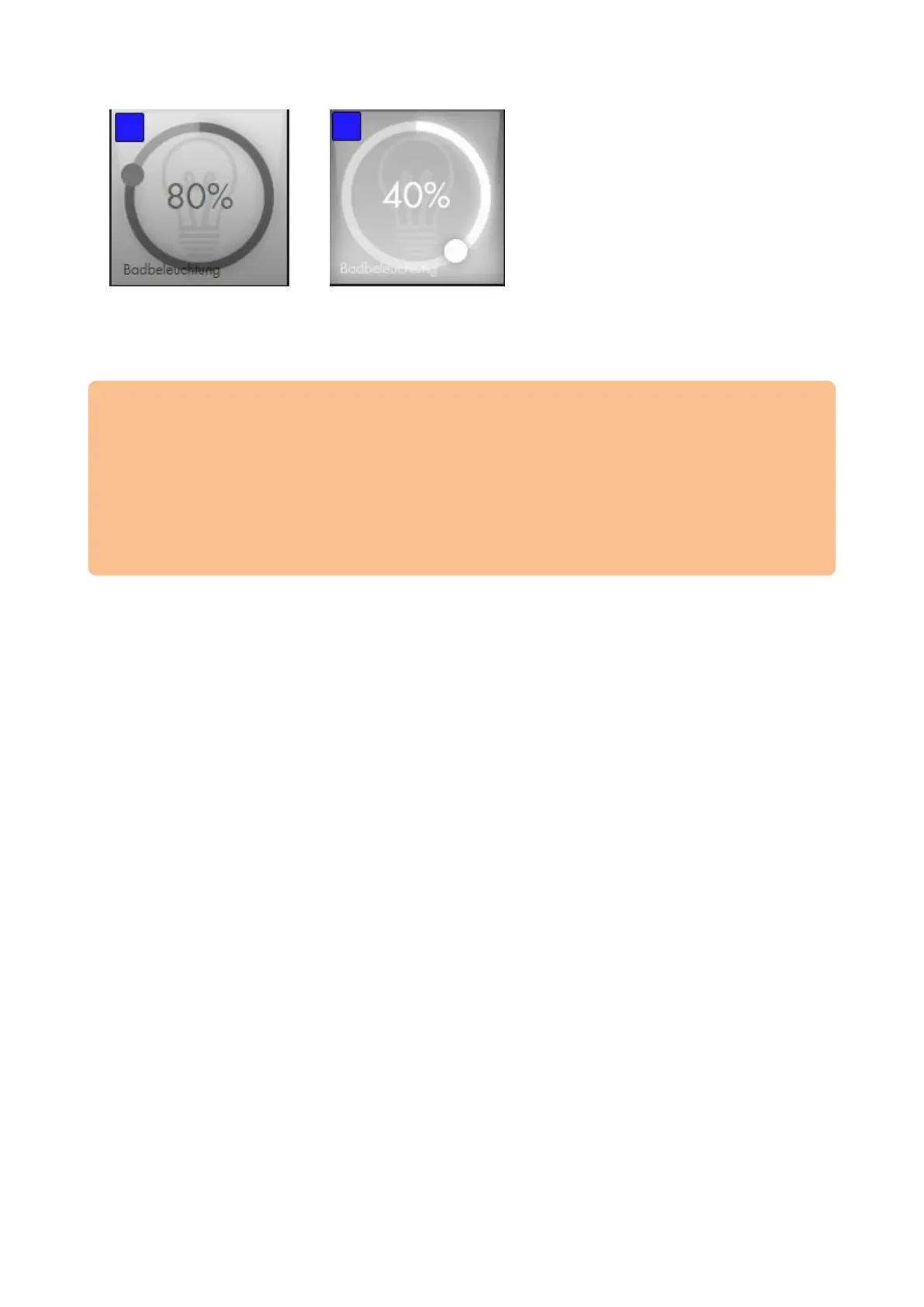
Clicking on the middle of the app switches the lamp on and off. Holding the toggle on
the circle allows you to dim the light.
Additionally, lamps with colour selection have a colour control circle at the upper left.
Please note:
After connecting the lamp to the alarm panel, you can no longer control it via the
bridge/hub/remote control of the manufacturer. If you connect them again to one
of these devices, you can longer control the lamp via the alarm panel.
You can create home automations for your lamps in the menu “Smarthome”
“Automations”.
You can create lamp groups in the menu “Smarthome” “Wireless Plugs”
“Group settings”. This allows you to control multiple lamps at once.



 To Next Page