173
After you have decided the place of installation, install the curtain motion detector
on a flat and even surface.
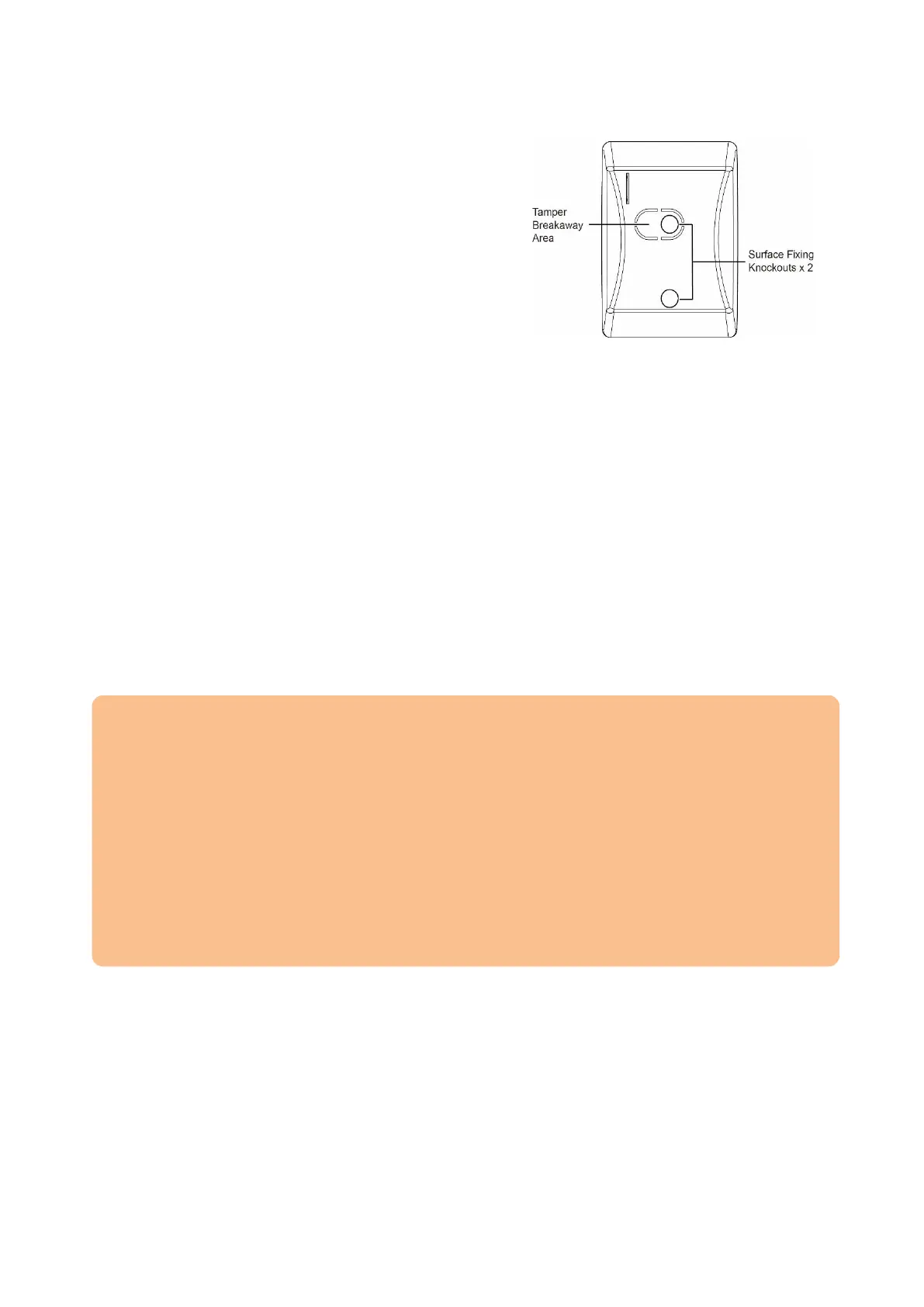
The back of the curtain motion detector has
two markings for drilling.
Drill through these markings and use them
as a gauge.
Mount the back of the curtain motion
detector by means of the included screws
and dowels.
Clip the front of the curtain motion detector
to the back.
Start the test mode and check if the curtain motion detector detects movements
correctly.
Rest mode:
In order to save battery power, the curtain motion detector enters a rest mode after every
detected motion (irrespective of the mode of the alarm panel). The rest mode takes
approx. one minute and every registered motion during the rest mode extends its
duration. Be aware of the rest mode when testing the alarm function or creating a home
automation.
Supervision:
The curtain motion detector sends a signal to the alarm panel every 30-50 minutes. In
order to manually transmit a status signal, press the learn button.
Please note:
Do not expose the curtain motion detector to direct sunlight.
The curtain motion detector registers movements in the infrared wavelength
(change of the infrared radiation). Thus, movements of air currents can also trigger
the curtain motion detector. Make sure not to install the curtain motion detector in
areas where air currents with different temperatures may cause movements (e.g.
above radiators / stoves / furnaces, heated floors, air conditioning, staircases, or
behind windows).
There should be no moveable objects in the detection field (e.g. curtains).
There should be no larger objects in the detection field.
Only use the curtain motion detector indoors.



 To Next Page