202
The wireless indoor siren requires 4 D-cell alkaline batteries. The average battery life is
2 years (depending on the usage.
Reset
Delete the siren form the alarm panel (“Sensors” “List”).
Switch the power switch to off.
Remove any residual current by pressing and releasing the lean button and the
tampering contact 2-3 times.
Press and hold the learn button.
Switch the power switch to on.
Continue to hold the learn button. After approx. 3-5 seconds, the siren emits a
sound.
Release the learn button.
The siren is reset to factory default.
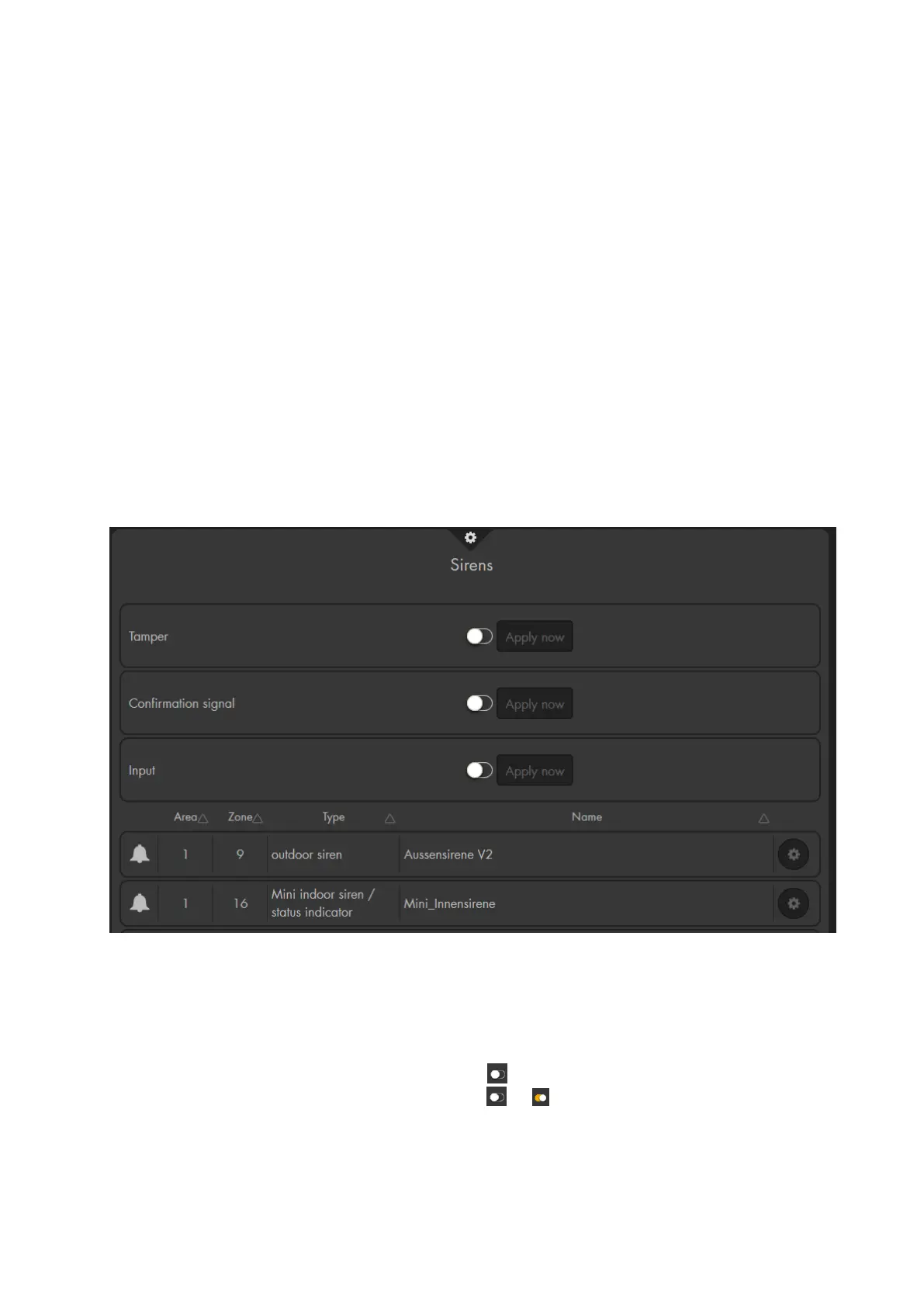
Menu “Alarm system” –> “Siren settings” “Sirens”
This menu consists of two parts. The upper part allows you to transmit settings to all
connected indoor and outdoor sirens. The lower part lists your connected sirens and
allows you to enter the sensor edit menu of the sirens.
This menu allows you to configure “external” sirens that are added to the alarm
panel. It is not possible to configure the internal siren of the alarm panel in this
menu.
All settings in this menu are only transmitted and saved on the siren(s). The web
interface does not display the current setting of the sirens. After the transmission,
the alarm panel displays the setting as again.
To transmit the selected setting, select or and press “Apply now”.
The sirens will sound a notification sound to acknowledge that the new settings
have been received.
The new configuration is send to all connected sirens. If you want to set multiple
sirens differently, you need to add them later to the alarm panel or temporarily



 To Next Page