204
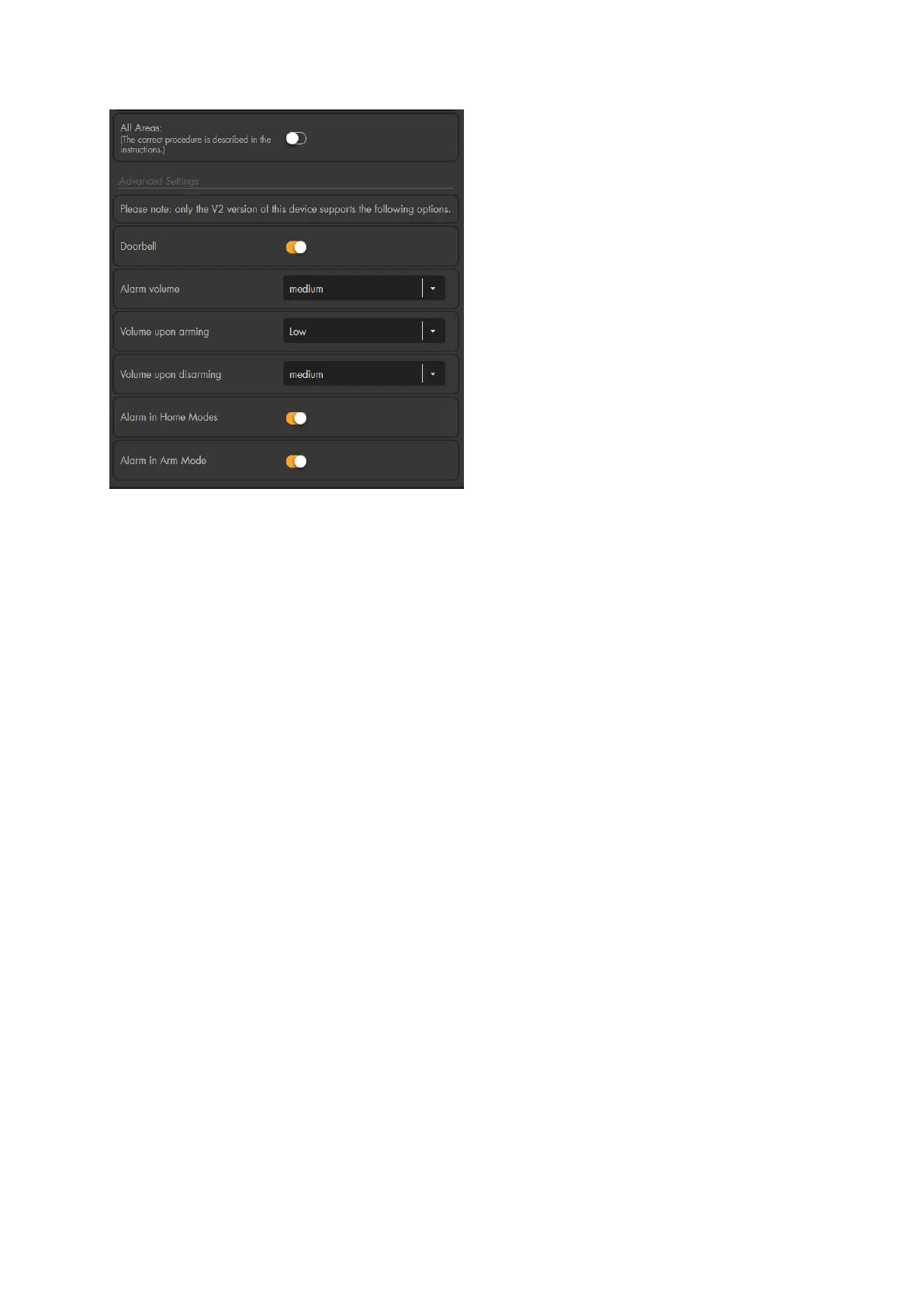
All areas
To use the siren for both areas, please follow these instructions:
o Activate the option “all areas”.
o The siren emits a confirmation sound.
o Test if the siren now follows the settings of both areas (e.g. emits the entry/exit
delay)
o The same procedure is necessary if you want to change the area of the siren.
Doorbell
Specify, whether the siren is to give an acoustic signal with the “Doorbell function”.
Please note:
In the menu “Siren settings” “Sound settings” “Area settings” “Doorbell” ”All
sirens off” you can also disable the doorbell sound for all sirens.
Alarm volume
Define the siren’s volume in case of alarms (loud, medium, quiet, mute).
Volume upon arming
Define the volume of the confirmation sound when arming.
Volume upon disarming
Define the volume of the confirmation sound when disarming.
Alarm in home mode
Specify, whether the siren is to trigger an alarm in case of a burglary while the alarm
panel is in home mode.
Alarm in arm mode
Specify, whether the siren is to trigger an alarm in case of a burglary while the alarm
panel is in arm mode.
Warning sounds and signals of the indoor siren:



 To Next Page