29
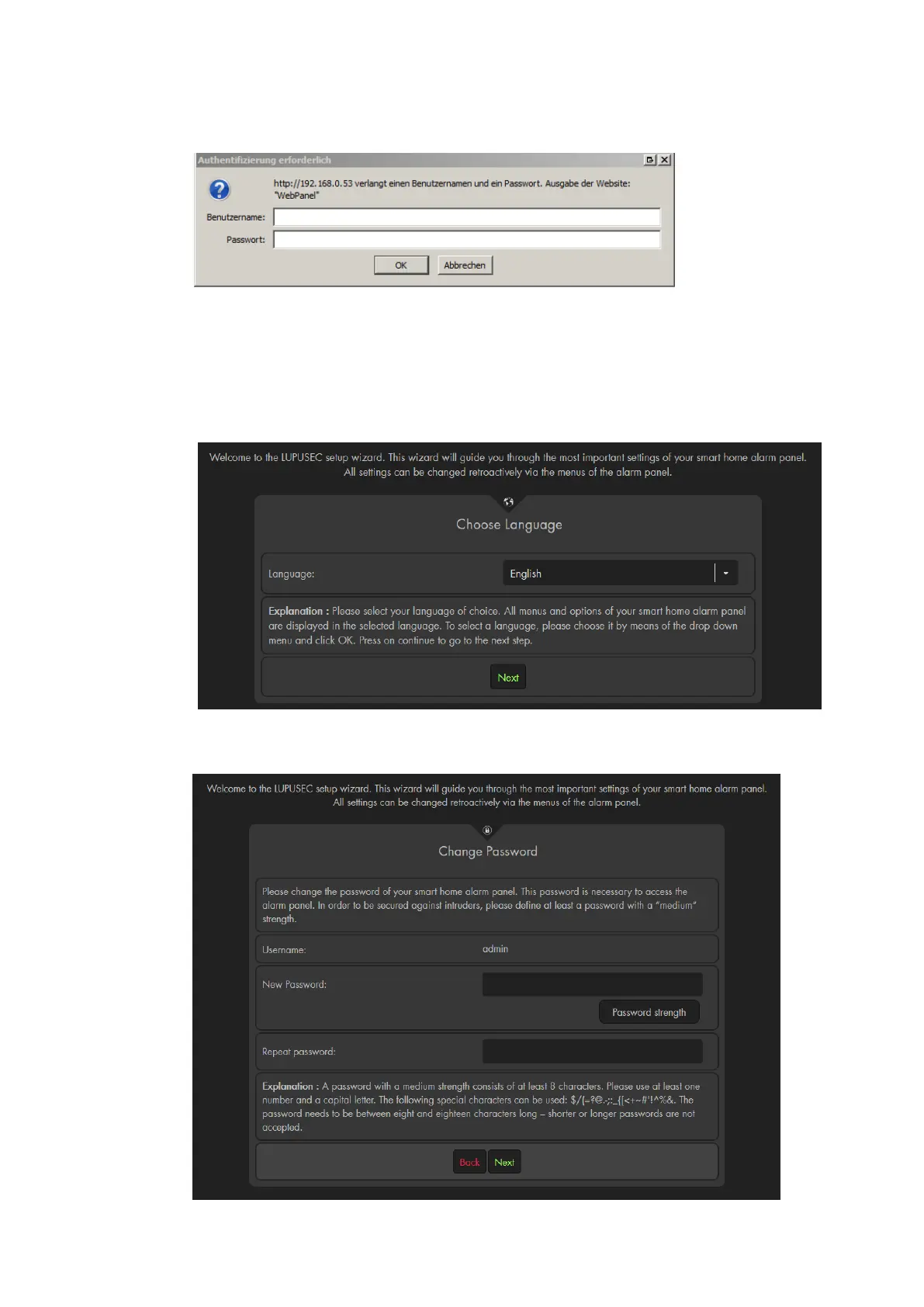
4. The login window opens:
Enter the following default access data upon the initial access:
User name: admin
Password: admin1234
5. The installation wizard
The installation wizard guides you through the initial set-up of the alarm panel.
a) Choose a language
b) For reasons of security, you will need to change the password. It is not possible
to use the alarm panel with the standard password! Make sure to remember
the new password and be aware of major and minor letters.



 To Next Page