309
Select appliance type
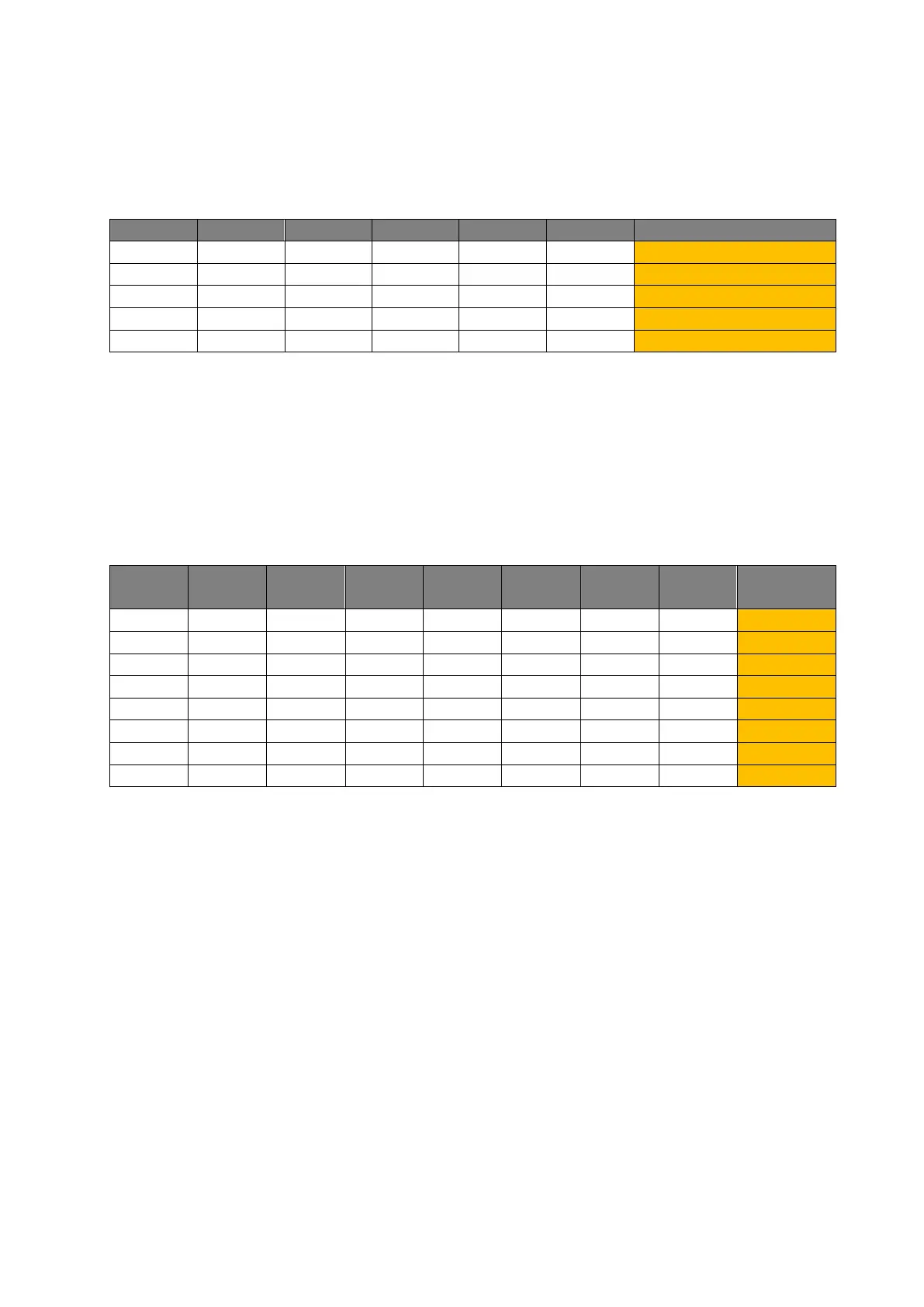
The universal IR remote control can learn up to eight IR signals respectively of five different
appliances. At first, select the appliance with DIP switch block 1, referring to the following
table.
X means position is of no importance.
Example:
To select appliance 2, set switch 2 to “ON” and switches 3 to 6 to “OFF.”
Learn IR signals:
Up to eight different IR signals can be learned for each appliance. Select the signal/
function to learn with DIP switch block 2.
X means position is of no importance.
Example:
To select signal 4, set switch 4 to “ON” and switches 5 to 8 to “OFF”.
1. Select the signal to learn using the DIP switches. We recommend starting with the first
signal by setting DIP switch 1 to “ON”.
2. Direct the remote control to the IR signal receiver (6) on the back of the universal IR
controller and press the button to learn.
3. When the signal was received successfully, the IR LED flashes fast. If you sent the wrong
IR signal, send it again as described in step 2. The newly received signal overwrites the
saved signal.
4. When you finished the learning procedure, change the DIP switch position to learn another
signal. To do so, repeat steps 2 and 3. It is recommended learning signals 1 to 8 one after
the other by setting the switches 1 to 8 to “ON” one after the other.
5. Repeat the procedure to learn a maximum of eight signals for each appliance.
6. You can change the appliance type with the DIP switch block 1.



 To Next Page