310
Exit the IR learn mode
Press the IR button once to exit the learn mode. Then, set all DIP switches to
“OFF”.
Test signals:
After the signals were learned, test the proper function as described in the following.
1. Do not activate the learn mode. Set the DIP switches to the signal to test as
described above.
2. Press the IR button once to send the selected signal. The IR LED flashes fast to
indicate the sending. If the no signal is stored, the IR LED remains off.
3. Repeat steps 1 and 2 to test all learned signals.
4. When you finished the testing procedure, set all DIP switches to “OFF”.
Delete signals:
To delete stored signals, please proceed as follows:
1. Remove the batteries from the universal IR controller.
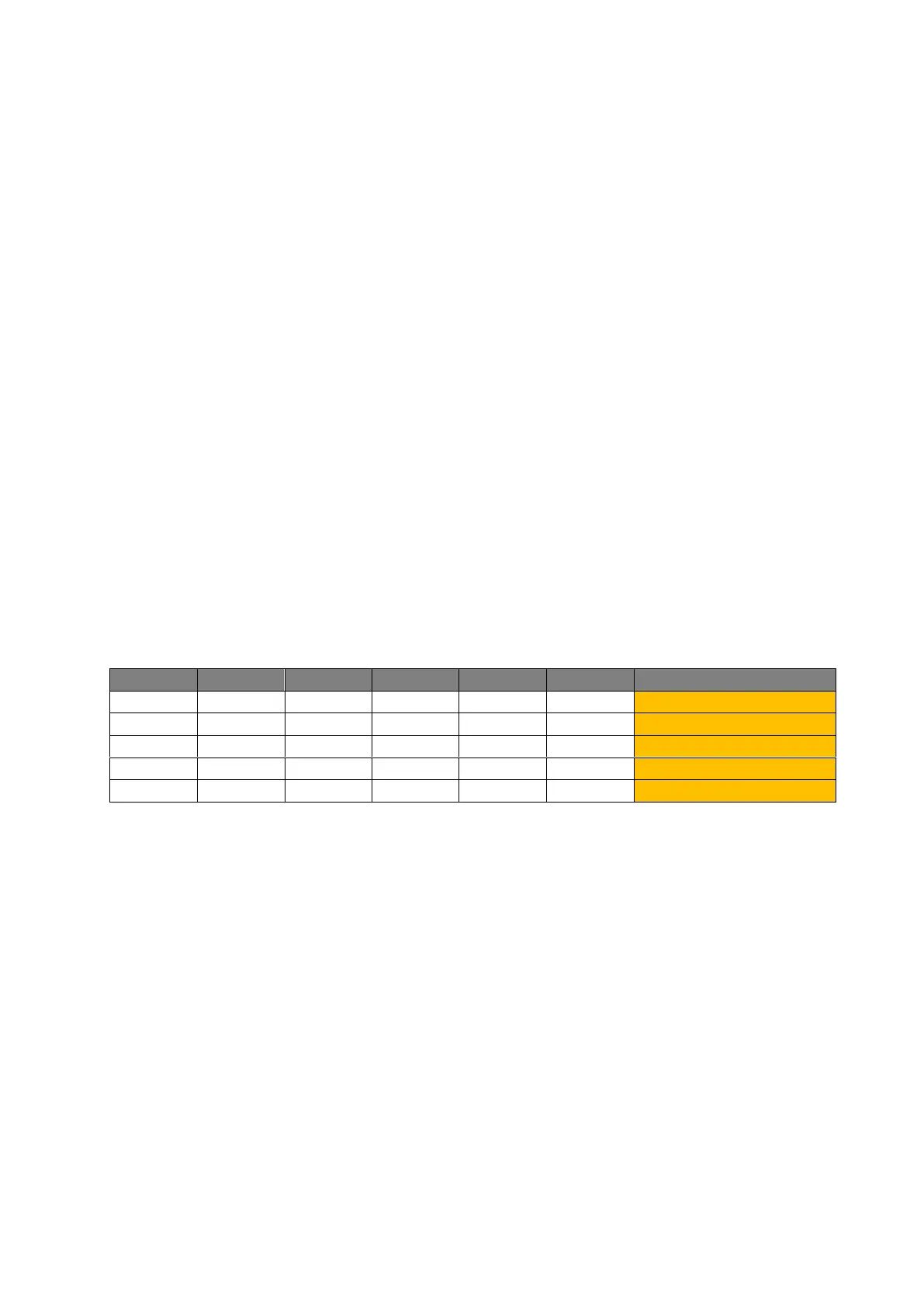
2. Select the appliance to delete using the DIP switch block 1 according to the
following table. If you set several switches to “ON”, the respective appliances are
deleted. If you e.g. set switches 1 and 3 to “ON”, the signals of appliances 1 and 3
are deleted.
3. Keep the IR and ZigBee buttons pressed and reinstall the batteries to the device.
Continue to press both buttons.
4. Keep both buttons pressed until the IR LED lights up.
5. The signals are deleted and the IR LED flashes.
6. Set all switches back to “OFF”. The IR LED will go off.



 To Next Page