45
Allows you to change the selected app into another one.
2. Size
Allows you to change the size of the app. The available sizes depend on the
app you want to change. You can also use the mouse to directly change the
size of the app directly in the GRID.
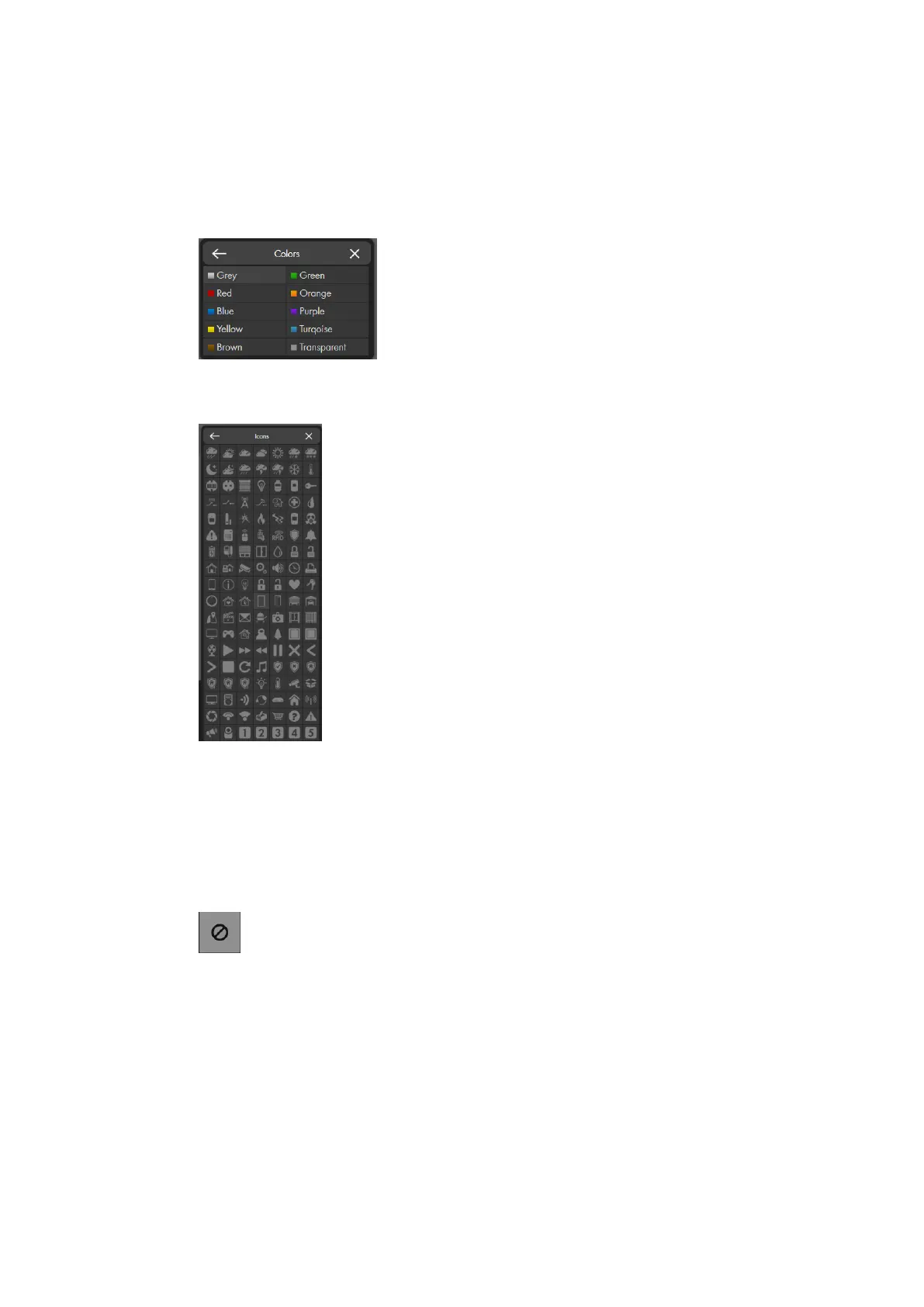
3. Colors
Allows you to change the background color of the app (only available for
“Groups & Devices” apps).
4. Icons
Allows you to change the symbol of the app (only available for “Groups &
Devices” apps).
5. Remove app
Deletes the app.
Please note:
If one of your apps in the GRID belongs to a sensor that has been deleted
from the alarm panel, the GRID displays an error symbol:
To prevent malfunctions of the GRID interface, we advise you to delete
inactive apps.
Lock Grid
Ends the set-up mode to the GRID.
Save
Saves all changes you have made to the GRID. If you do not save, you receive a
warning when you want to open another menu. If you ignore the warning, all
changes to the GRID are reverted.



 To Next Page