61
2. Nr.,: A number is assigned to every profile (the first free number is chosen
automatically). You can change the number later on be means of the drop-
down menu (1-5).
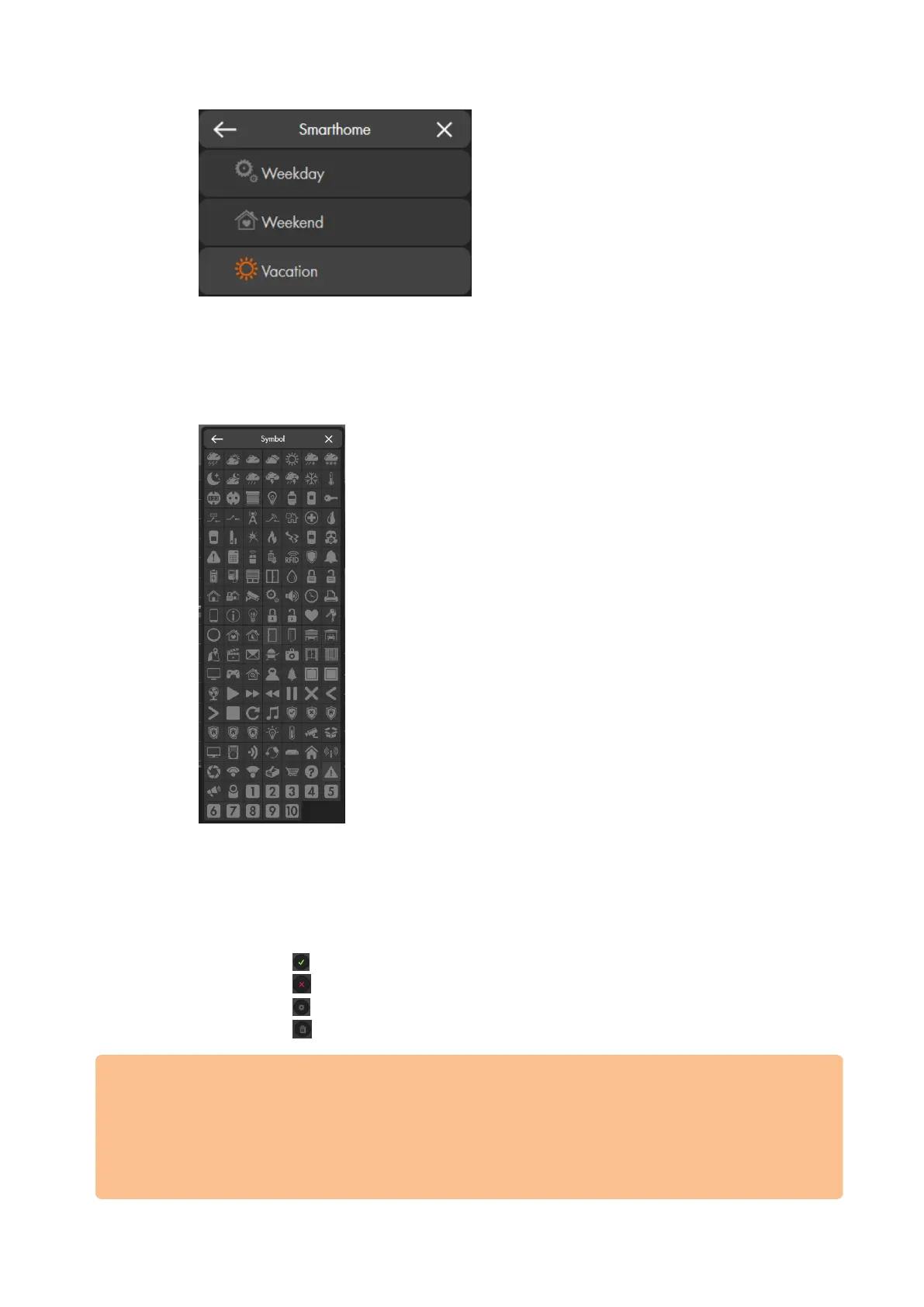
3. Symbol: You can assign a symbol to every profile to quickly identify the profile.
4. Name: You can assign a name of maximally 31 characters to a profile.
5. Rules/groups: Shows the previously defined rules and groups which are
assigned to the profile. You can add others in the drop-down menu or remove
rules by clicking on the X behind the name.
6. Functions:
Use to save automations.
Use to cancel any changes.
Use to edit exiting automations.
Use to delete an automation.
Important:
For already set-up rules to be executed, it is required either to add them to a group at
first, which is then added to a profile, or to add them directly to the active profile.
Please make sure that the rules you want to apply are always marked with the green
checkmark in the column “effective execution.” Only then the rule is active if the
assigned profile is active as well.



 To Next Page