69
Example 2 – time control
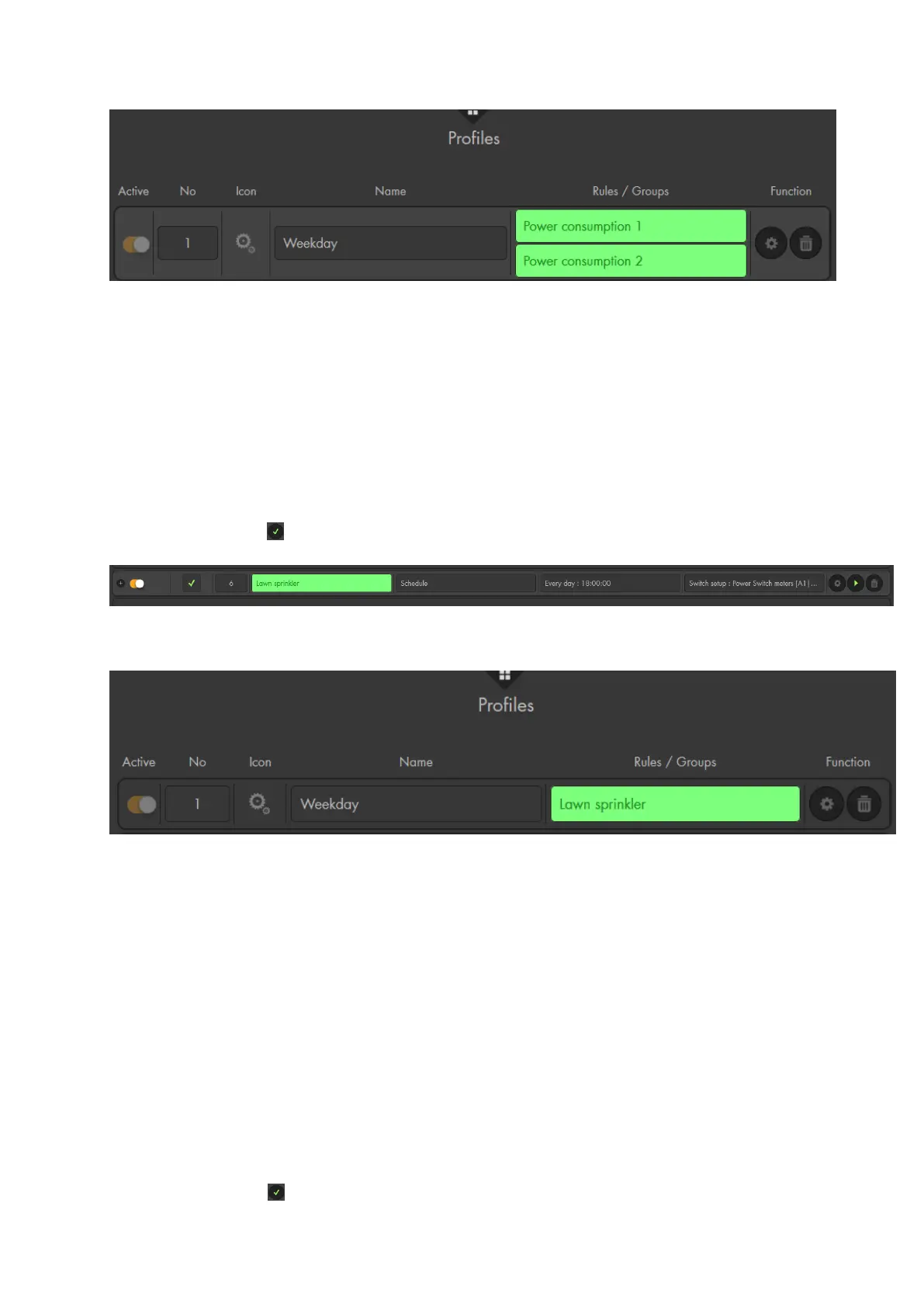
Aim: How to switch on a lawn sprinkler that is connected to a wireless plug in area 1
zone 2 for two hours every evening.
Settings:
Create a new rule
Select “Condition” “Schedule”.
Select “Schedule” “Every day” and, then, select identical start time (e.g.
18:00).
Select “Action” “Switch setup” “Area 1 Zone 2” “Turn on” “2 hours”
Click on the to the right of the rule.
Add the newly set-up rule to an activate profile for activation.
Example 3 – automated shutter control
Aim: A shutter relay (zone 11) shall open the shutter only when someone is at home
(disarmed alarm panel) every morning 10 minutes before sunrise. In the evening, the
shutter relay shall close the shutter (irrespective of the mode of the alarm panel) 10
minutes after sunset.
Settings:
Create a new rule
Select “Condition” “Mode” “Area 1” “Disarm” and add the condition
“Mode” “Area 2” “Disarm”. Use “and” to connect these conditions.
Select “Schedule” “Sunrise” “-10 minutes”.
Select “Action” “Shutter setup” “Area 1 Zone 11” “Open”.
Click on the to the right of the rule.



 To Next Page