91
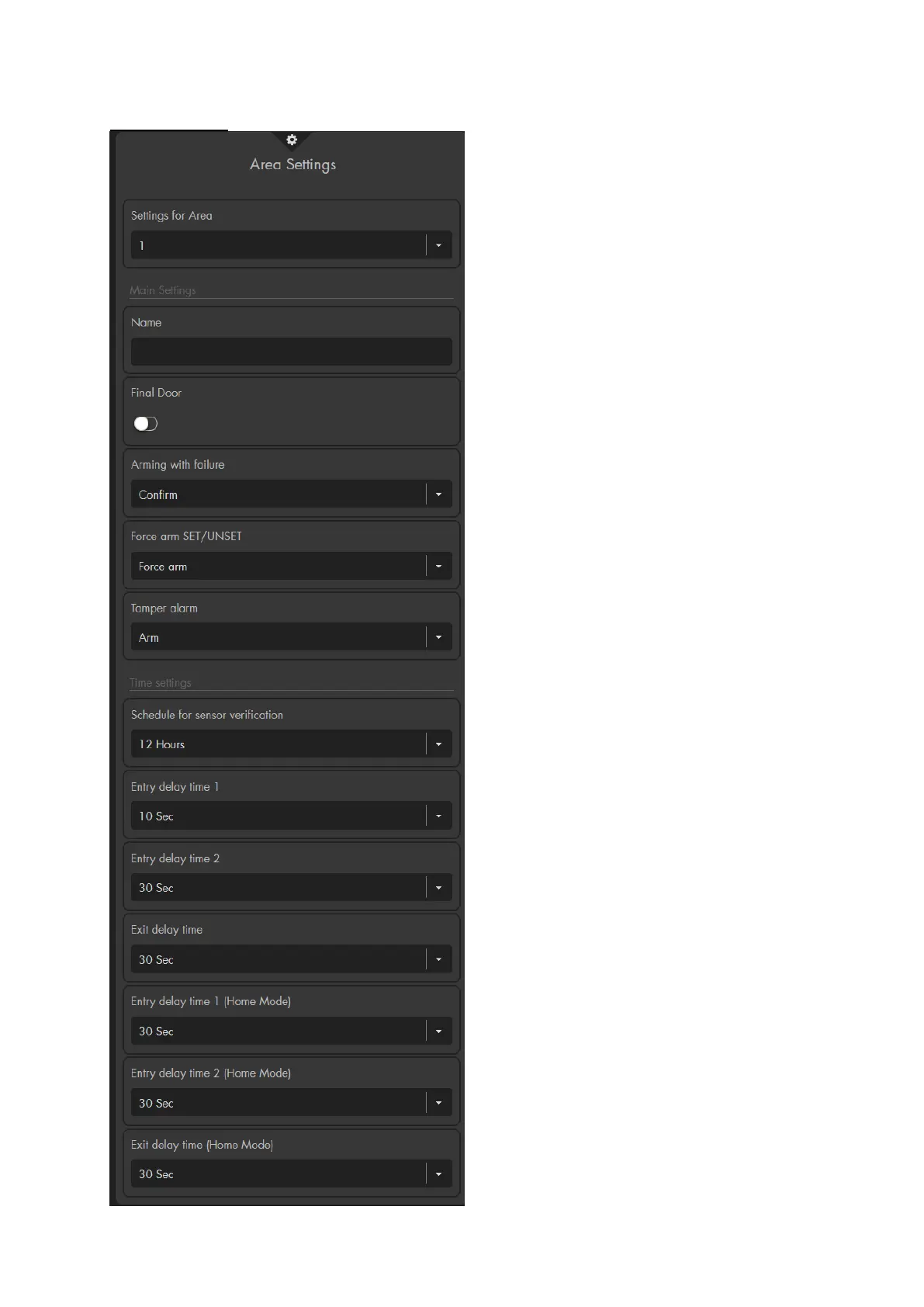
Area settings
Settings for area
Specify for which area the following
settings shall apply.
Main settings
Name
You can name the selected area. The
name will be included in e-mails/text
messages from the alarm panel.
Final Door
Activate this option if you want to arm the
alarm panel when the last open door
contact is closed during the exit delay.
Arming with failure
o Confirm (default setting): If you
attempt to arm the alarm panel while
an error is detected (system errors,
batteries and power supply, Contact
ID, SMS, IP-Ping, GSM, open
sensors, or other notifications by
sensors), a brief error message is
displayed in the web interface and the
panel emits two brief signal tones –
the alarm panel will not switch to arm
mode. If you attempt to arm the alarm
panel again within ten seconds, the
alarm panel will switch to arm mode
irrespective of any errors.
Note:
The errors are listed in the menu
“System” “Status” “Panel” or in
the “quick access” “Device errors”.
o Force arm: The alarm panel is
directly armed irrespective of any
errors (tampering, battery and power
supply, open door, etc.).
Force arm SET / UNSET
This setting is identical to “arming with
failure,” but is only for the arm function via
the SET / UNSET. If this option is set to
“confirm,” the sensor that should arm the
alarm panel, needs to send out the arm
command twice in a span of ten seconds
for the alarm panel to arm. If this does not
take place, the alarm panel stays in
disarm mode. If this function is set to
“force arm” (default), the alarm panel is
armed irrespective of any errors or open
sensors.



 To Next Page