94
location).
Please note:
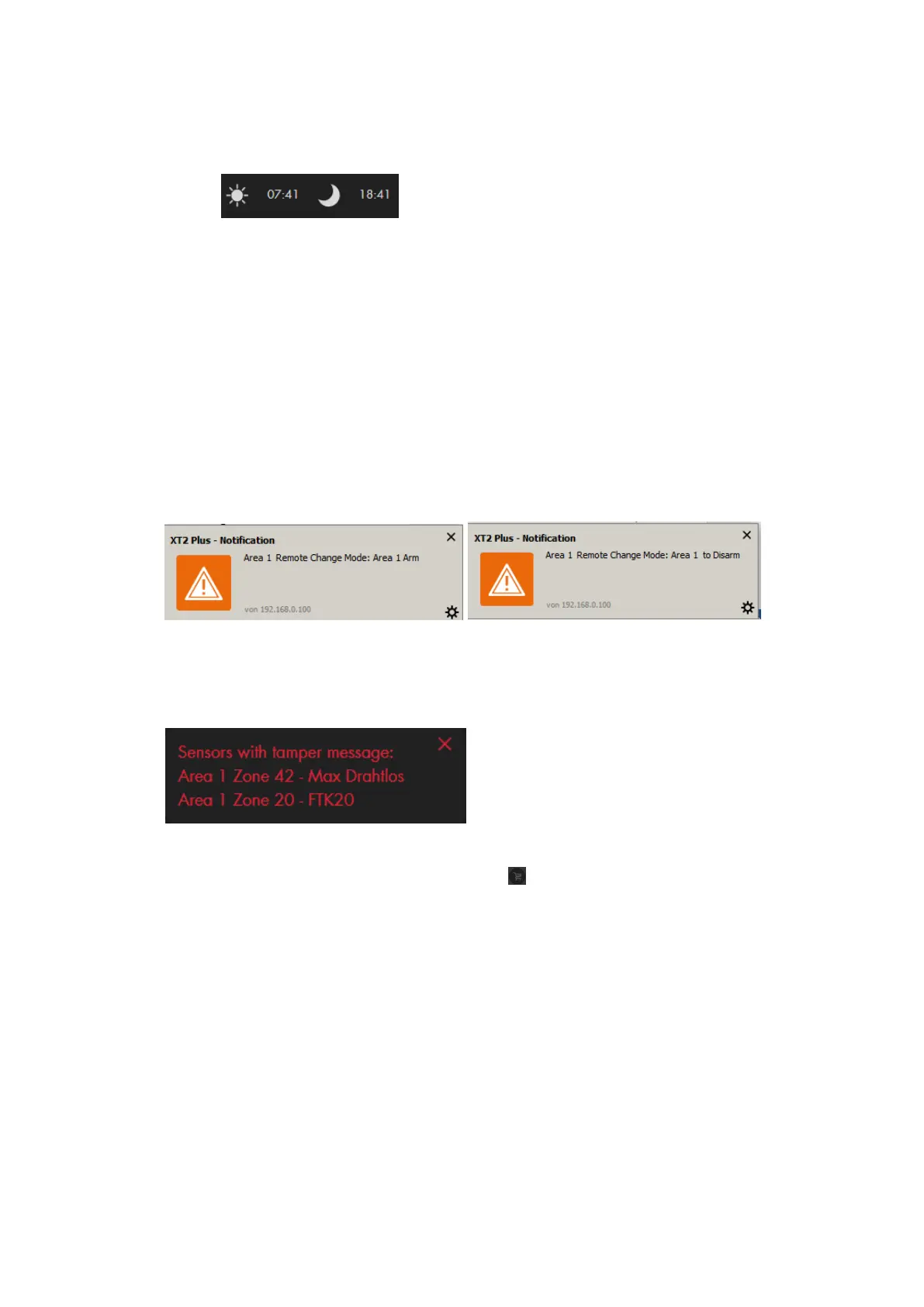
o You can display the sunrise and sunset times in the quick access menu.
Internet timeserver
Automatically synchronize with internet time server
If you enable this option, the time of the alarm panel synchronizes regularly with
the specified internet timeserver (if available).
Server
Select a timeserver from the list to synchronize the current time with.
Display
Browser-Notifications
If this option is enabled, you receive a small pop-up window in your browser
anytime something is happening, e.g. mode change, door bell, alarm, etc.
Show warning pop-up
If this option is enabled, you receive a pop-up after logging in or reloading the page
that displays errors (e.g. low battery, tampering contact open, etc.). You can close
the pop-up by clicking on the X at the top right corner of the pop-up.
Please note:
o The option “buy batteries now” brings you directly to the LUPUS
Electronics website.
o Before buying batteries, check that it are the correct ones. Over the years
we changed some of the used battery types.
Background image
You can define a background image for the web browser of the alarm panel. To do
so, you need to enter the URL of the image path.
Set theme
You can select between the dark and light theme of the web interface.
Language
Allows you to change the language of the web interface of the alarm panel.
Currently, German, English, Francais, Espanol, Italiano, and Lietuviškai are
supported.



 To Next Page