215575 128 Revision B
$
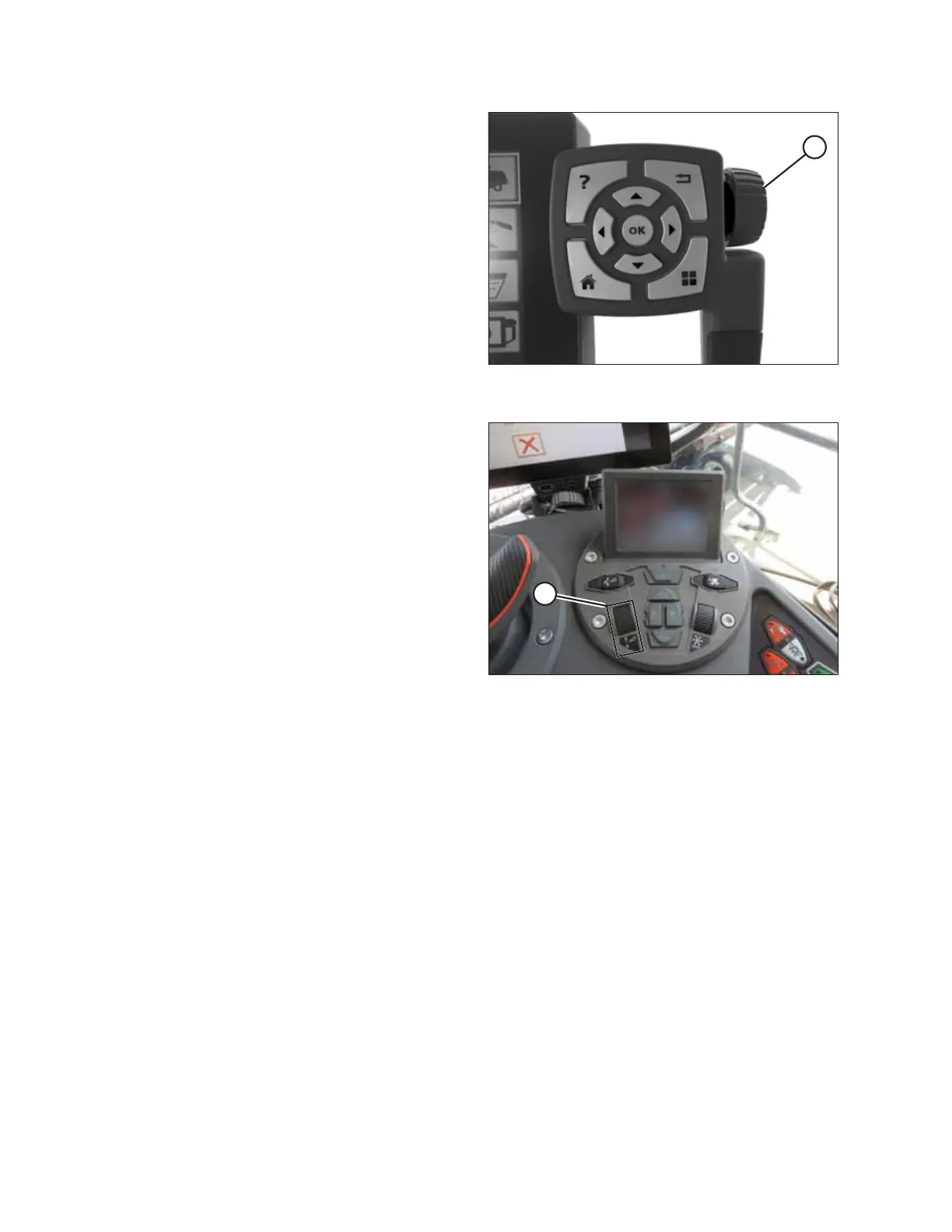
Figure 4.50: Adjustment Wheel on Right of Tyton
Terminal
3. Touching a field opens the on-screen keyboard so that the
values can be adjusted. Enter the new value and touch the
green check mark.
NOTE:
Adjustment wheel (A) is located on the right of the Tyton
terminal.
$
Figure 4.51: Header Control Cluster
NOTE:
HEADER HEIGHT SETPOINT control dial (A) is on the header
control cluster.
AUTO HEADER HEIGHT CONTROL



 To Next Page