215575 109 Revision B
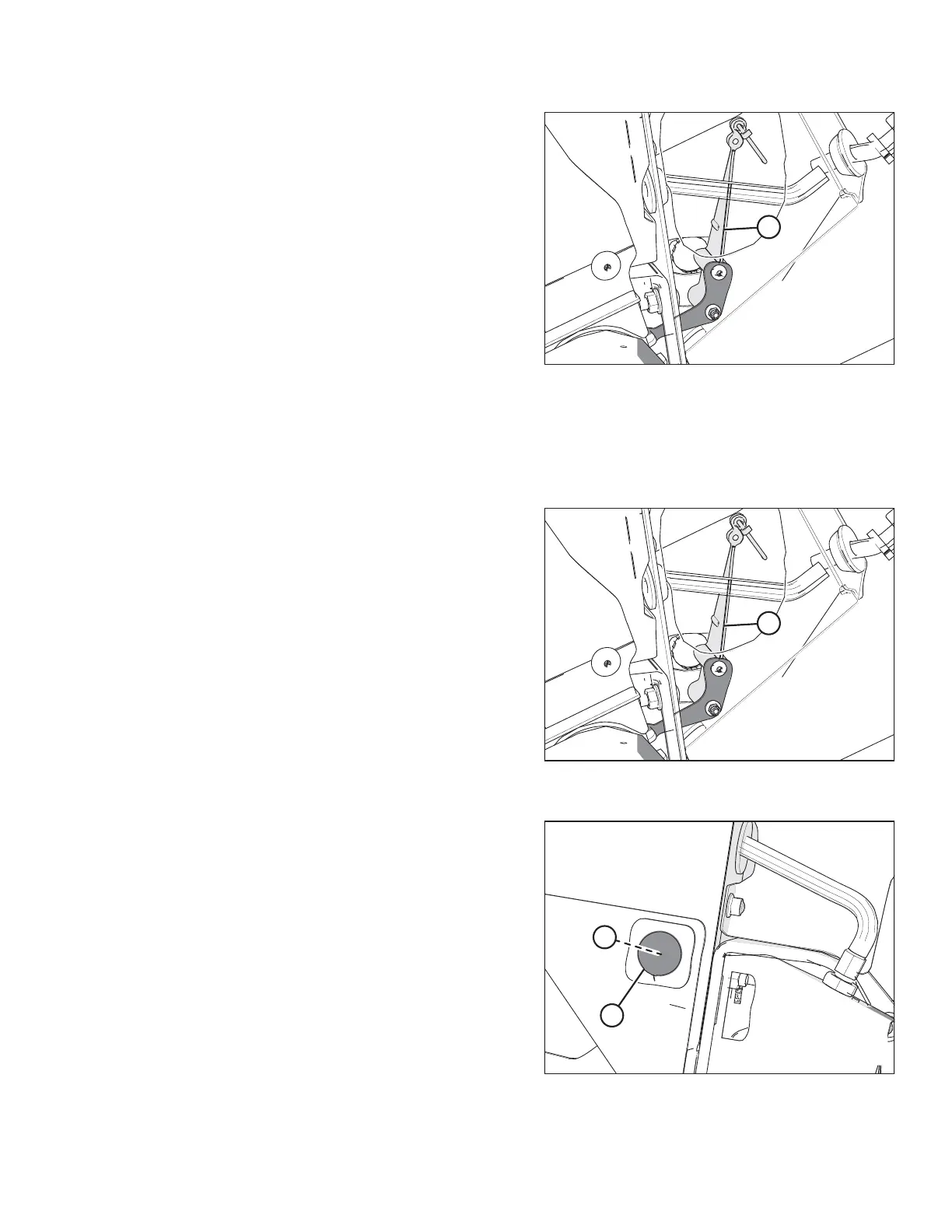
Figure 4.11: Header Height Sensor Assembly –
Right Side
12. Remove long control arm (A) complete with the linkage rod,
the rod end clip, and the activator arm.
4.3.4 Installing Header Height Sensor Assembly — Right Side
Be sure to install the right header height sensor with its control arm in a position identical to that of the removed sensor.
Figure 4.12: Header Height Sensor Assembly –
Right Side
1. Install long control arm (A) complete with the linkage rod,
the rod end clip, and the activator arm.
Figure 4.13: Right Endsheet
2. Install nut (B).
3. Install hole plug (A).
AUTO HEADER HEIGHT CONTROL



 To Next Page