215575 133 Revision B
4.6.4 Setting Preset Cutting Height (Case IH 5130/6130/7130; 5140/6140/7140)
Your Case IH 5, 6, or 7 (Midrange) series combine can have up to two auto header height control (AHHC) header height
presets configured at one time.
NOTE:
Changes may have been made to the combine controls or the display since this document was published. For instructions,
refer to the combine operator’s manual for updated information.
DANGER
Check to be sure all bystanders have cleared the area.
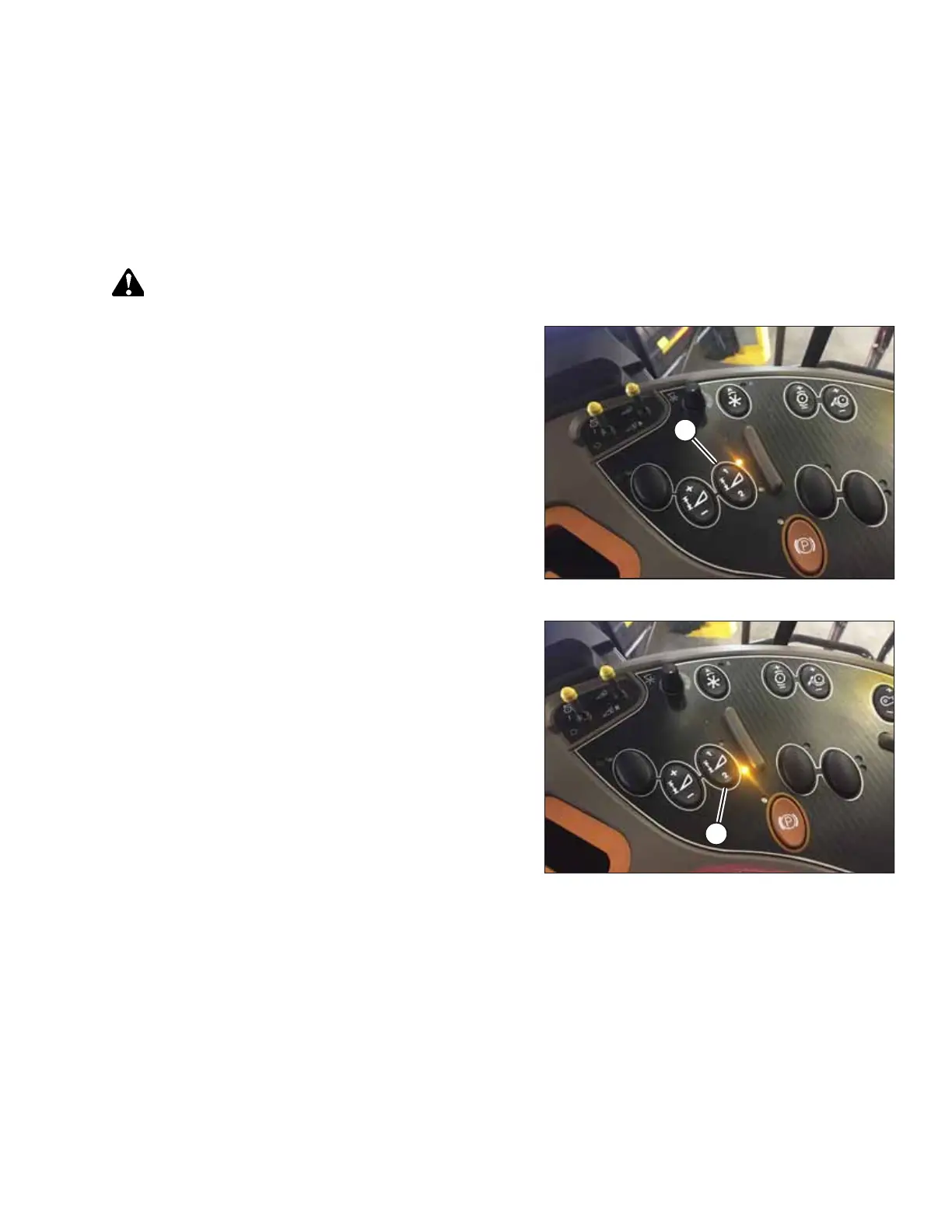
Figure 4.61: Case Combine Console
1. Engage the separator and the header.
2. Manually raise or lower the header to the desired cutting
height.
3. Press 1 on button (A). A yellow light next to the button will
light up.
Figure 4.62: Case Combine Console
4. Manually raise or lower the header to a second desired
cutting height.
5. Press 2 on button (A). A yellow light next to the button will
light up.
AUTO HEADER HEIGHT CONTROL



 To Next Page