215575 158 Revision B
4.9.7 Adjusting Sensitivity of Auto Header Height Control – Gleaner
®®
R65/R66/R75/
R76 and S Series
Setting the sensitivity of the auto header height control (AHHC) system on a Gleaner
®
R65/R66/R75/R76 and non-S9
S Series combine affects how quickly the AHHC system changes the height of the header.
NOTE:
Refer to 4.10 Gleaner
®
S9 Series Combines, page 161 for information specific to Gleaner
®
S9 Series combines.
NOTE:
Changes may have been made to the combine controls or the display since this document was published. Refer to the
combine operator’s manual for updated information.
$
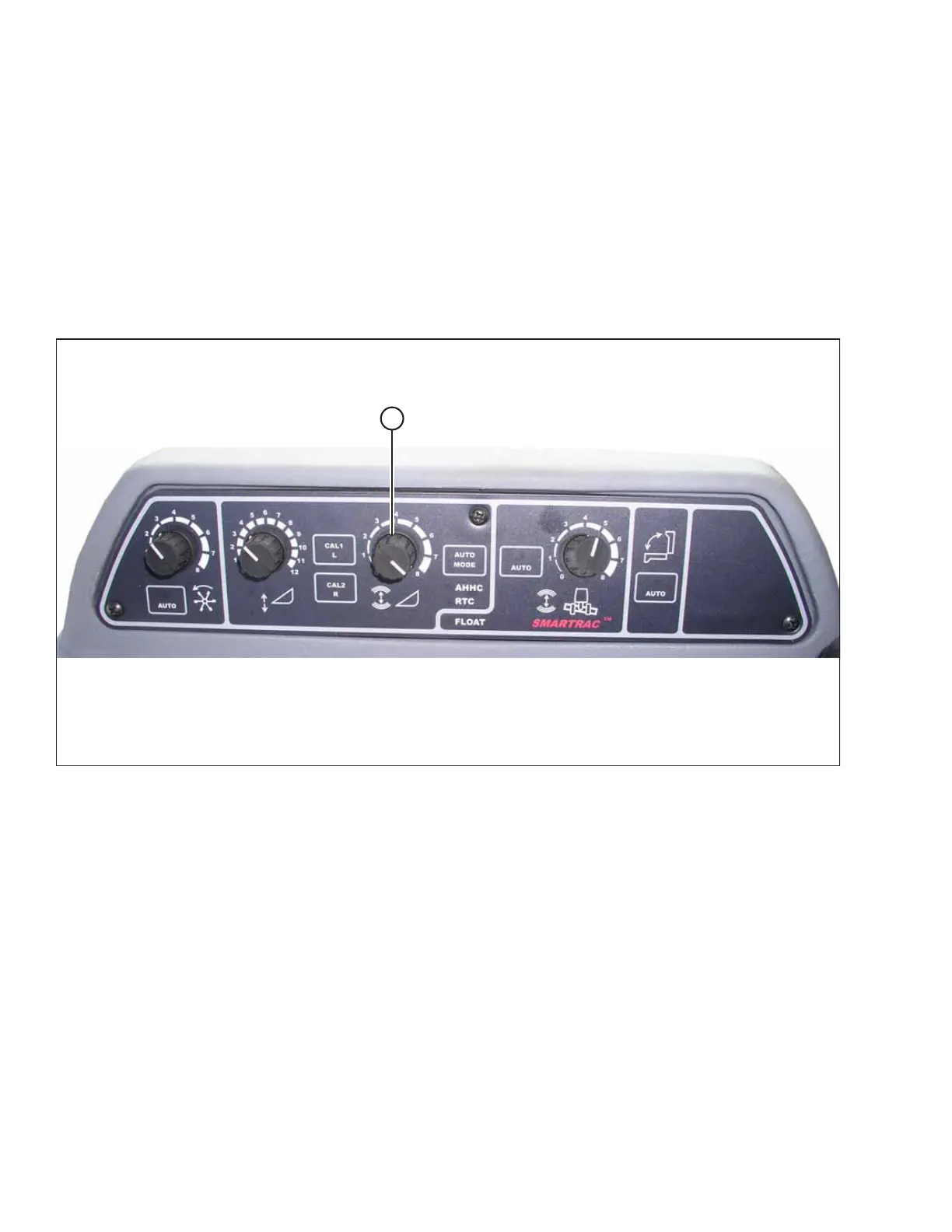
Figure 4.111: Auto Header Height Control Console
SENSITIVITY ADJUSTMENT dial (A) controls the distance the header must travel up or down before the AHHC reacts and
raises or lowers the feeder house.
When SENSITIVITY ADJUSTMENT dial (A) is set to the maximum value (i.e. is turned completely clockwise), only small
changes in ground height are needed to cause the feeder house to raise or lower. In this position, the cutterbar moves up
and down approximately 19 mm (3/4 in.) before the control module signals the hydraulic control valve to raise or lower the
header frame.
When SENSITIVITY ADJUSTMENT dial (A) is set to the minimum value (i.e. is turned completely counterclockwise), large
changes in ground height are needed to cause the feeder house to raise or lower. In this position, the cutterbar moves up
and down approximately 51 mm (2 in.) before the control module signals the hydraulic control valve to raise or lower the
header frame.
The HEADER SENSE LINE input changes the range of sensitivity. When connected to a draper header, the counterclockwise
(i.e. the least sensitive) position allows for approximately 102 mm (4 in.) of vertical travel before the AHHC intervenes.
AUTO HEADER HEIGHT CONTROL



 To Next Page