215575 252 Revision B
$
%
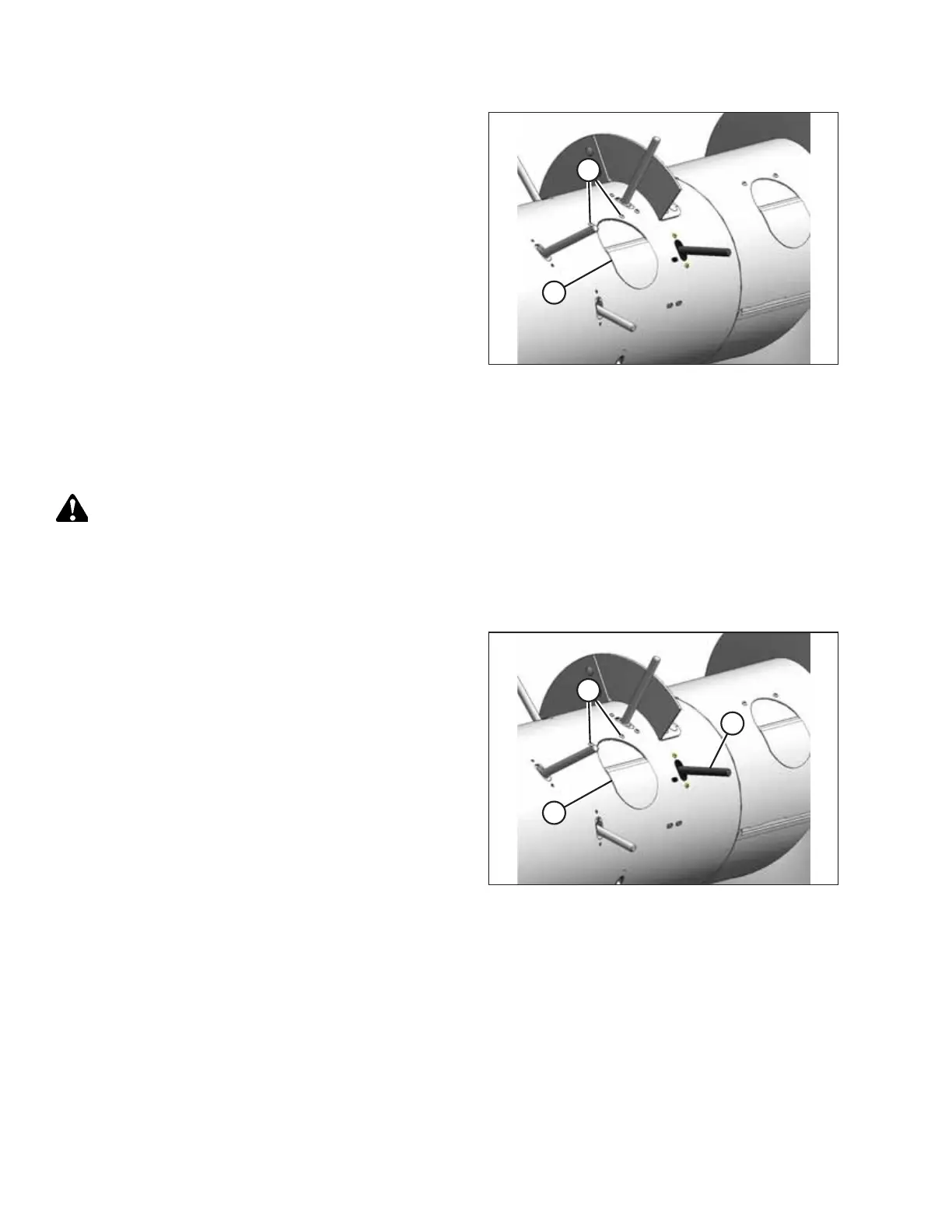
Figure 5.73: Access Cover
8. Install access cover (B) using two screws (A) coated with
medium-strength threadlocker (Loctite
®
243 or equivalent).
Torque the screws to 9 Nm (80 lbf∙in).
NOTE:
If reusing any hardware, apply medium-strength
threadlocker (Loctite
®
243 or equivalent) to the threads of
the bolts or screws.
5.6.2 Replacing Auger Finger Guides
If the hole in the finger guide has elongated to the maximum length of 24 mm (15/16 in.), replace the finger guide.
DANGER
To avoid bodily injury or death from unexpected start-up or fall of a raised machine, always stop engine and remove
key before leaving the operator’s seat, and always engage safety props before going under the machine for any reason.
1. Raise the hold-down fully, and engage the lift cylinder safety props.
2. Shut down the combine, and remove the key from the ignition.
$
%
&
Figure 5.74: Access Cover
3. Remove two screws (A) from the access cover (B) closest to
the finger guide being replaced, and remove the
access cover.
4. Remove auger finger (C). For instructions, refer to 5.6.1
Replacing Auger Fingers, page 251.
MAINTENANCE AND SERVICING



 To Next Page