215575 87 Revision B
Adjusting Stripper Plate Clearance
Adjust the clearance between the stripper plates and the auger flighting so that there is no interference between
these parts.
DANGER
To avoid injury or death from unexpected start-up of the machine, always stop the engine and remove the key from
the ignition before leaving the operator’s seat for any reason.
1. Lower the header to the ground.
2. Shut down the engine, and remove the key from the ignition.
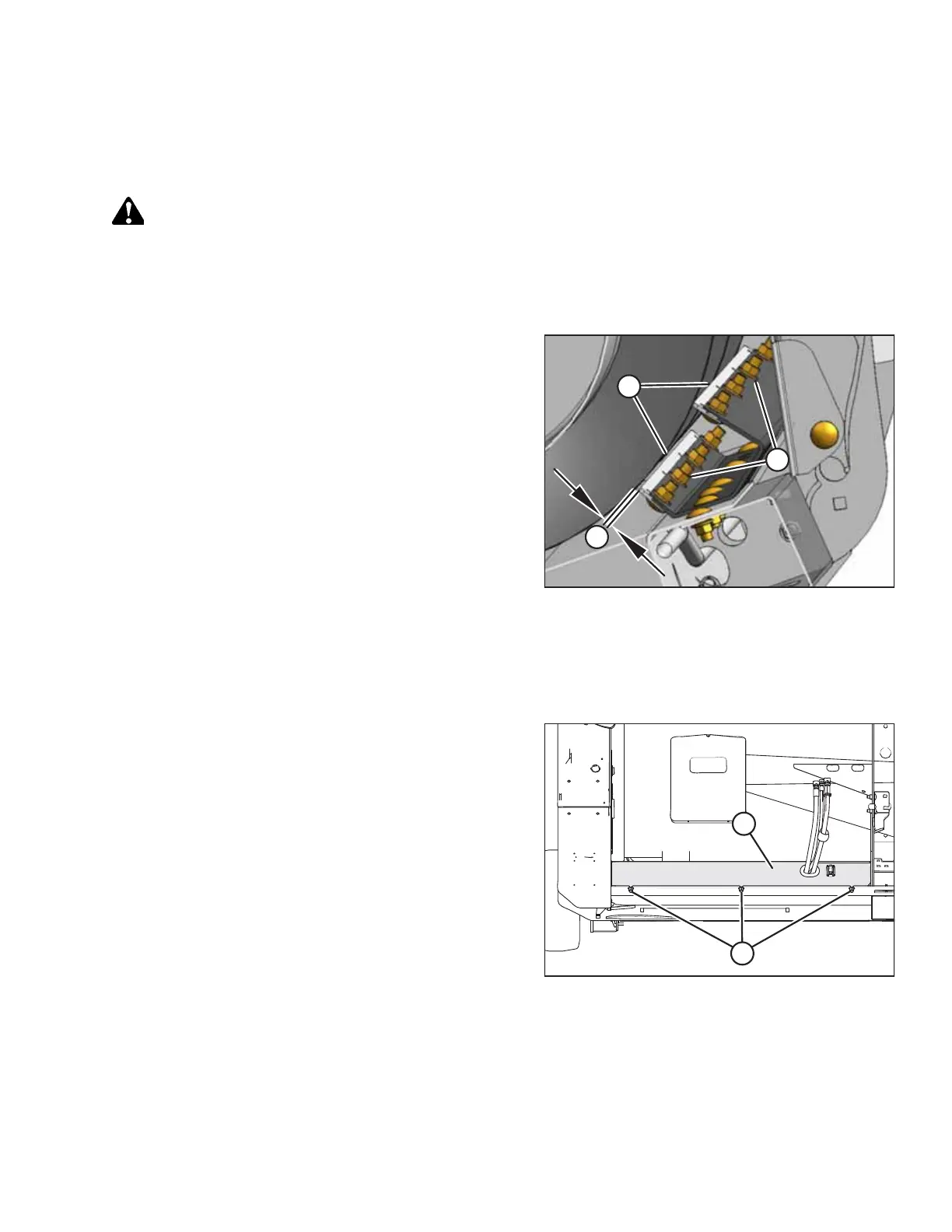
Figure 3.137: Stripper Plate Clearance
3. Loosen nuts (A) on stripper plate (B), and adjust the
stripper plate to achieve clearance (C) of 3–8mm
(1/8–5/16 in.).
4. Tighten nuts (A).
5. Check the clearance between the stripper plates and the
auger flighting. For instructions, refer to Checking Stripper
Plate Clearance, page 86.
Adjusting the Stripper Bracket Width – Gleaner® Combines
The width of the stripper bracket is factory-set to 816 mm (32-1/8 in.). It can be adjusted to 725 mm (28-1/2 in.) or 893
mm (35-1/8 in.) in order to modify flow of crop into the feeder house.
Figure 3.138: Left Cover – Right Side Opposite
1. Loosen three bolts (A) and remove cover (B) on both sides
of the header to expose the stripper bracket attachment
hardware.
2. Use the information in the following illustrations to adjust
the stripper bracket width:.
• Figure 3.139, page 88
• Figure 3.140, page 88
• Figure 3.141, page 89
OPERATION



 To Next Page