215575 75 Revision B
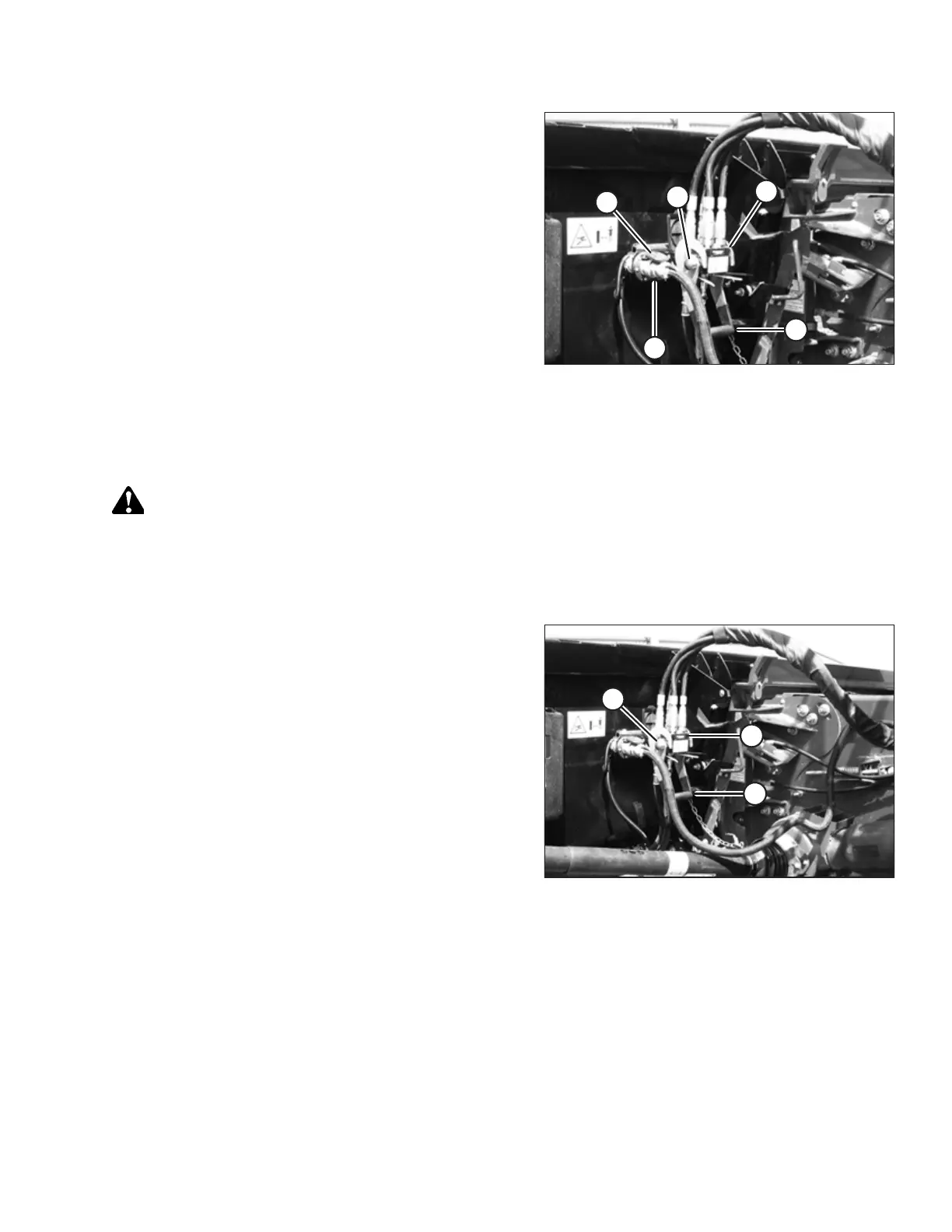
Figure 3.113: Attaching Coupler
24. Position coupler (A) onto the header receptacle and push
handle (B) downward to engage the coupler pins into the
receptacle.
25. Push the handle to the closed position until lock button (C)
snaps out.
26. Open cover (D) on the header electrical receptacle.
27. Remove electrical connector (E) from the storage cup on
the combine.
28. Align the lugs on electrical connector (E) with the slots in
the receptacle, push the connector onto the receptacle,
and turn the collar on the connector to lock it in place.
Detaching Header from Versatile Combine
Be sure to place the header driveline on its storage hook when detaching it from a Versatile combine.
WARNING
To avoid bodily injury or death from unexpected startup of machine, always stop the engine and remove the key from
the ignition before leaving the operator’s seat for any reason.
1. Drive the combine to a level area and position the header slightly off the ground.
2. Shut down the engine, and remove the key from the ignition.
Figure 3.114: Releasing Coupler
3. Push in lock button (C), and pull handle (B) upward to
release coupler (A).
4. Remove coupler (A) from the header receptacle.
OPERATION



 To Next Page