215575 205 Revision B
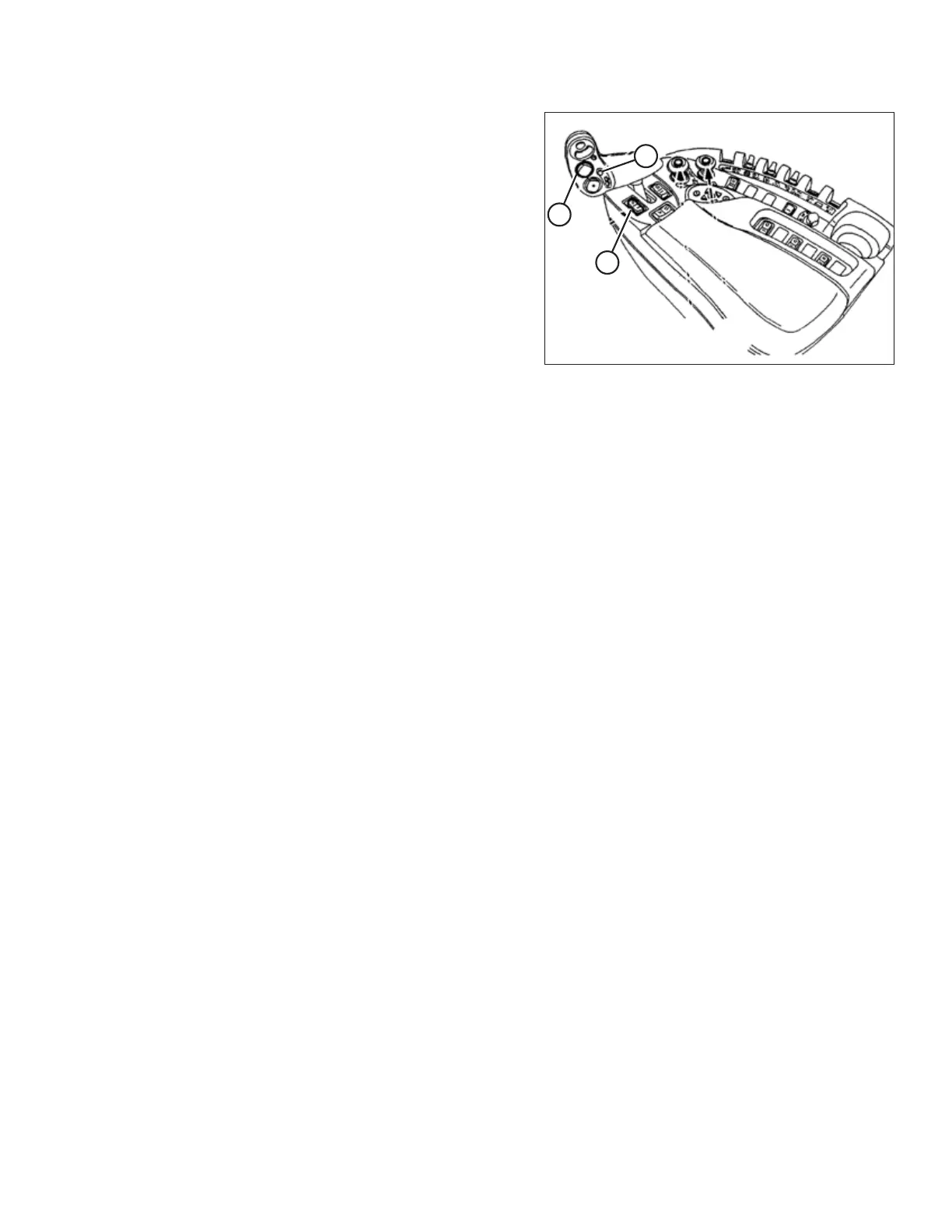
Figure 4.208: New Holland Combine Controls
5. To change one of the saved header height set points while
the combine is in use, use HEADER HEIGHT AND HEADER
LATERAL FLOAT rocker switch (A) (slow up/down) to raise
or lower the header to the desired height. Press
AUTOMATIC HEADER HEIGHT CONTROL button (B) for a
minimum of 2 seconds to store the new height position. A
beep will confirm the setting.
NOTE:
Do NOT press too hard on AUTOMATIC HEADER HEIGHT
CONTROL button (B), or the float mode will be disengaged.
NOTE:
It is not necessary to press rocker switch (C) again after
adjusting the header height.
AUTO HEADER HEIGHT CONTROL



 To Next Page