215575 211 Revision B
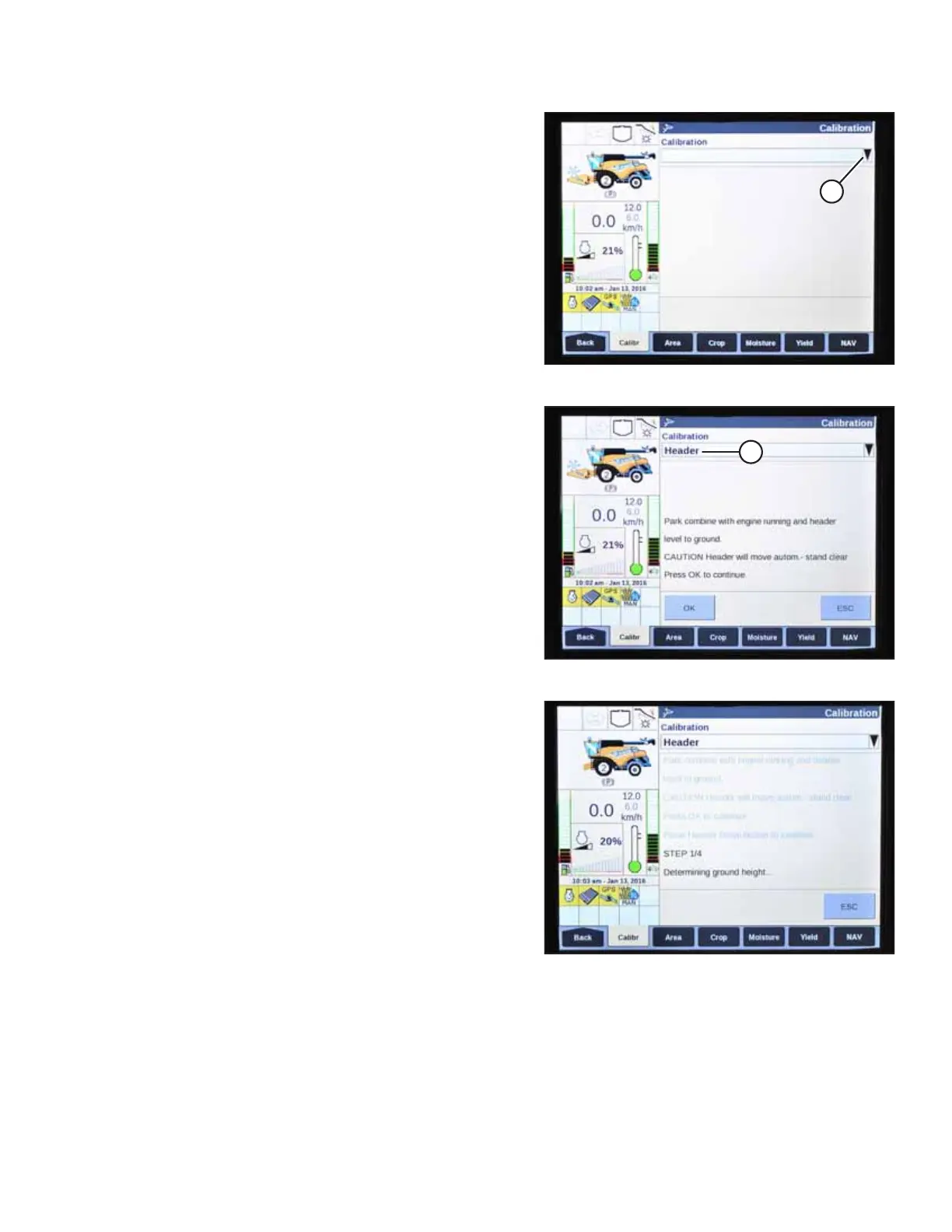
Figure 4.220: New Holland Combine Display
2. Select CALIBRATION drop-down arrow (A).
Figure 4.221: New Holland Combine Display
3. Select HEADER (A) from the list of calibration options.
Figure 4.222: New Holland Combine Display
4. Follow the calibration steps in the order in which they
appear on screen. As you proceed through the calibration
process, the display will automatically update to show the
next step.
NOTE:
Pressing the ESC key during programming or letting the
system sit idle for more than 3 minutes will stop the
calibration procedure.
NOTE:
Refer to the combine operator’s manual for an explanation
of error codes (should any occur).
AUTO HEADER HEIGHT CONTROL



 To Next Page