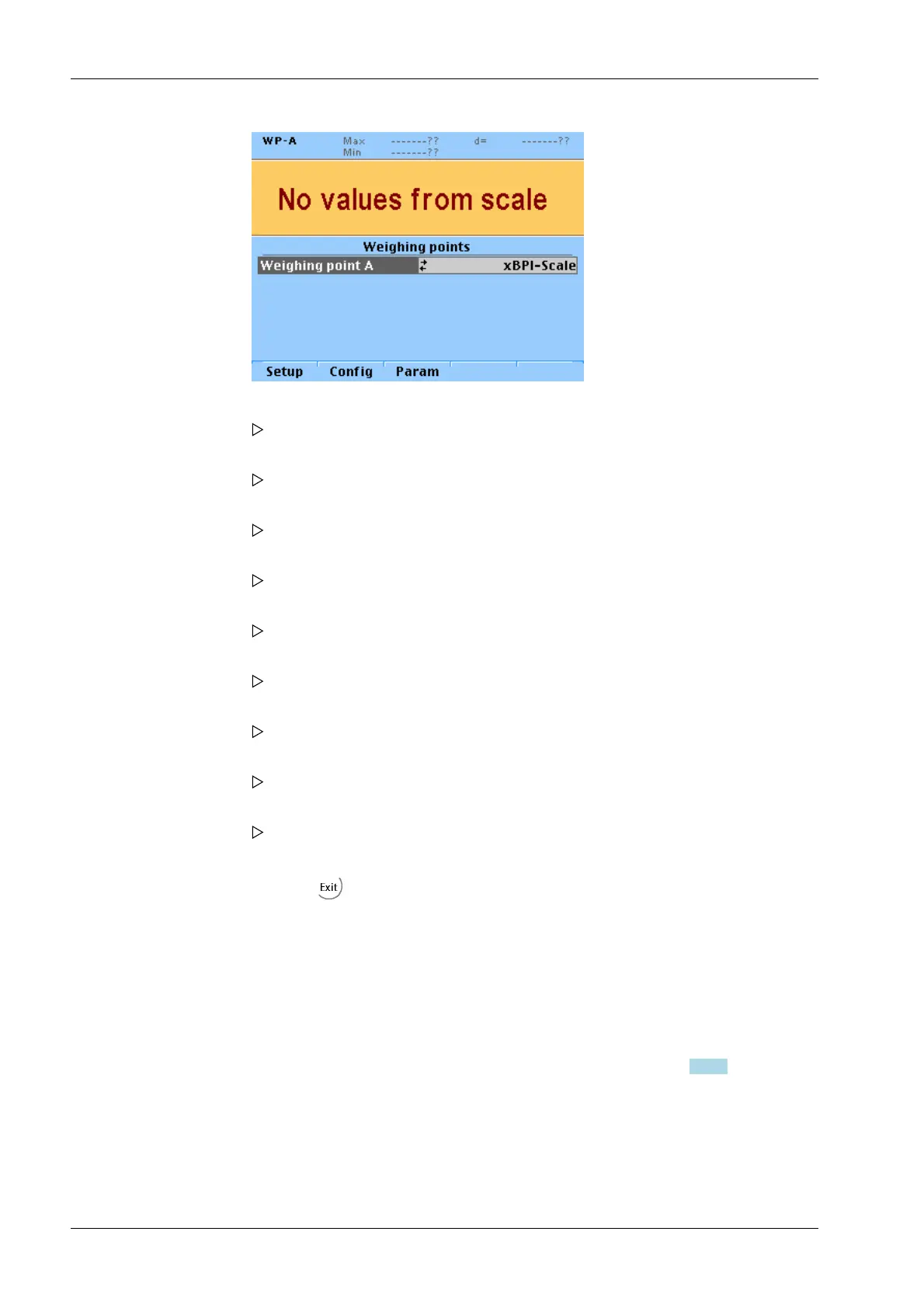
7.16 Calibrating digital load cells of type "Pendeo"
7.16.1 General information
The digital load cells have been calibrated at the factory based on the acceleration of
gravity at Hamburg (9.81379 m/s
2
). The calibration data in the load cells are invariable.
The calibration data for the gravity acceleration at the place of installation can be adapted
only in the instrument and protected against overwriting (see Chapter 7.1.3.1).
With legal-for-trade applications, the legal requirements and the conditions given on the
test/approval certificate must be taken into account when selecting the settings.
For connecting digital load cells (xBPI load cells), firmware version 2.10 or higher must be
installed.
2. Press the [Setup] softkey.
The parameters of the xBPI-scale are read into the device.
3. Select [Calibration]- [Linearity: Default] using the cursor and confirm.
The first linearization point to be calibrated is displayed.
4. Place the displayed weight on the scale.
The deviation is displayed in the last line with increased resolution (10-fold).
5. Press the [Accept] softkey.
The second linearization point to be calibrated is displayed.
6. Place the displayed weight on the scale.
The deviation is displayed in the last line with increased resolution (10-fold).
7. Press the [Accept] softkey.
The third linearization point to be calibrated is displayed.
8. Place the displayed weight on the scale.
The deviation is displayed in the last line with increased resolution (10-fold).
9. Press the [Accept] softkey.
The last linearization point to be calibrated is displayed.
10. Place the displayed weight on the scale.
The deviation is displayed in the last line with increased resolution (10-fold).
11. Press the [Accept] softkey.
12. Press the softkey to exit the menu and to save the settings.
X3 Process Indicator PR 5410 7 Getting started
EN-200 Minebea Intec



 To Next Page