9.2.7.3 Exporting alibi data records
Example:
Operating sequence; see also Chapter
13.4
1 Write request D19 Sequence number for alibi memory
2 Write request X122 Export selected data record from alibi me-
mory.
2a Wait X122 = 0
1b Wait X49 (Command active) = 0
1c Check X48 (Command error) = 0
2 Read request D16 Gross weight
3 Read request D17 Net weight
4 Read request D18 Tare weight
6 Read request D21 Date (in BCD display)
7 Read request D22 Time (in BCD display)
9.2.8 Configuration data
The configuration and calibration data of the EAROMs can be saved for back-up on the
Notebook and downloaded, if necessary.
9.2.8.1 Saving configuration and calibration data
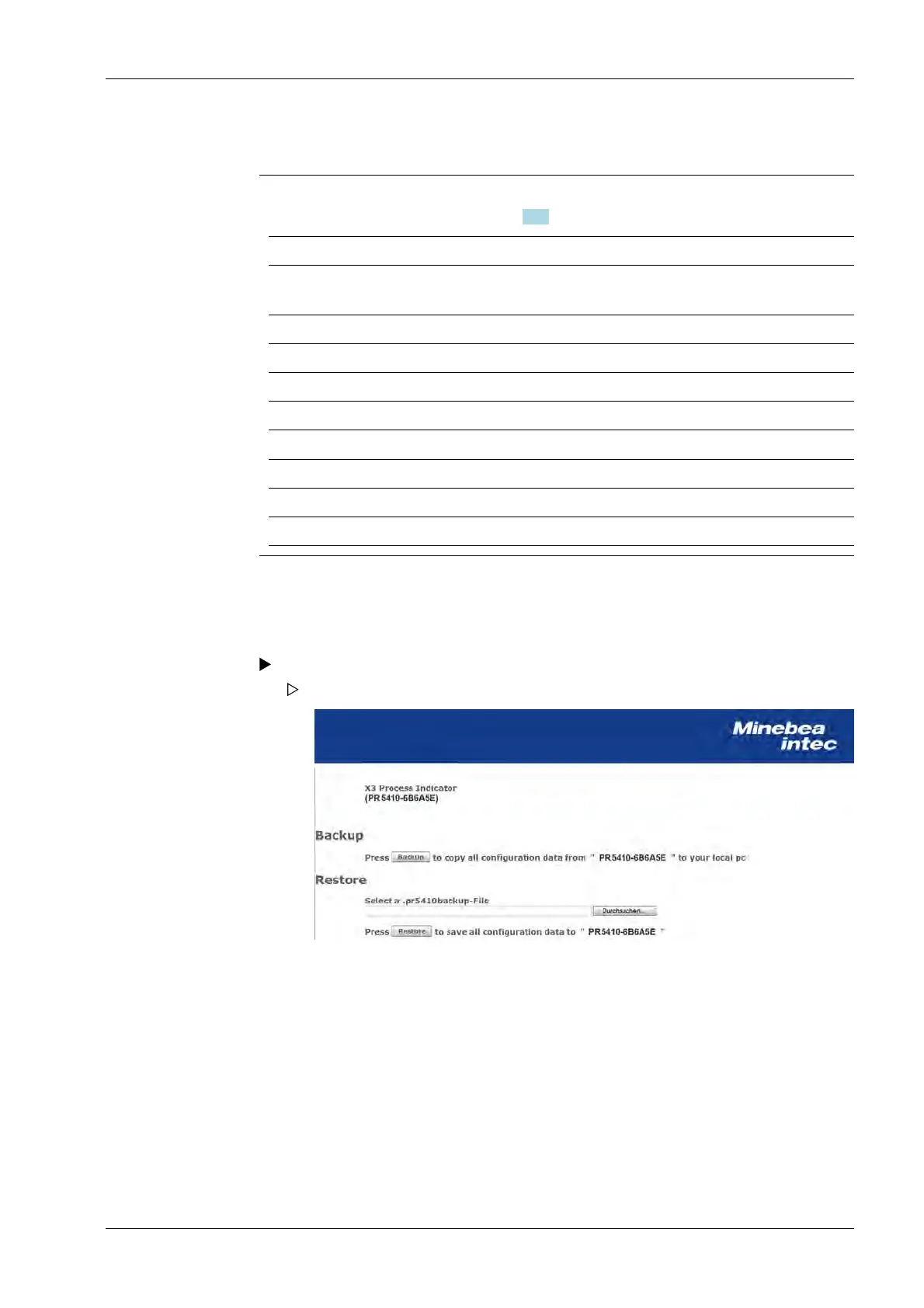
Click the [Backup of Earom] menu item in the WEB menu.
The backup/restore menu is shown on the display.
1. Click on [Backup] to create a backup .g. on the notebook.
2. Click on [Save as].
3. Create and open the required directory e.g. on the notebook.
4. Click on [Save] to save the backup file in the relevant directory.
9 Extended functions X3 Process Indicator PR 5410
Minebea Intec EN-301



 To Next Page