7.18.1.3 ModBus RTU protocol
6. Select [Mode] and confirm.
7. If several remote displays are connected, select the "multiple transmitters" mode. If
only 1 instrument is connected to a remote display (normal case), [Mode] must be set
to "single transmitter".
8. Enter the unique device address (in this case: A) and the address of the device that
follows (in this case: B) and confirm.
9. Press two times to exit the menu and save.
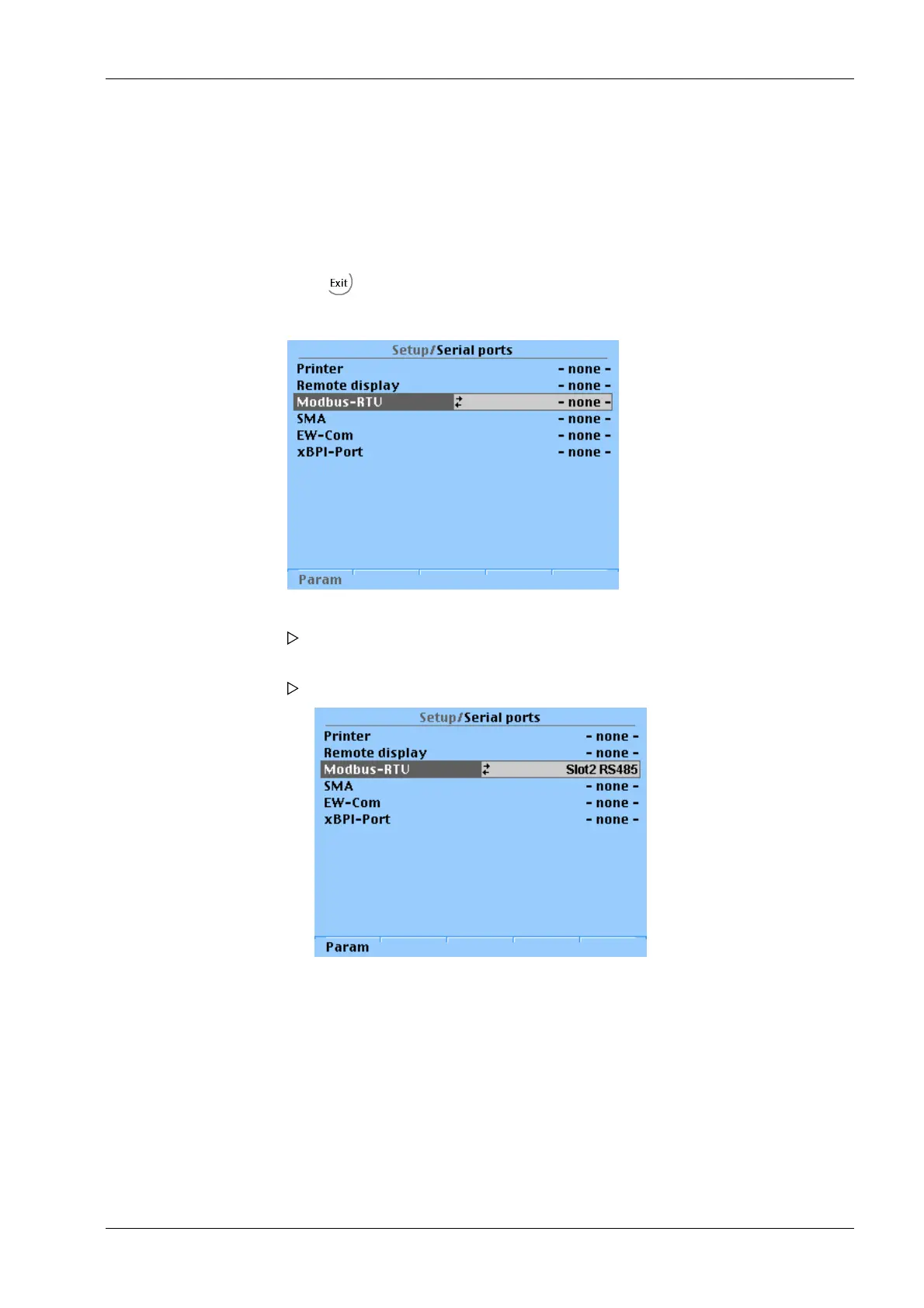
1. Select [ModBus-RTU] and confirm.
A selection window opens.
2. Select the desired interface and confirm.
The selected interface is displayed.
3. Press the [Param] softkey to set the parameters.
7 Getting started X3 Process Indicator PR 5410
Minebea Intec EN-231



 To Next Page