7.18.9.1 Configuring the BCD output
Requirements:
A BCD card is installed.
The parameters for the BCD output are defined under -[Digital i/o parameter].
Note:
This menu item is only available if under -[Operating parameter]- [Application]
"Standard" has been selected.
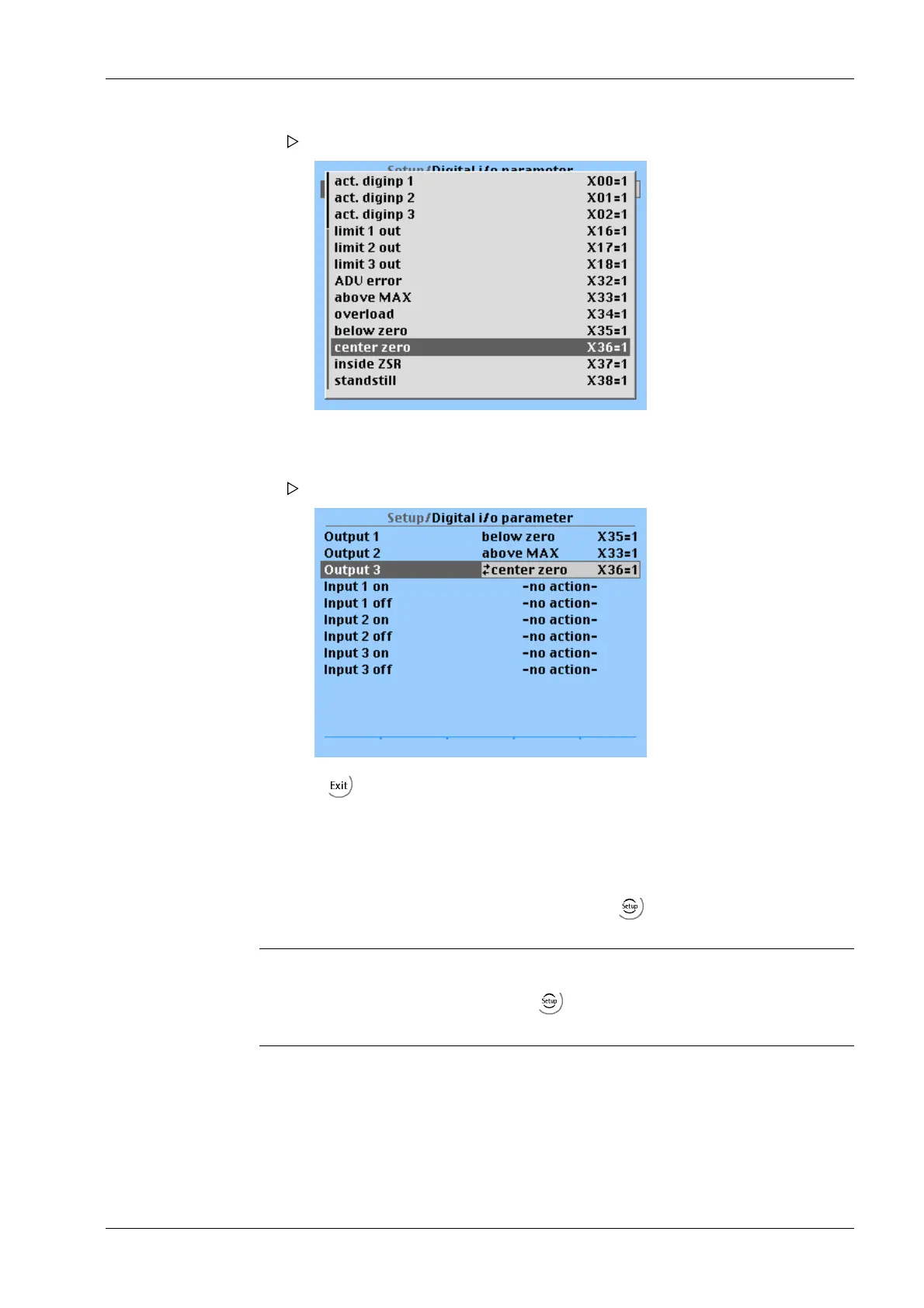
Output 3 [Output 3] is true (active), when the weight is zero ±¼ d (X36=1).
A selection window opens.
6. Select [center zero] and confirm.
The menu opens.
7. Press to exit the menu and save.
7 Getting started X3 Process Indicator PR 5410
Minebea Intec EN-257



 To Next Page