OPERATE WebLCT 1-11
iPASOLINK EX Advanced: SET NETWORK AND SYSTEM PROVISIONING GGS-000547-01E
1.8 Login, Logout and Exit
1.8.1 Log In to NE
Users are registered by means of login names and their passwords. To protect the
network and network management system from unauthorized access or unauthorized
modifications, three levels with different privileges (refer to the table shown in
Section
2.2.2 User Access Levels) define users. The available functions to operate
depend on the user’s privilege level. Therefore, some of the functions may or may not
be carried out.
The highest or administrator level (Admin) has the full access to the network and
network management system.
Procedure 1-4
1. Power on the computer.
2. Log in to the Windows as the Administrator.
3. Click
start, and select Programs Internet Explore. The Internet Explorer
window appears.
4. In
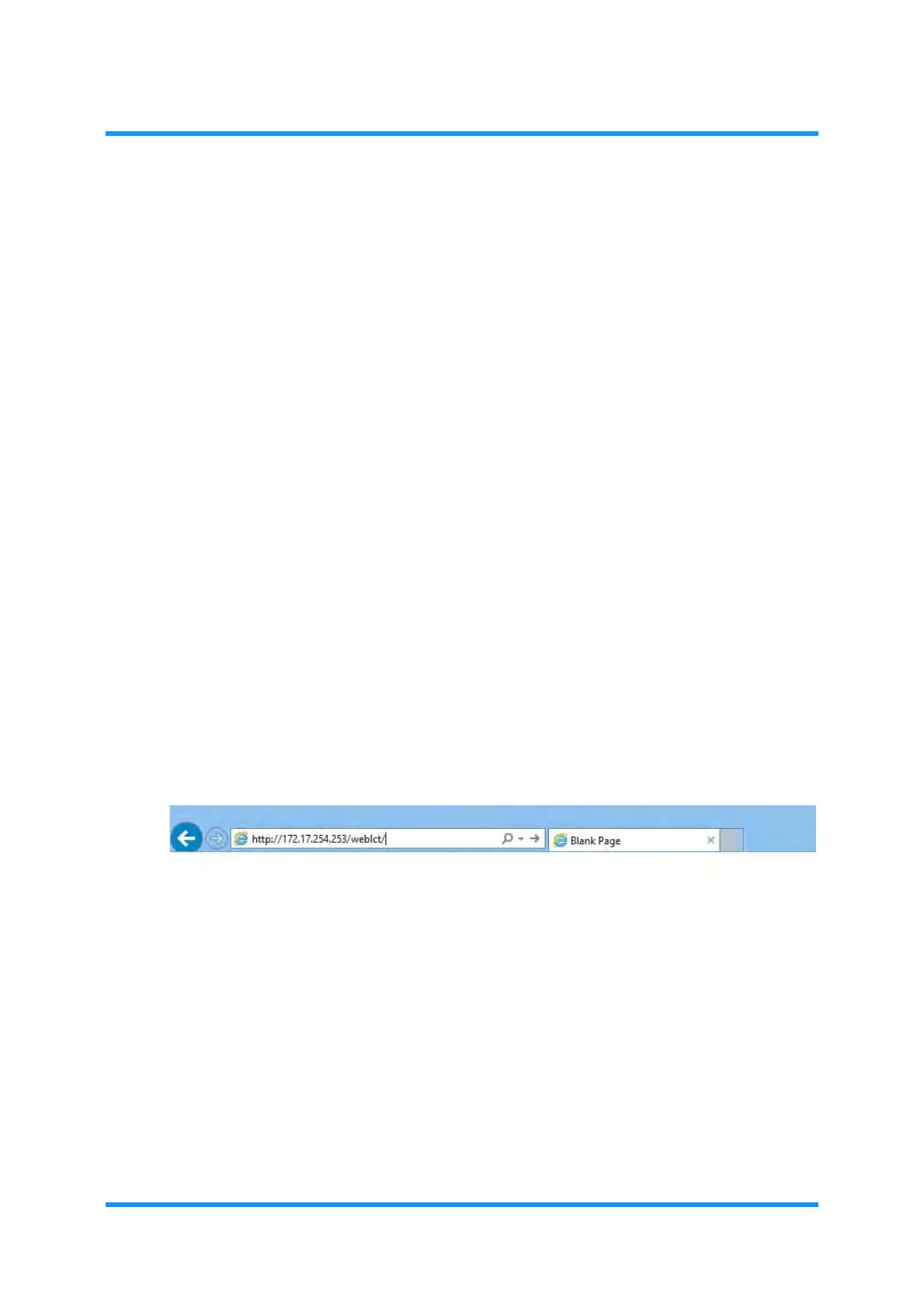
Address field, enter an IP address of the NE adding /weblct/ as shown
below:
Example: http://172.17.254.253/weblct/
Figure 1-15 Launch WebLCT
5. The Login window for WebLCT appears. Enter a user name and his/her
password into
User Name and Password fields:



 To Next Page