5-4 CONNECT CABLES
GGS-000546-01E iPASOLINK EX Advanced: INSTALLATION
5.4 Power Cable
Power Cable to connect with iPASOLINK EX/A requires the waterproof process on
its connection point. Following shows the connecting method of Power Cable and
waterproof cap:
Reference
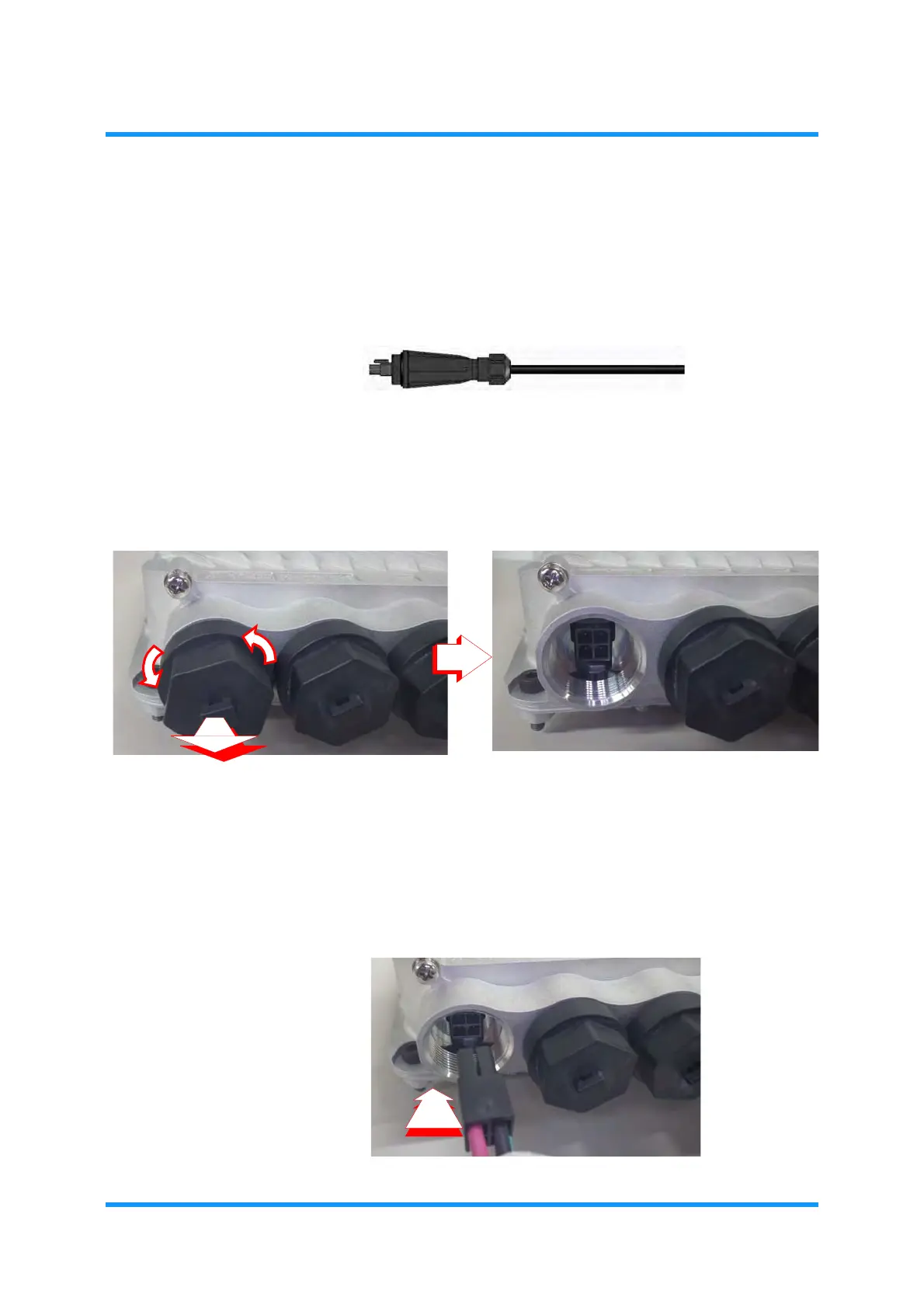
1. Uncover the Power Port (SELV):
(1) Protecting cap can be off by turning it counterclockwise.
Figure 5-3 Remove Protecting Cap on Power Port
(2) The removed cap should be stored properly.
2. Connect the Power Cable (SELV):
(1) Insert the Power Cable’s plug into the uncovered port.
Figure 5-4 Connecting a Plug



 To Next Page