CORRECTIVE MAINTENANCE 5-3
iPASOLINK EX Advanced: OPERATION & MAINTENANCE GGS-000548-01E
5.2.2.1 Active Alarm Tab
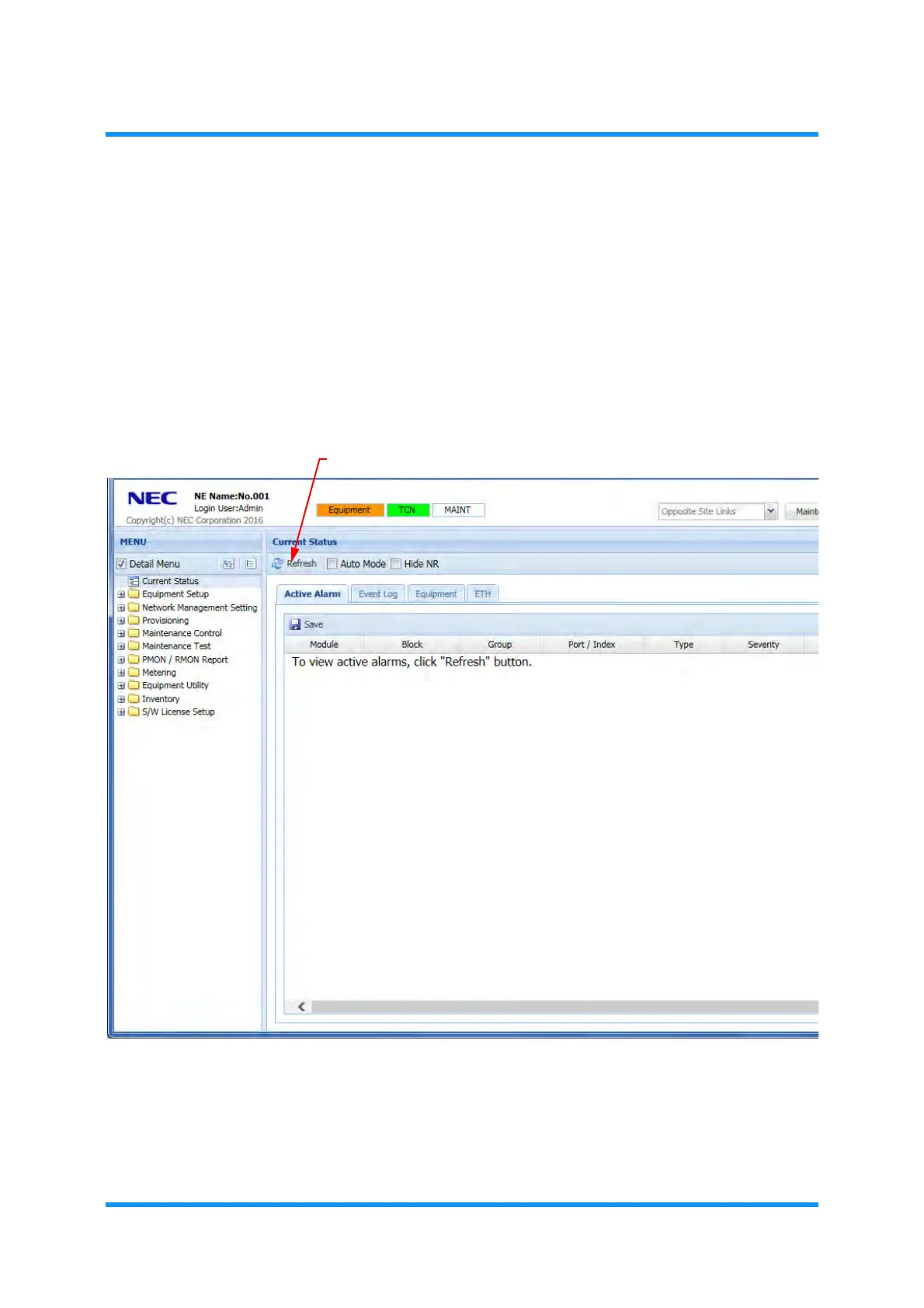
The Active Alarm tabbed window displays the list of current alarms that have been
detected by the equipment.
View Active Alarm
Procedure 5-1
1. Click the Refresh tool button to display the Active Alarms.
Figure 5-1 Current Status Window — Active Alarm Tab
The Active Alarm list is retrieved.



 To Next Page