CONTROL ITEMS 4-103
iPASOLINK EX Advanced: OPERATION & MAINTENANCE GGS-000548-01E
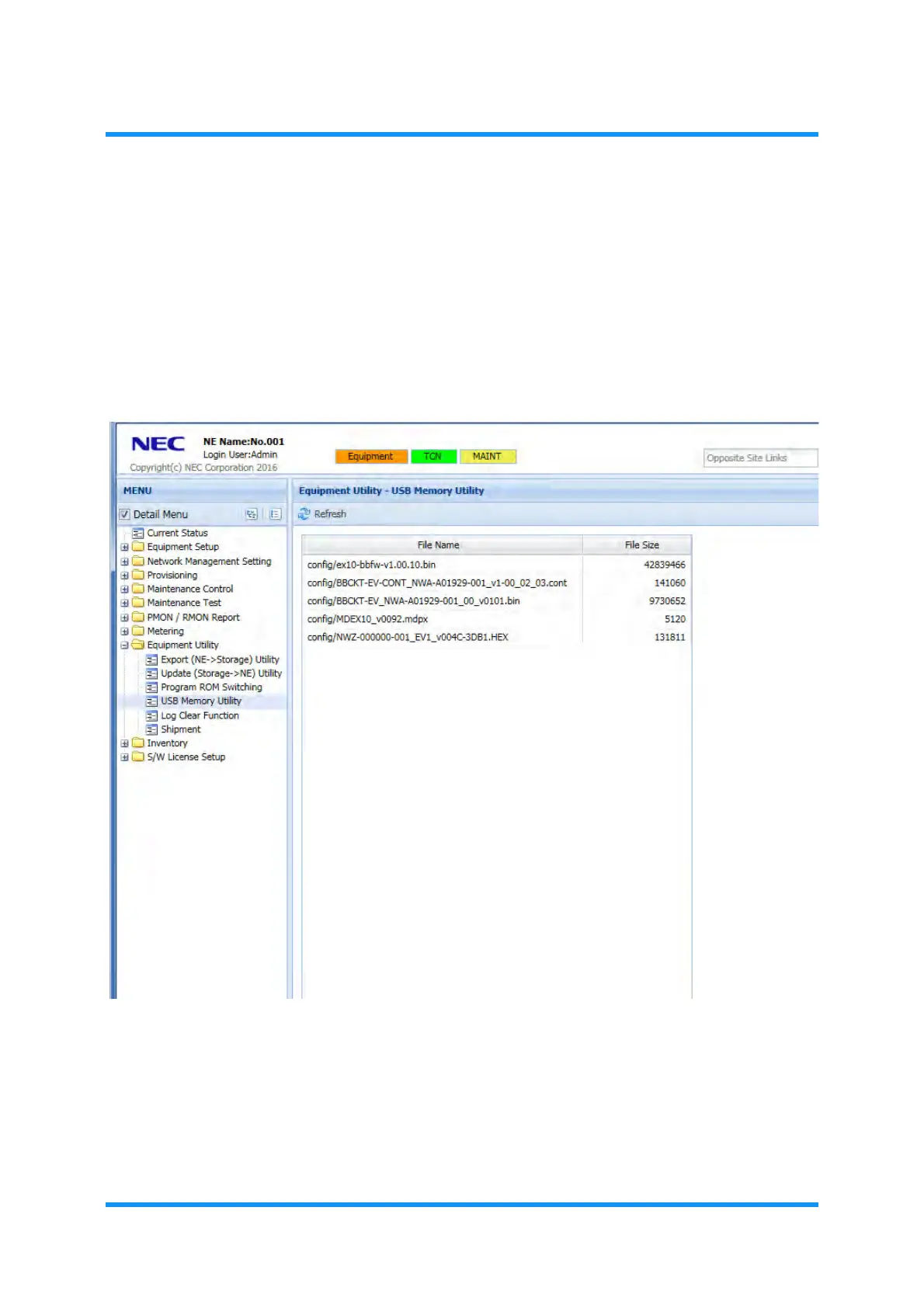
4.9.4 Check USB Memory Utility
Procedure 4-31
1. In the MENU frame on the left, expand the Equipment Utility to select USB
Memory Utility
. The USB Memory Utility window appears.
2. Click the
Refresh tool button on the WebLCT tool bar.
Figure 4-176 USB Memory Utility Window
This step ends the procedure.



 To Next Page