LICENSE AND USER ACCOUNT 2-35
iPASOLINK EX Advanced: SET NETWORK AND SYSTEM PROVISIONING GGS-000547-01E
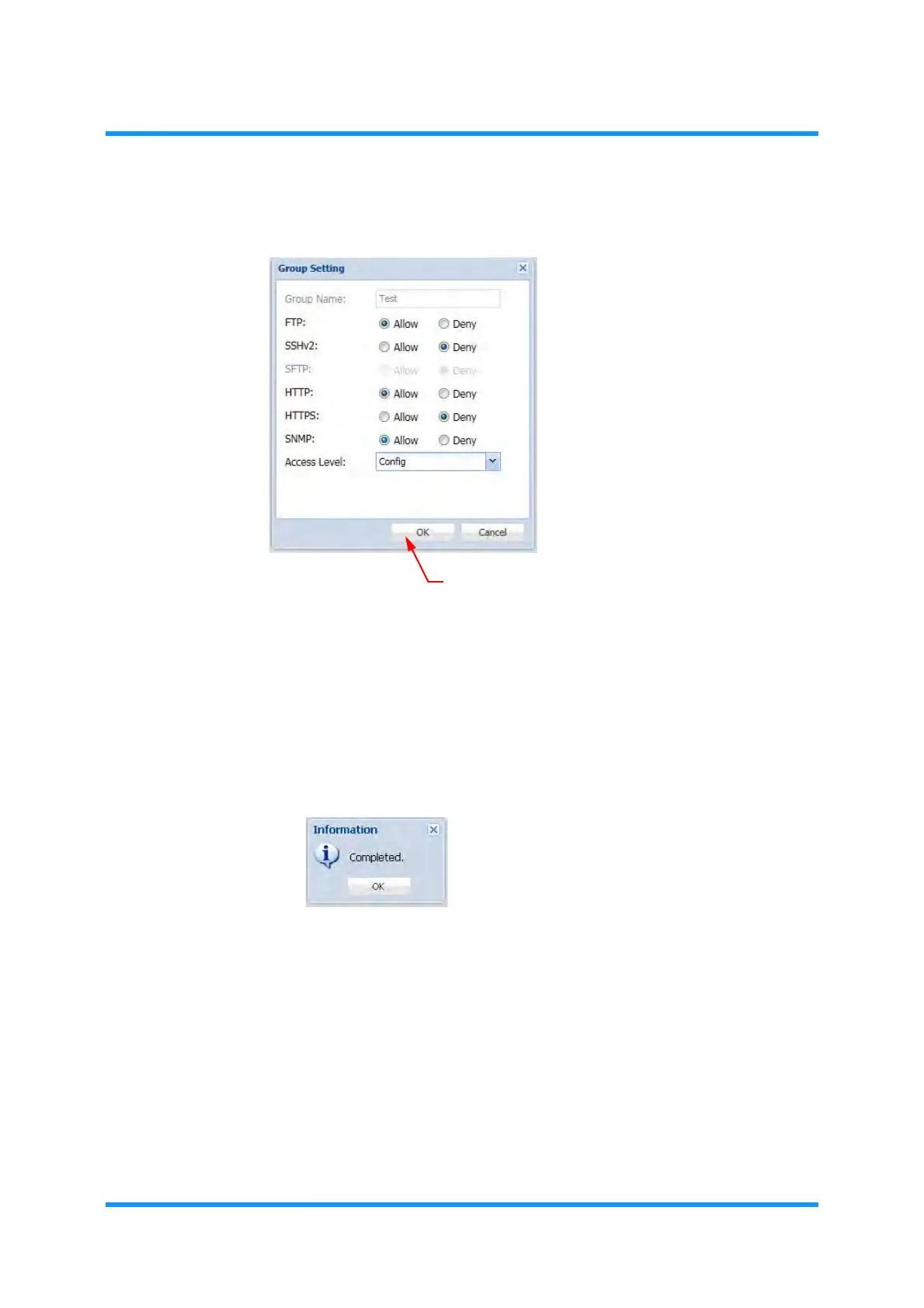
4. Modify parameters:
Figure 2-42 Group Setting Option Window
Click either Allow or Deny radio button to select a protocol.
Select the appropriate
Access Level from its drop-down list.
5. Click the OK button when completed. The Information dialog box appears.
6. Click the OK button to proceed.
Figure 2-43 Information Dialog Box
The User Group Profile Configuration window updates the information.



 To Next Page