5-4 NETWORK MANAGEMENT
GGS-000547-01E iPASOLINK EX Advanced: SET NETWORK AND SYSTEM PROVISIONING
7. When completed, click the OK button.
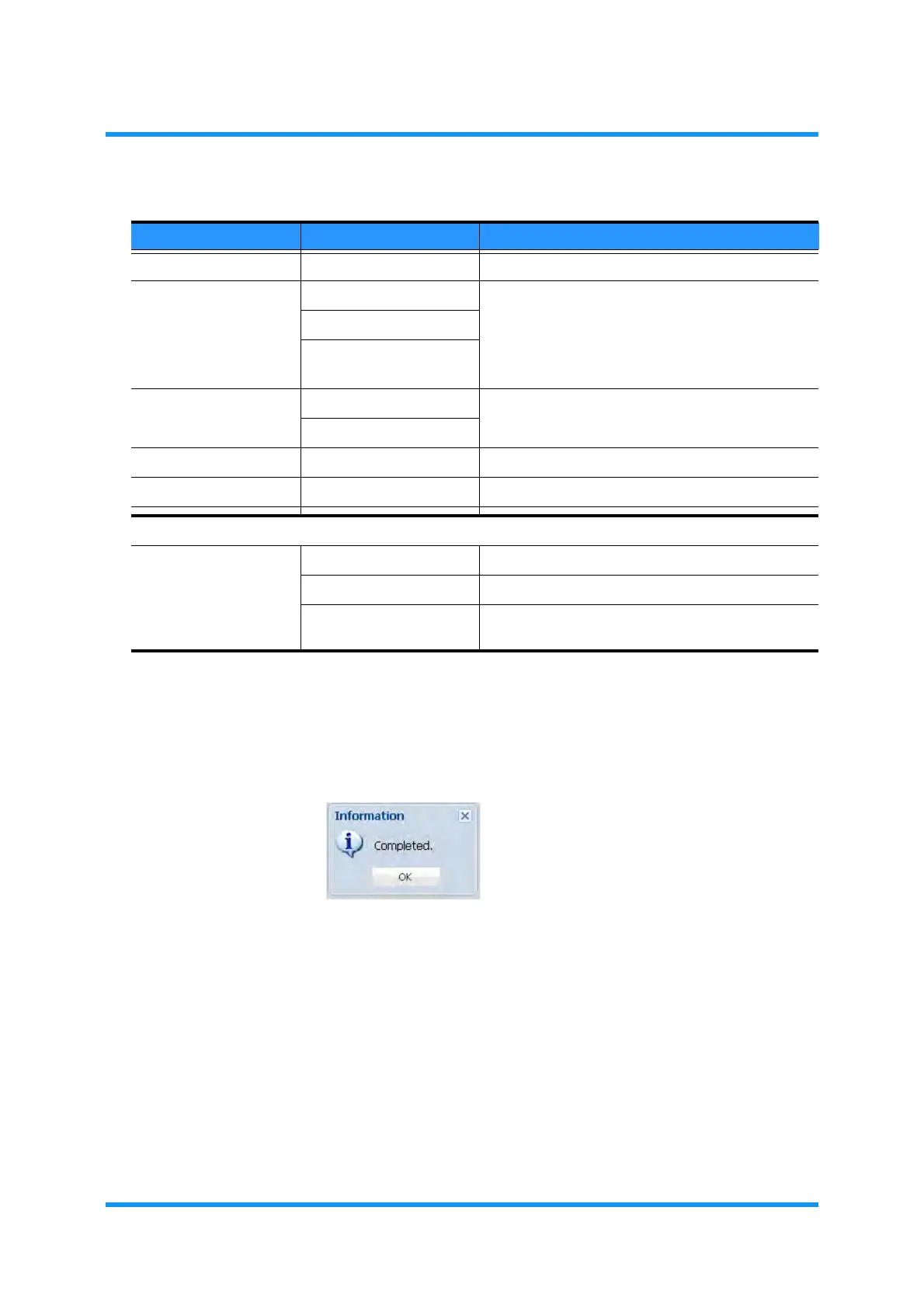
8. Information dialog box appears.Click the OK button to proceed.
Figure 5-5 Information Dialog Box
The Ethernet Port Setting option box in the Port/VLAN Setting window
updates the information.
Table 5-1 Ethernet Port Setting Parameters
Parameter Value Description
Item DCN ——
Port Mode User Port Selects the mode of DCN port.
Management Port (LCT)
Management Port
(NMS)
Port Usage Used Set to use or not to use the Port for NMS/NE1.
Not Used
Speed Status (read only) Indicates the current speed.
Duplex Status (read only) Indicates the current duplex status.
LCT Port Setting
Restrict LCT
Connection
Any Not to restrict the WebLCT connection.
Only to Local NE Allows the local NE only to connect WebLCT.
Only to Neighbor NE Allows the neighbor NE on the radio links only to
connect WebLCT.



 To Next Page