NETWORK MANAGEMENT 5-31
iPASOLINK EX Advanced: SET NETWORK AND SYSTEM PROVISIONING GGS-000547-01E
NOTE: Filter entries are applied to whole DCN traffic except LCT port. The traffic via
LCT is controlled by LCT Port Setting that is in the General Setting (Detail) of
Network Management Configuration menu. For in-band interface, filter entries
are applied to the traffic that is toward the CPU where the traffic is sent to the
next hop.
5. When completed, click the OK button. Information dialog box appears.
6. Click the OK button to proceed.
Figure 5-46 Information Dialog Box
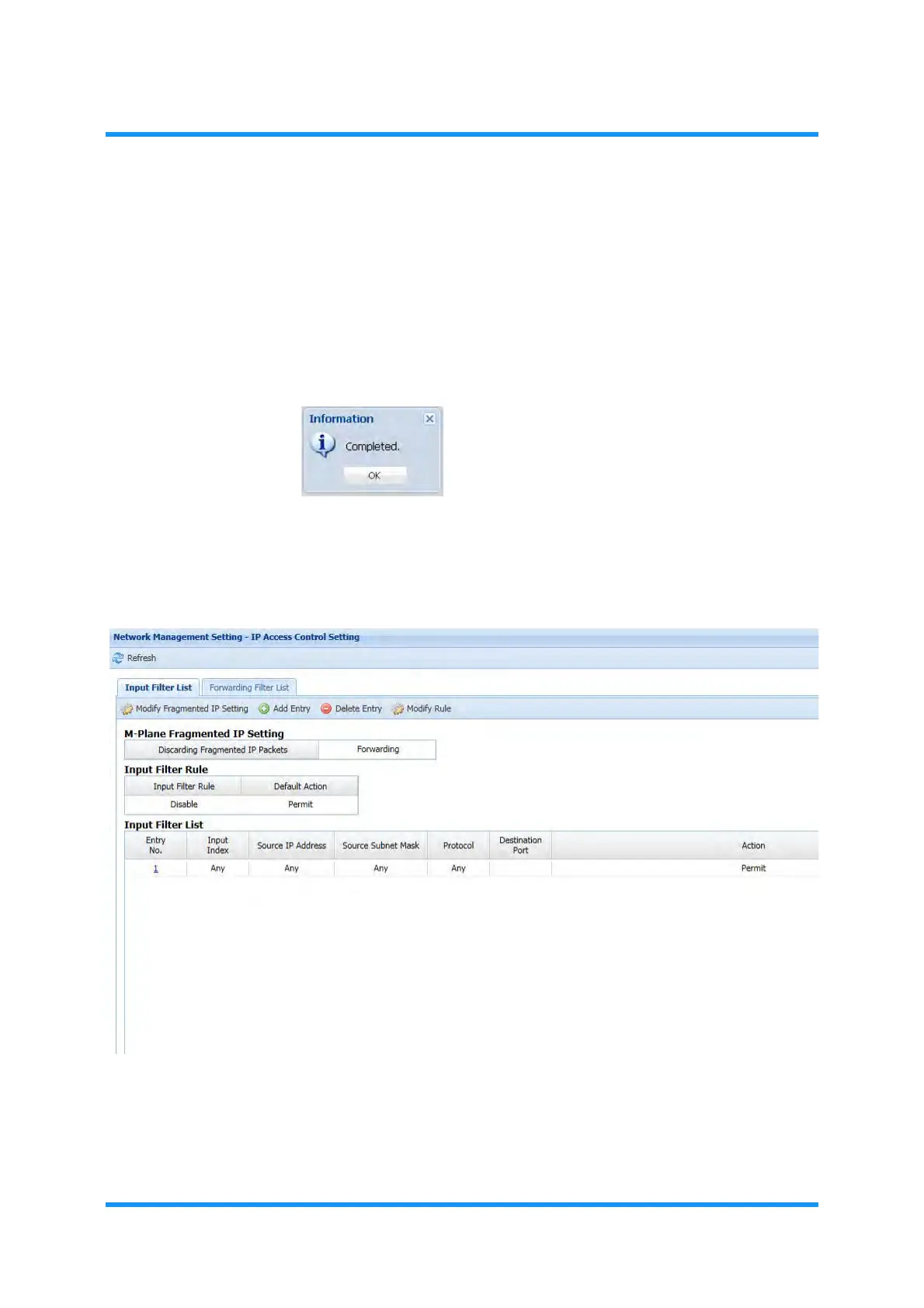
The IP Access Control Setting window updates the information.
7. Confirm that the newly added filter information displayed.
Figure 5-47 IP Access Control Setting Window
This step ends the procedure.



 To Next Page