5-38 NETWORK MANAGEMENT
GGS-000547-01E iPASOLINK EX Advanced: SET NETWORK AND SYSTEM PROVISIONING
5. When completed, click the OK button. Information dialog box appears.
6. Click the OK button to proceed.
Figure 5-59 Information Dialog Box
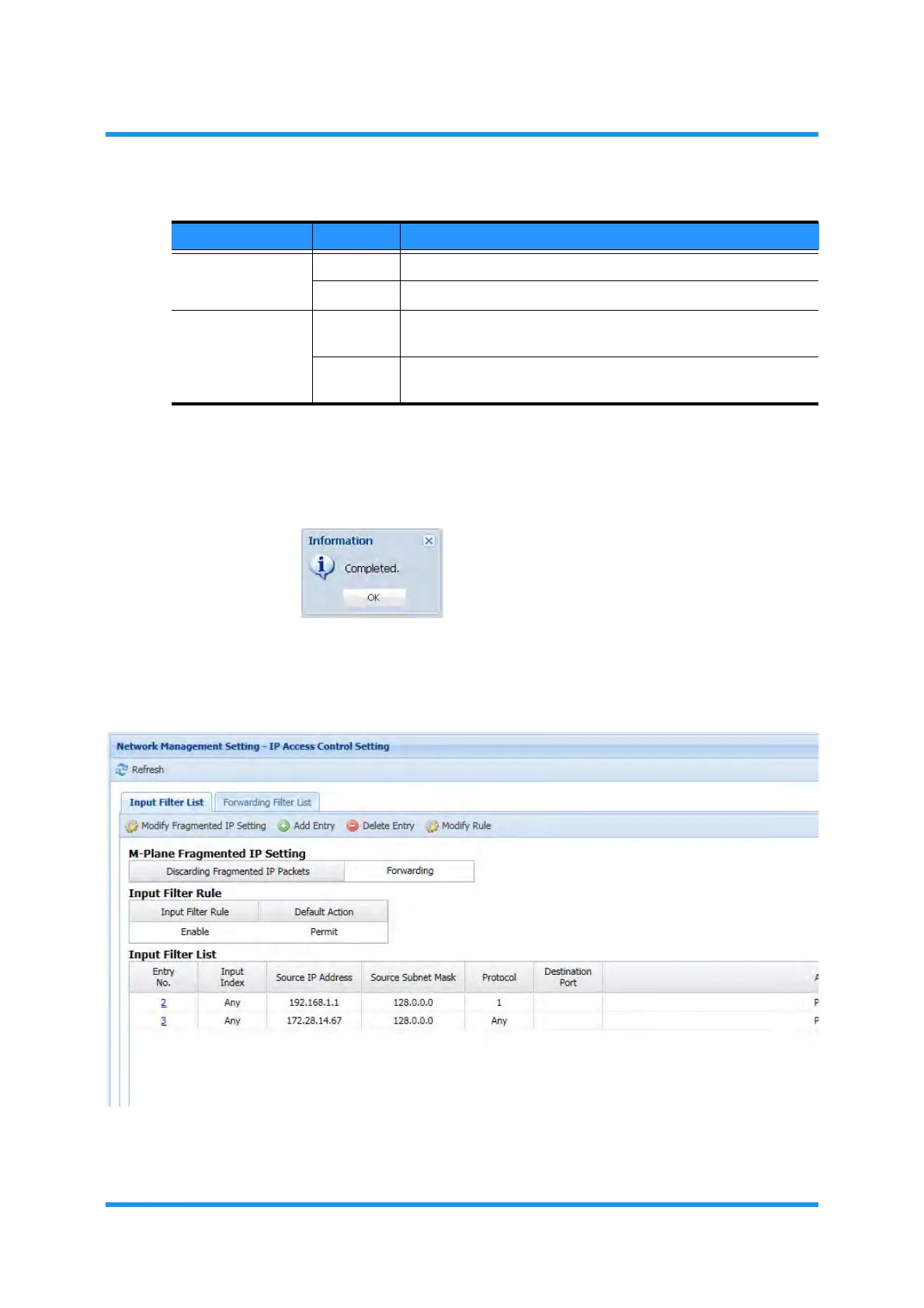
7. The IP Access Control Setting window updates the information. Confirm that
the modified filter information is displayed
Figure 5-60 IP Access Control Setting Window
This step ends the procedure.
Table 5-11 Input Filter Rule Parameters
Parameter Value Description
Input Filter Rule Enable Enables the configured input filters.
Disable Disables the configured input filters.
Default Action Permit Forwards an IP packet that does not meet the configured
conditions.
Deny Discards an IP packet that does not meet the configured
conditions.



 To Next Page