5-68 NETWORK MANAGEMENT
GGS-000547-01E iPASOLINK EX Advanced: SET NETWORK AND SYSTEM PROVISIONING
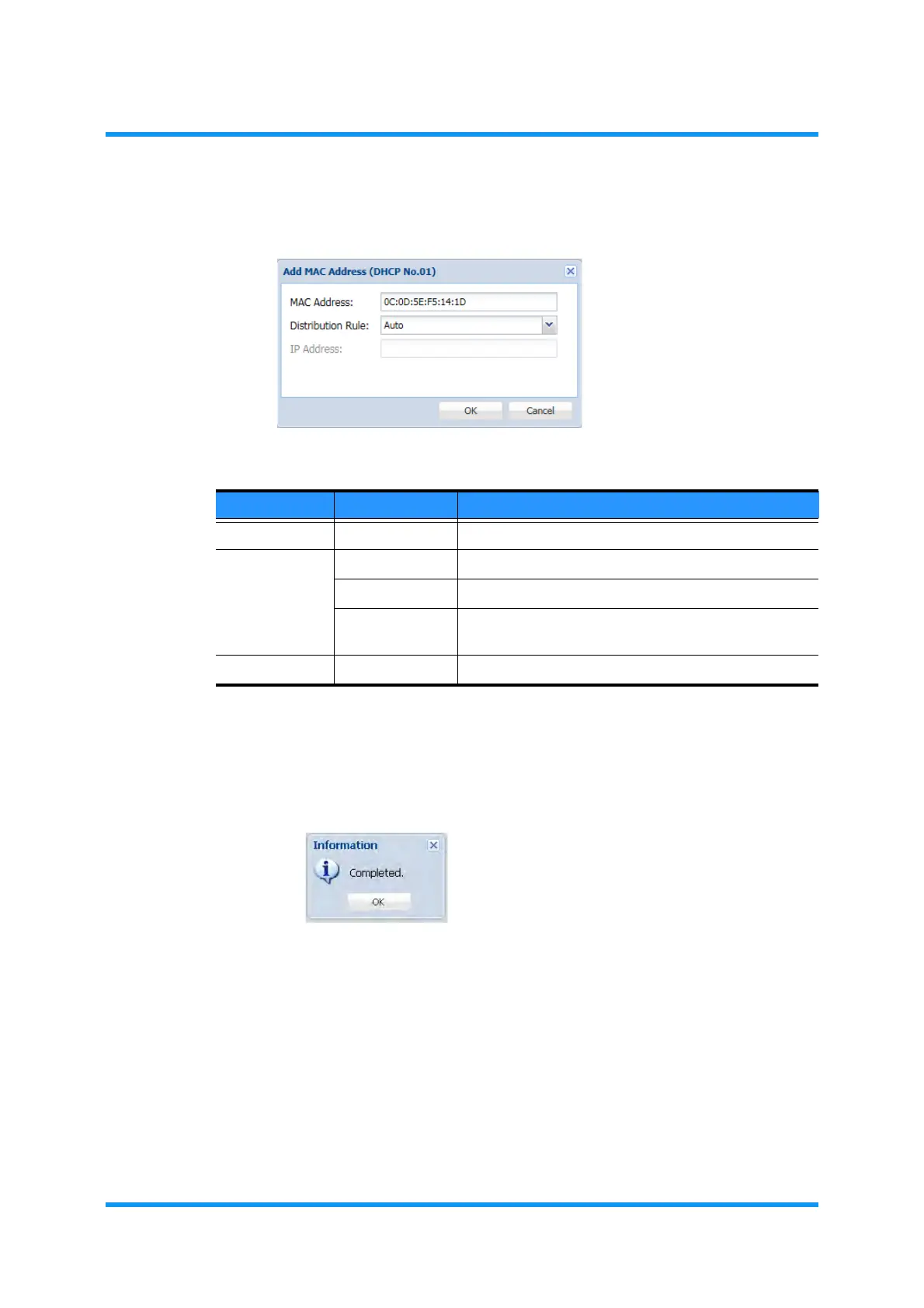
3. Specify appropriate values.
Figure 5-102 Add MAC Address Option Window
4. When completed, click the OK button.
5. Information dialog box appears. Click the OK button to proceed.
Figure 5-103 Information Dialog Box
The DHCP Server/Relay Setting window updates the information.
Table 5-20 Add MAC Address Parameters
Parameter Value Description
MAC Address aa:bb:cc:dd:ee:ff Specify MAC Address.
Distribution
Rule
Auto IP Address is assigned automatically.
Reject Rejects the specified MAC Address.
Fixed Fixes the address manually. Selecting this option
enables the IP Address option below.
IP Address xxx.xxx.xxx.xxx Class C Private Address for Fixed distribution.


 To Next Page
 Loading...

