5-80/END NETWORK MANAGEMENT
GGS-000547-01E iPASOLINK EX Advanced: SET NETWORK AND SYSTEM PROVISIONING
This page is intentionally left blank.
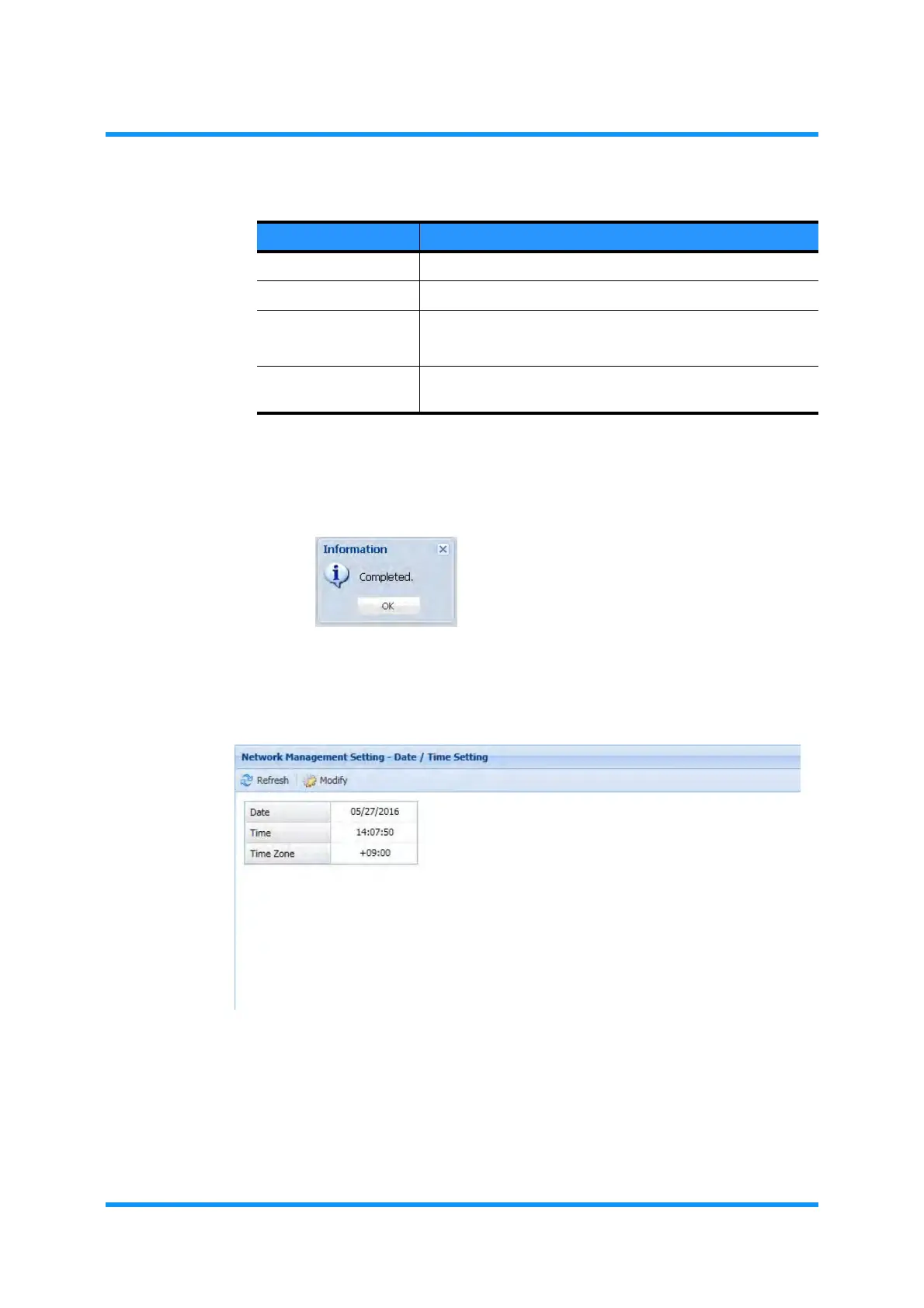
4. When completed, click the OK button. Information dialog box appears.
5. Click the OK button to proceed.
Figure 5-121 Information Dialog Box
6. The Date/Time Setting window updates the information. Check the date and
time settings:
Figure 5-122 Date/Time Setting Window
This step ends the procedure.
Table 5-22 Configuration Data to Upload
Data Description
Date Enter a date [month/day/year].
Time Enter the current time [hour:minute:second].
Time Zone Set the Time Zone by adding/reducing hours to/from GMT.
Range: Hours [+15 to –15] and Minutes [00 to 59].
Display PC Time Tick this box to synchronize the clock of WebLCT and that of
local PC.



 To Next Page