Set ETH Function 8-41
iPASOLINK EX Advanced: SET NETWORK AND SYSTEM PROVISIONING GGS-000547-01E
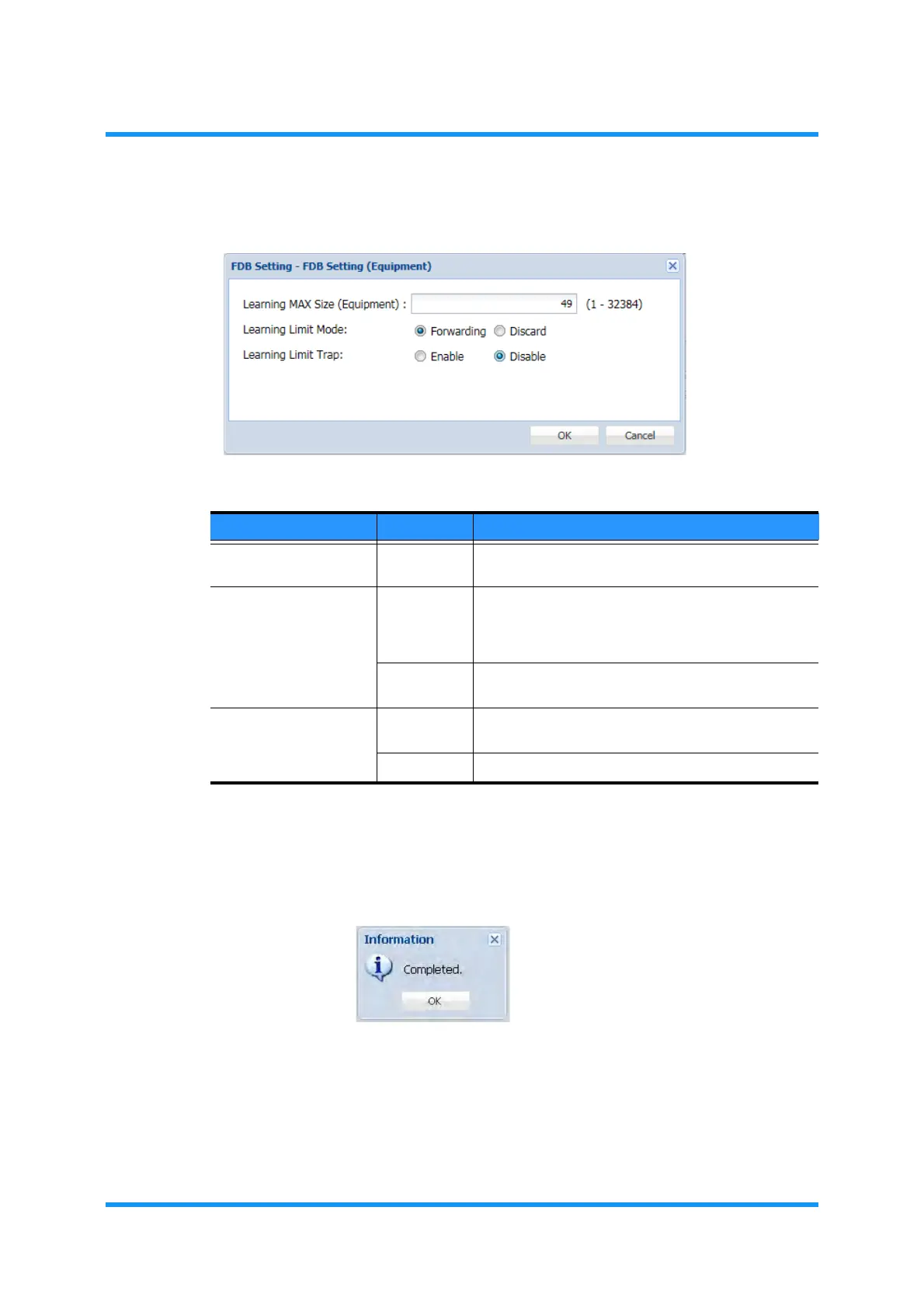
4. Assign the appropriate value to each parameter:
Figure 8-50 FDB Setting (Equipment) Option Window
5. When completed, click the OK button. Information dialog box appears.
6. Click the OK button to proceed.
Figure 8-51 Information Dialog Box
The FDB Setting window updates the information.
Table 8-10 FDB Setting Parameters
Parameter Value Description
Learning MAX Size 1 to 32384 Specify the maximum size or the learning MAC
Address entries.
Learning Limit Mode Forwarding If the incoming frame that is from a new MAC
Address exceeds the maximum size of FDB, the
frame without learning this source MAC Address will
be forwarded.
Discard If the incoming frame that is from a new MAC
Address discarded.
Learning Limit Trap Enable Enables the equipment to send a trap if the Learning
MAC Address reaches the specified MAX size.
Disable Disables the action above.



 To Next Page