Set ETH Function 8-47
iPASOLINK EX Advanced: SET NETWORK AND SYSTEM PROVISIONING GGS-000547-01E
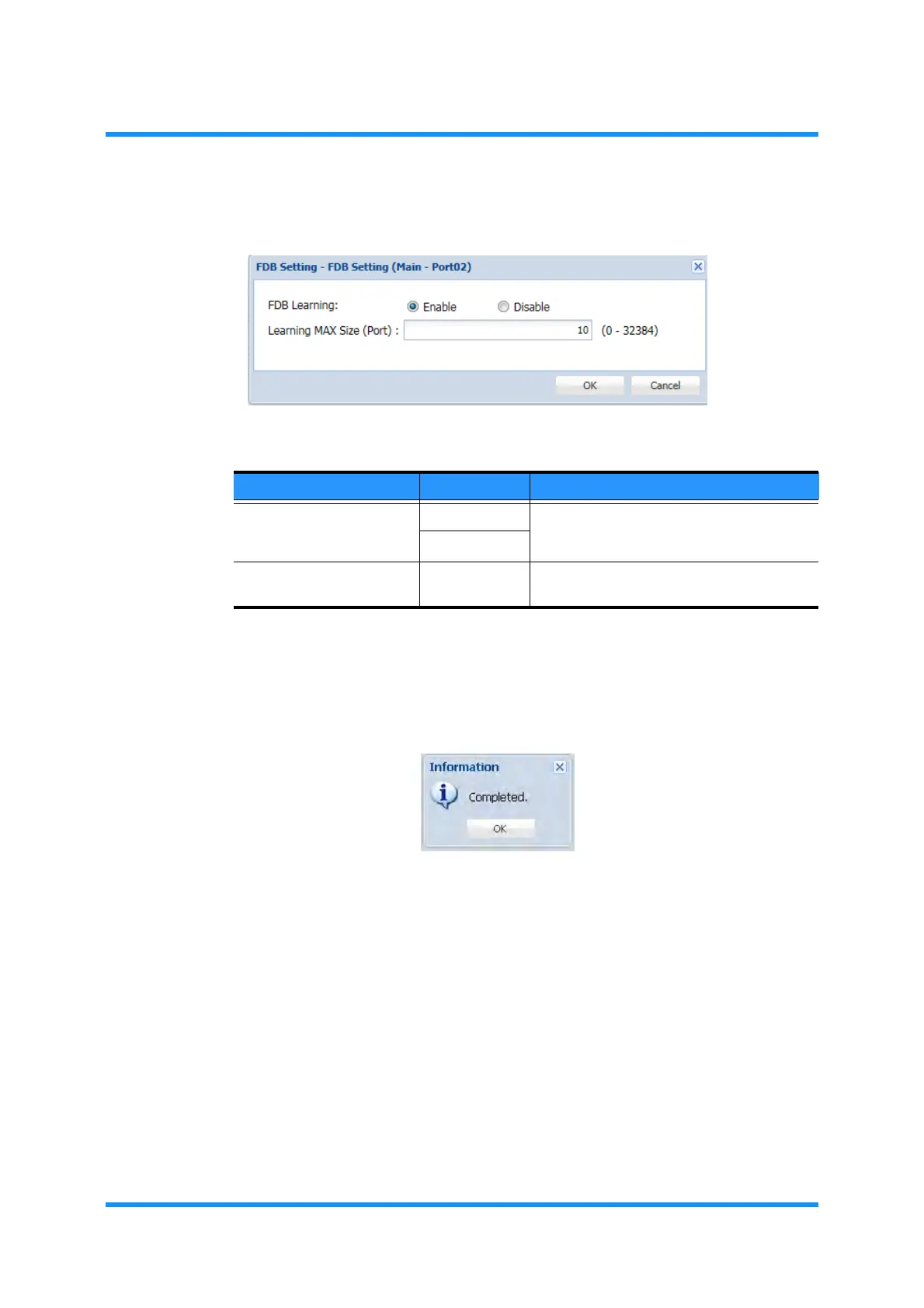
4. Specify the maximum size and mode for learning MAC Address:
Figure 8-58 FDB Setting Option Window
5. When completed, click the OK button. Information dialog box appears.
6. Click the OK button to proceed.
Figure 8-59 Information Dialog Box
The FDB Setting window updates the information.
Table 8-12 FDB Setting (VLAN ID) Parameters
Parameter Value Description
FDB Learning Enable Select to enable/disable the FDB Learning.
Selecting Enable enables the Learning
MAX Size filed below.
Disable
Learning MAX Size (Port) 0 to 32384 Specify the maximum size or the learning
MAC Address entries.



 To Next Page