8-68 Set ETH Function
GGS-000547-01E iPASOLINK EX Advanced: SET NETWORK AND SYSTEM PROVISIONING
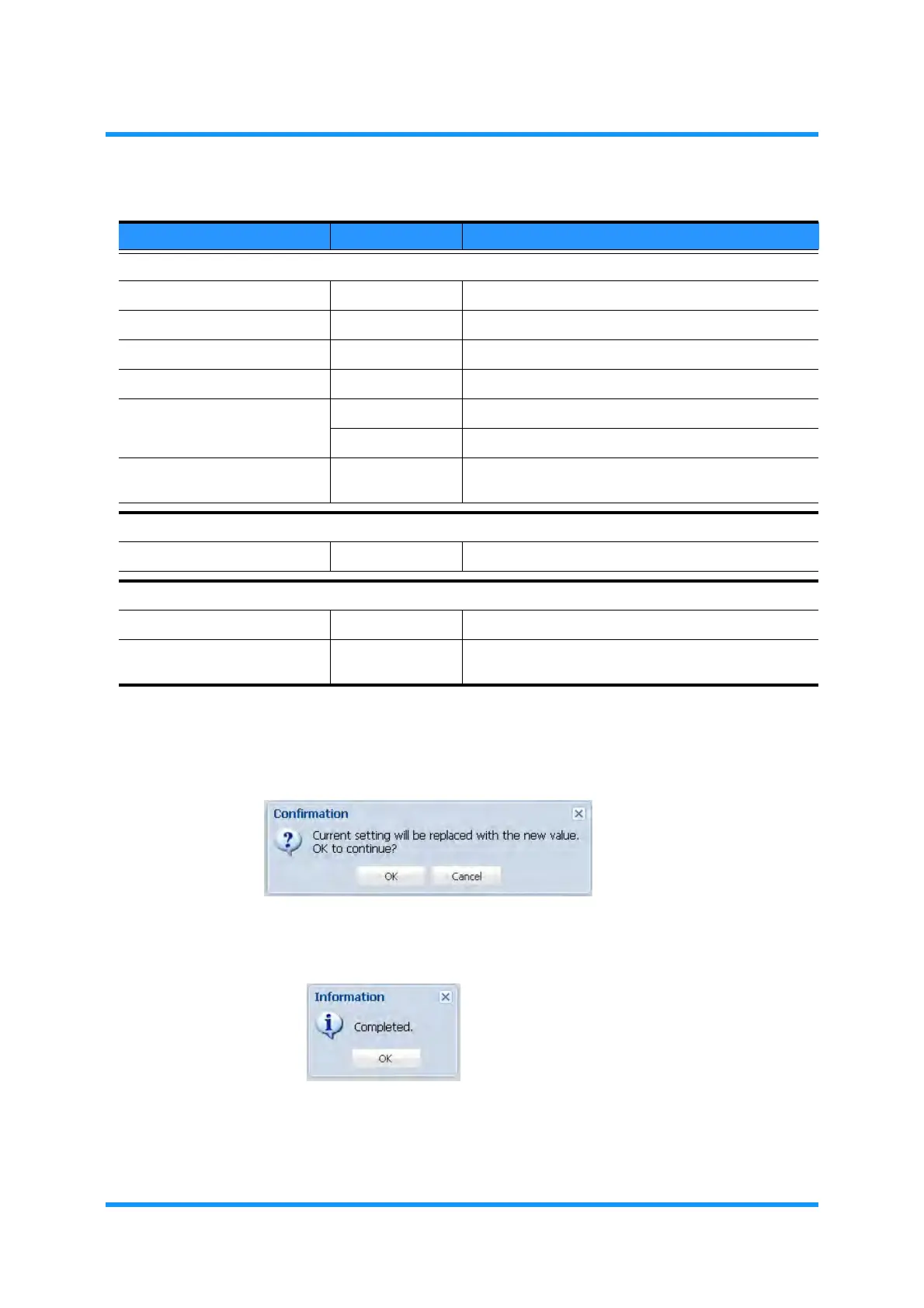
6. When completed, click the OK button. Confirmation dialog box appears.
7. Click the OK button to proceed.
Figure 8-91 Confirmation Dialog Box
8. Information dialog box appears. Click the OK button to proceed.
Figure 8-92 Information Dialog Box
The ETH OAM Setting window updates the information.
Table 8-17 OAM MEP Setting (Add) Parameters
Parameter Value Description
MEP Configuration
MEP Index 1 to 128 Specify a local MEP Index number.
MEP ID 1 to 8191 Specify an ID to the MEG Index.
Item (Available part) Select the target part.
Port (Available port) Select a port.
Direction Up MEP Specifies the direction of service from Line to L2SW.
Down MEP Specifies the direction of service from L2SW to Line.
Enable (radio button) Click to associate an Ethernet OAM Message with a
VLAN.
MEG Configuration
Enable (radio button) Click to associate an MEP with an MEG Configuration.
Peer MEP Configuration
Add Peer MEP (button) Click to open the Peer MEP Add option window.
Enable / Peer MEP ID (check box, list) This field lists the Peer MEP ID(s) registered by MEG
Configuration.



 To Next Page