Set ETH Function 8-127
iPASOLINK EX Advanced: SET NETWORK AND SYSTEM PROVISIONING GGS-000547-01E
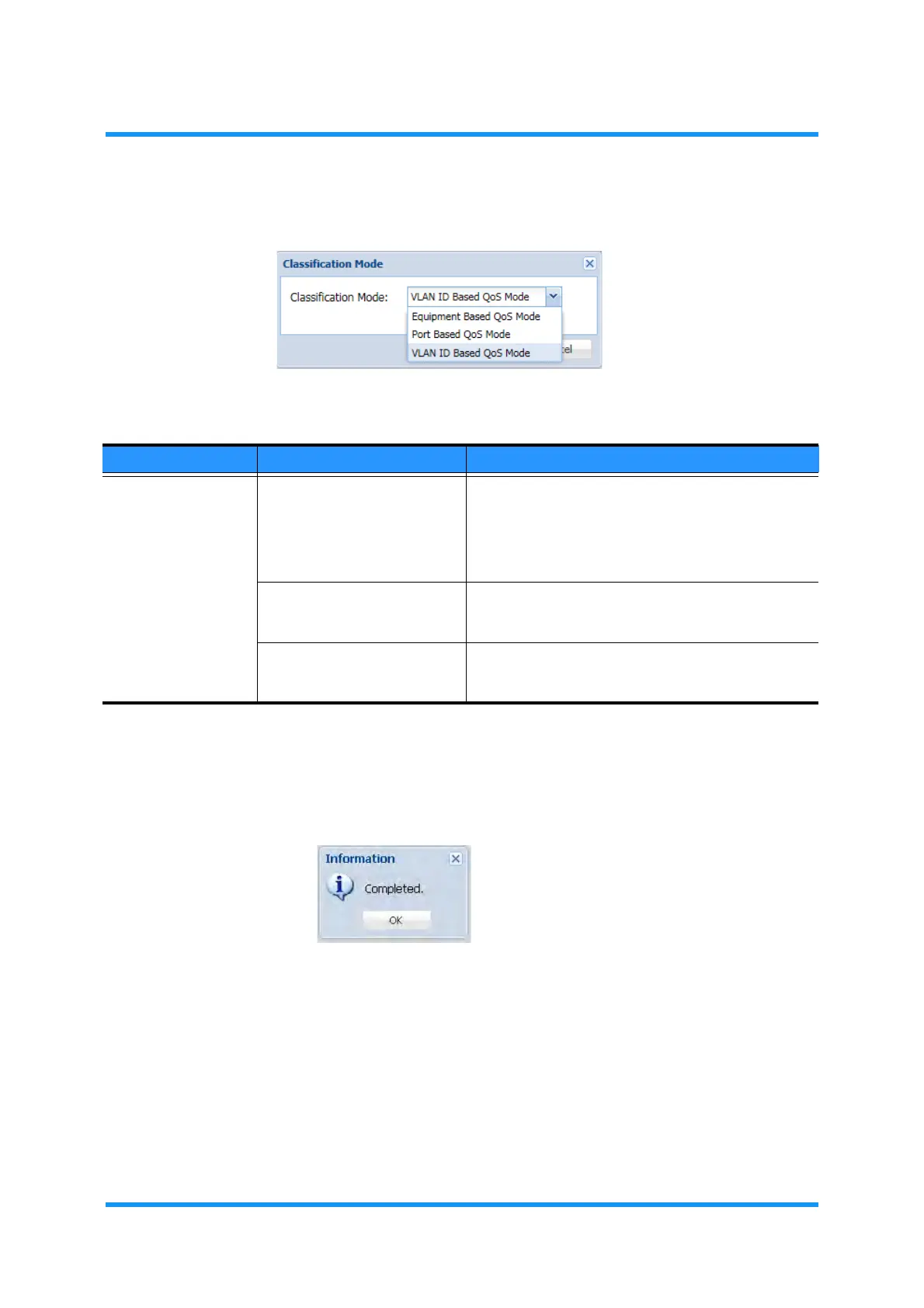
4. Select the mode from the Classification Mode drop-down list:
Figure 8-174 Classification Mode Option Window
5. Click the OK button.
6. Information dialog box appears. Click the OK button to proceed.
Figure 8-175 Information Dialog Box
7. The Classification Setting window updates the information. Verify that the
selected mode is indicated.
Table 8-30 Classification Mode Options
Parameter Value Description
Classification Mode Equipment Based QoS Mode QoS classification policies are determined by per-
equipment basis. One classification profile is
activated, and up to three profiles are stored on the
equipment configuration. In this mode, most outer
QoS field of the packet can be specified for the
classification policy.
Port Based QoS Mode QoS classification policies are determined by per-port
basis. In this mode, inner QoS field of the packet can
be specified for the classification policy.
VLAN ID Based QoS Mode QoS classification policies are determined by per-
VLAN ID basis. In this mode, VLAN ID field of the
packet can be specified for the classification policy.



 To Next Page