8-138 Set ETH Function
GGS-000547-01E iPASOLINK EX Advanced: SET NETWORK AND SYSTEM PROVISIONING
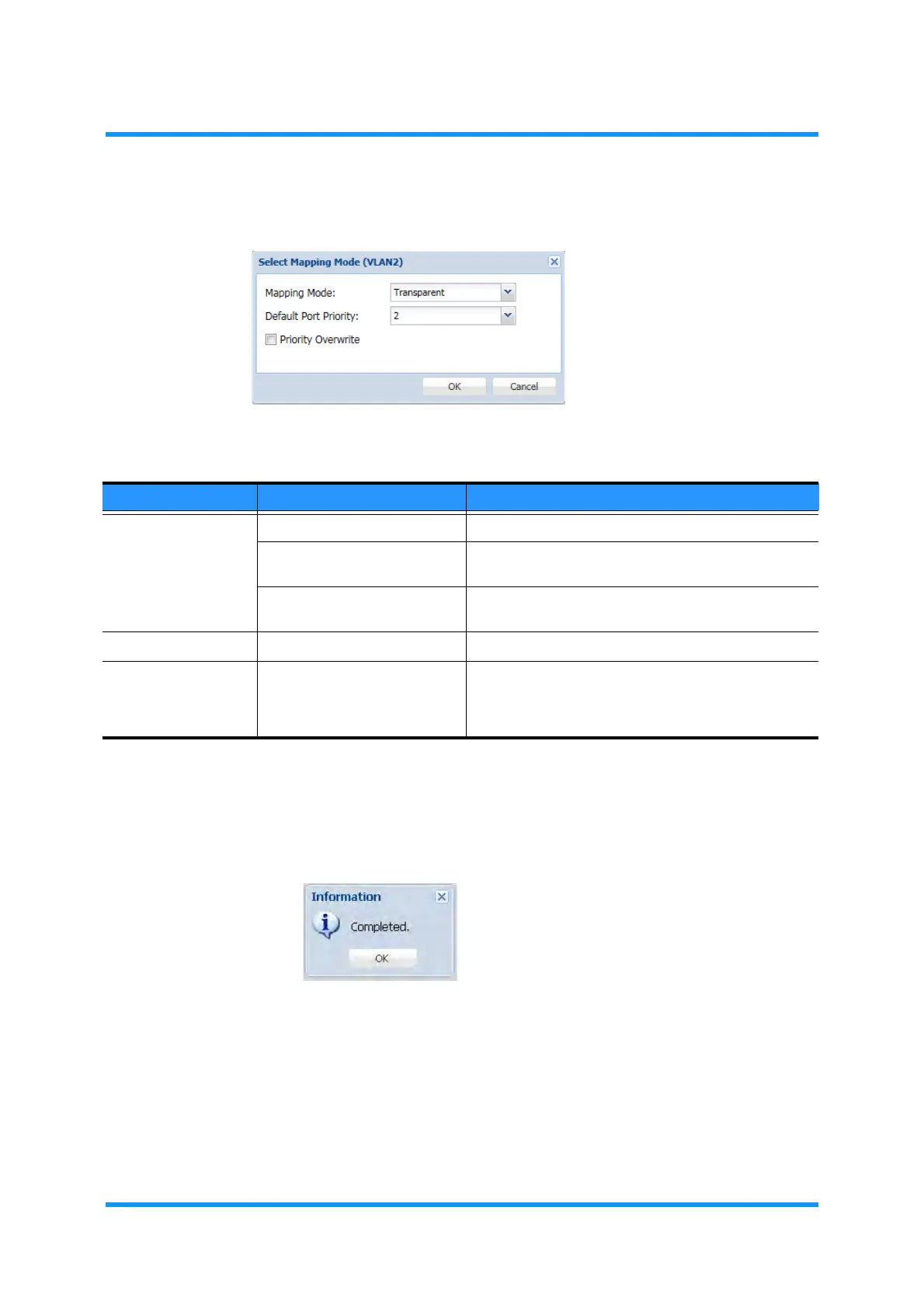
5. Specify the parameters.
Figure 8-189 Select Mapping Mode Option Window
6. Click the OK button.
7. Information dialog box appears. Click the OK button to proceed.
Figure 8-190 Information Dialog Box
The QoS/Classification Setting window updates the information.
Table 8-34 Classification Mode Options
Parameter Value Description
Mapping Mode Transparent Uses the CoS as the equipment internal priority.
Fixed Uses the Default Priority as the equipment internal
priority.
(Profile No.) Maps the equipment internal priority according to the
Classification Profile.
Default Port Priority 0 to 7 Specifies the default priority.
Priority Overwrite (check box) Tick a box to enable the overwrite settings, which
allows the equipment internal priority following the
Classification to overwrite the QoS value of the output
frame.



 To Next Page