8-142 Set ETH Function
GGS-000547-01E iPASOLINK EX Advanced: SET NETWORK AND SYSTEM PROVISIONING
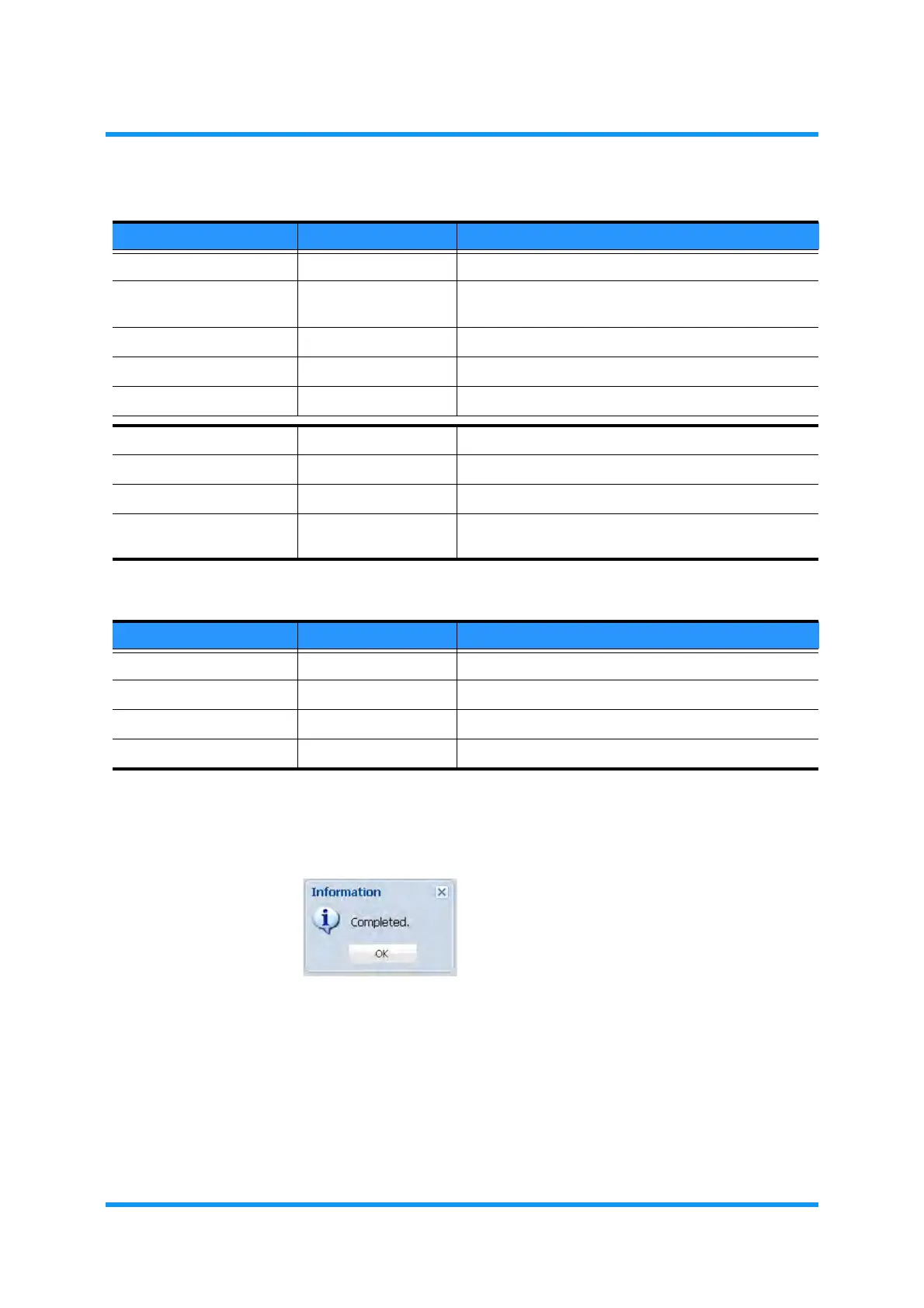
5. Information dialog box appears. Click the OK button to proceed.
Figure 8-194 Information Dialog Box
The QoS/Classification Setting window updates the information.
Table 8-35 Add Policer Index Options
Parameter Value Description
Policer Index 1 to 256 Enter the Index number to assign.
Item (part/LAG providing
available port)
Select the item providing the target port.
Port (available ports) Select the target port.
CoS 0 to 7, Any Select the target CoS.
Policer Profile No. 1 to 64 Select a number to assign the Policer Profile No.
VLAN ID (check box) Tick a box to enable the following options.
Enable (radio button) Click a radio button of the VLAN to be enabled.
VLAN ID (read only) Indicates the registered VLAN IDs.
VLAN Service Name (read only) Indicates the VLAN Service Names of the registered
VLAN.
Table 8-36 Policer Profile Detail Setting Options
Parameter Value Description
EIR 0 to 10000000 Specifies the Excess Information Rate. [unit: kbit/s]
CIR 0 to 10000000 Specifies the Committed Information Rate. [unit: kbit/s]
EBS 0 to 128 Specifies the Excess Burst Size. [unit: kbit/s]
CBS 0 to 64 Specifies the Committed Burst Size [unit: kbit/s]



 To Next Page