9-4 Set Equipment Clock and Synchronization
GGS-000547-01E iPASOLINK EX Advanced: SET NETWORK AND SYSTEM PROVISIONING
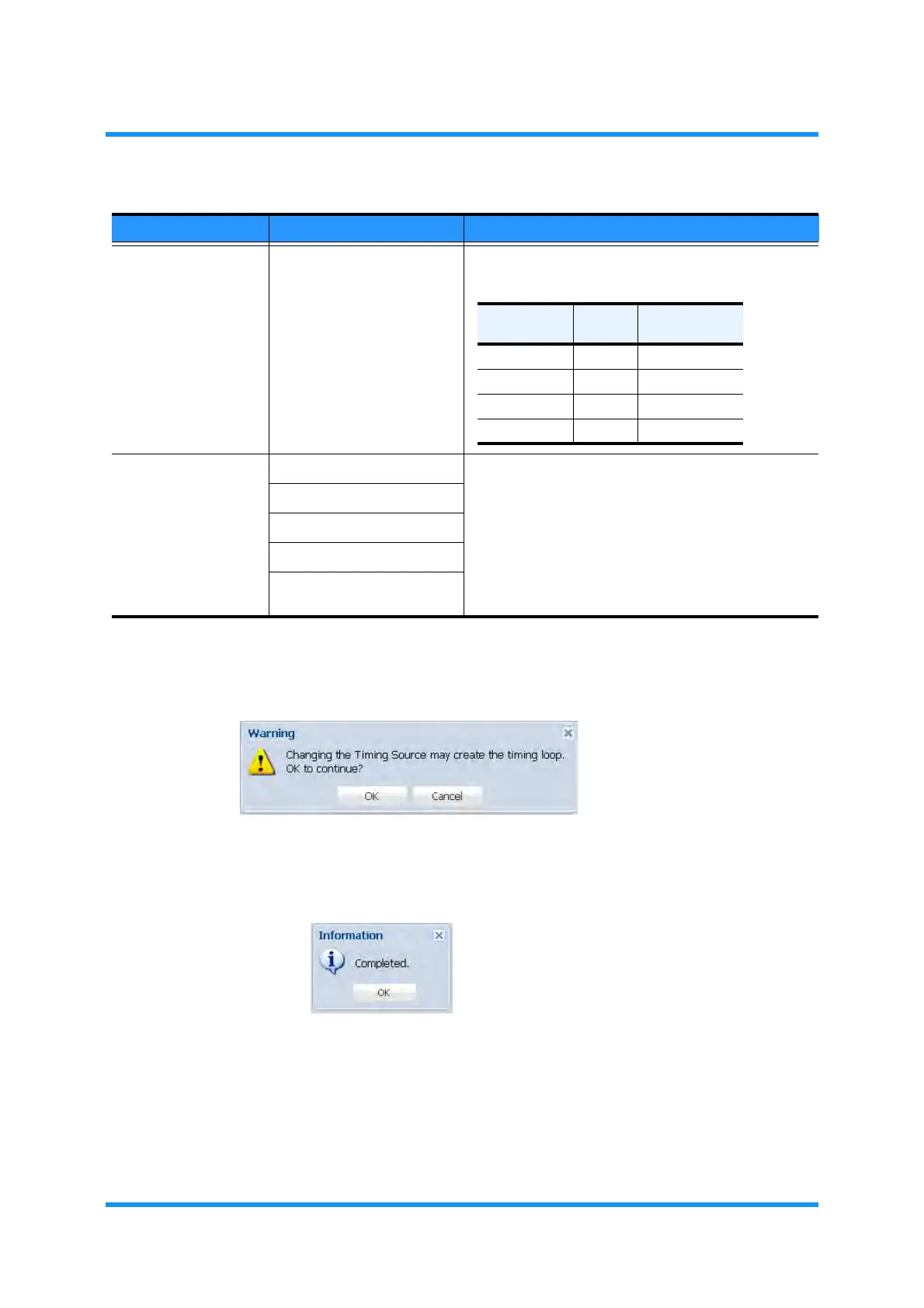
5. Warning dialog box appears. Click the OK button of the dialog box.
Figure 9-3 Warning Dialog Box
6. Information dialog box appears. Click the OK button of the dialog box to
proceed.
Figure 9-4 Information Dialog Box
The Equipment Clock Setting window updates the information.
7. Verify the displayed information.
Forced SSM Value QL-PRC
QL-SSU-A
QL-SSU-B
QL-SEC
Selects the Primary Reference Clock. Required when
the Line SSM Usage is set to Not Used:
WTR Timer 0 [s] Sets the Wait to Restore time that is a period to wait
for enabling the timing source when recovered.
10 [s]
20 [s]
30 [s]
1 [min] to 15 [min]
(by a minute)
Table 9-1 Equipment Clock Setting Parameters (2 of 2)
Parameter Value Description
Quality Level Quality
Overwrite
SSM Code
QL-PRC HIGH 0010
QL-SSU-A : 0100
QL-SSU-B : 1000
QL-SEC LOW 1011


 To Next Page
 Loading...

