CONTROL ITEMS 4-27
iPASOLINK EX Advanced: OPERATION & MAINTENANCE GGS-000548-01E
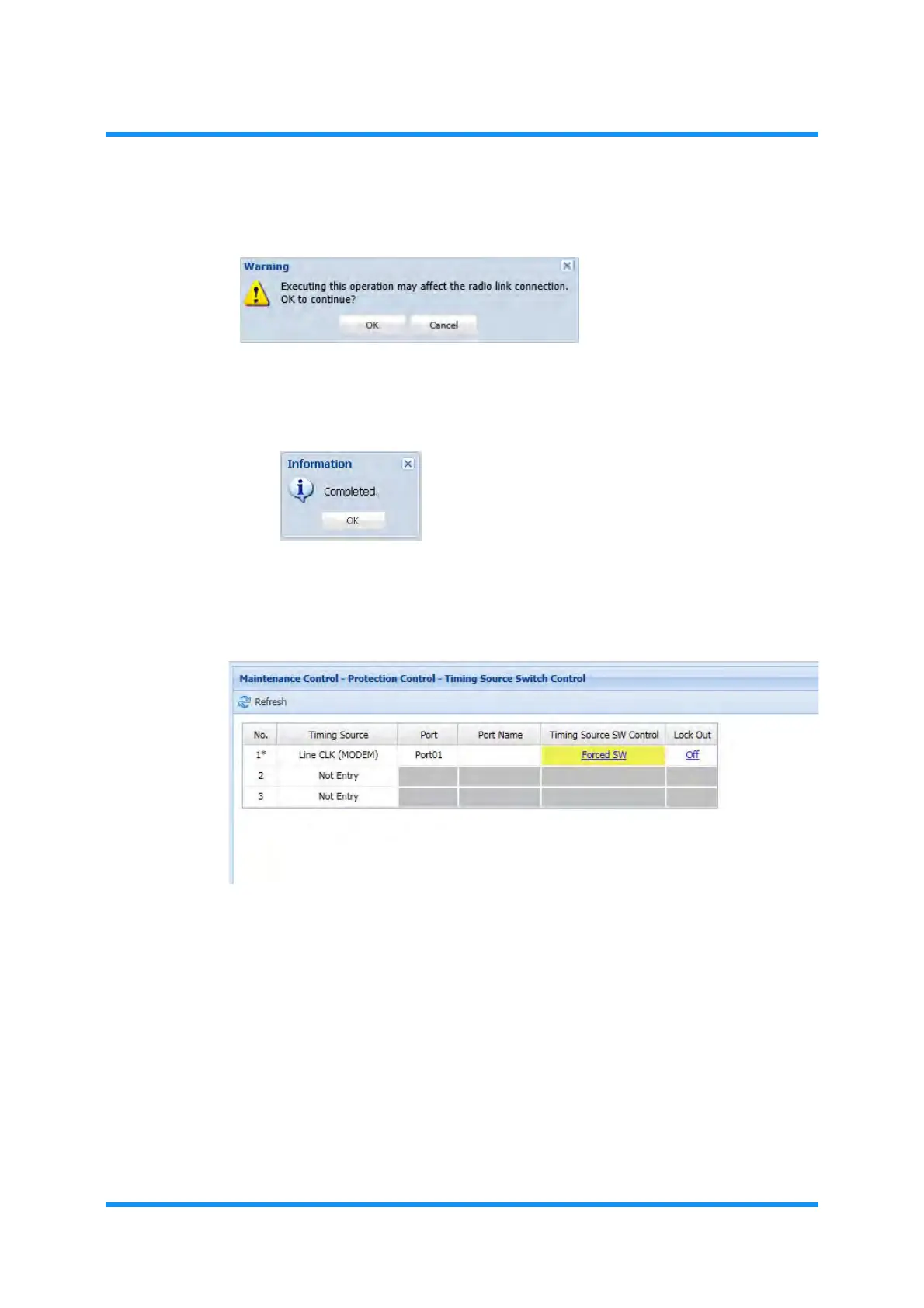
6. Click the OK button of the dialog box.
Figure 4-40 Warning Dialog Box
7. Information dialog box appears. Click the OK button of the dialog box to
proceed.
Figure 4-41 Information Dialog Box
8. The Timing Source Switch Control window updates the information. Verify that
the selected switch control is indicated for the target object.
Figure 4-42 Timing Source Switch Control Window
9. Exit the Maintenance Mode by clicking the Maintenance button on the
window.
10. Check that the
MAINT indication turns from orange to white.
This step ends the procedure.
This step ends the procedure.



 To Next Page