4-56 CONTROL ITEMS
GGS-000548-01E iPASOLINK EX Advanced: Operation & Maintenance
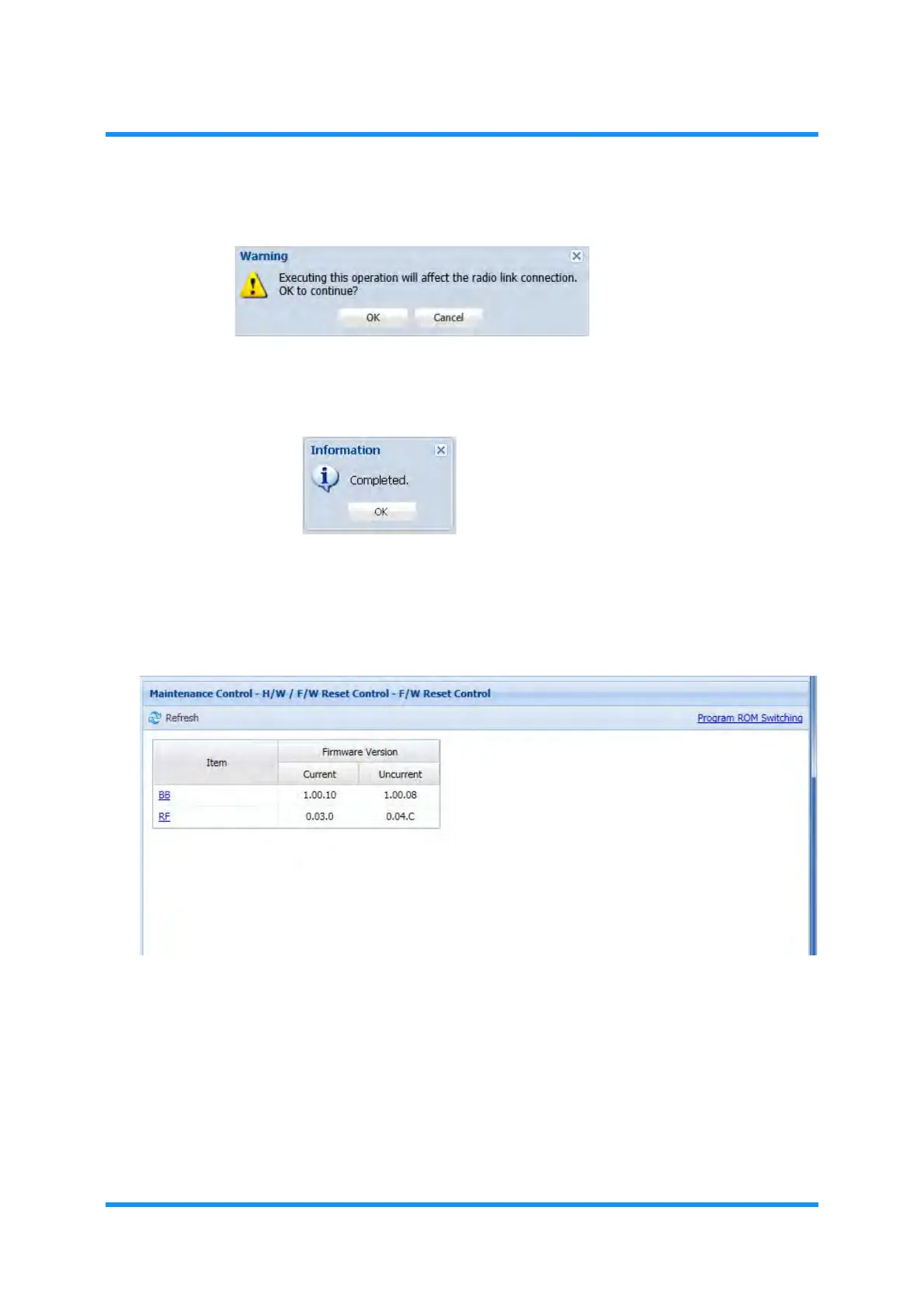
5. Warning message dialog box appears. Click the OK button.
Figure 4-90 Warning Dialog Box
6. Information dialog box appears. Click the OK button.
Figure 4-91 Information Dialog Box
The CPU Reset (RF) starts automatically.
7. When the RF is prepared, verify the information displayed in the
F/W Reset
Control
window.
Figure 4-92 F/W Reset Control Window
8. When confirmed, click the Maintenance tool button on the WebLCT tool bar to
exit from the Maintenance Mode.
9. Confirm that the
MAINT indicator on the tool bar changes from orange to
white.
This step ends the procedure.



 To Next Page