4-66 CONTROL ITEMS
GGS-000548-01E iPASOLINK EX Advanced: Operation & Maintenance
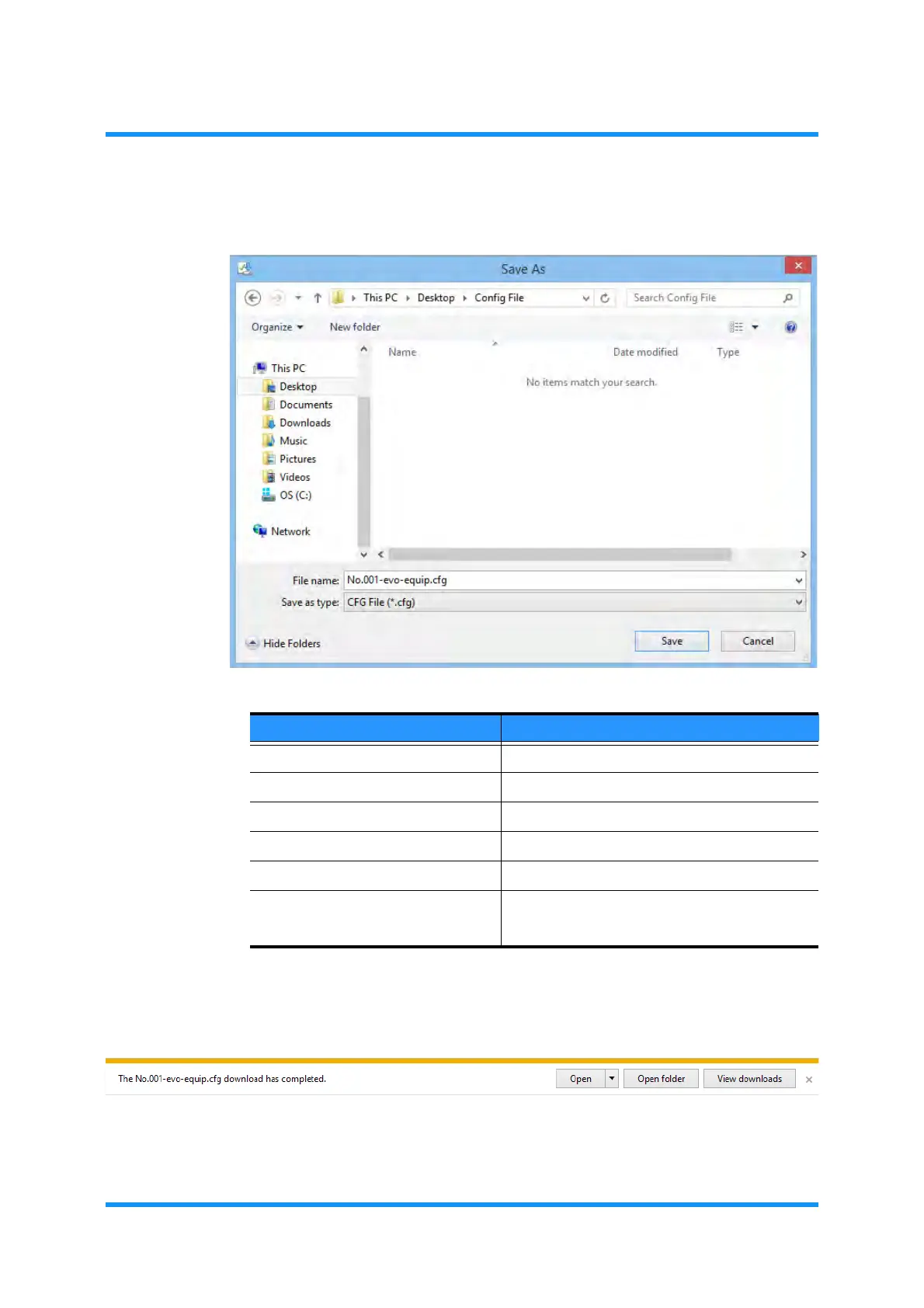
4. Select/Specify a directory to save the data, and click the Save button.
Figure 4-103 Save As Window
5. When data saving process is completed, following message to inform that the
download has completed. Click the
View folder button.
Figure 4-104 Message to Inform the State
The folder to which the downloaded file is stored opens.
Table 4-11 Configuration Data to Upload
Data Default File Name
Equipment Configuration Data ********-ex10-equip.cfg
Network Configuration Data ********-ex10-network.cfg
User Configuration Data ********-ex10-user.cfg
PMON History File ex10-pmon-history-********.zip
RMON History File e10-rmon-history-********.zip
Technical Support File ex10-TechFile_HW_*******_**********
ex10-TechFile_SW_*******_**********



 To Next Page