CONTROL ITEMS 4-81
iPASOLINK EX Advanced: OPERATION & MAINTENANCE GGS-000548-01E
Option Window for USB Memory Device
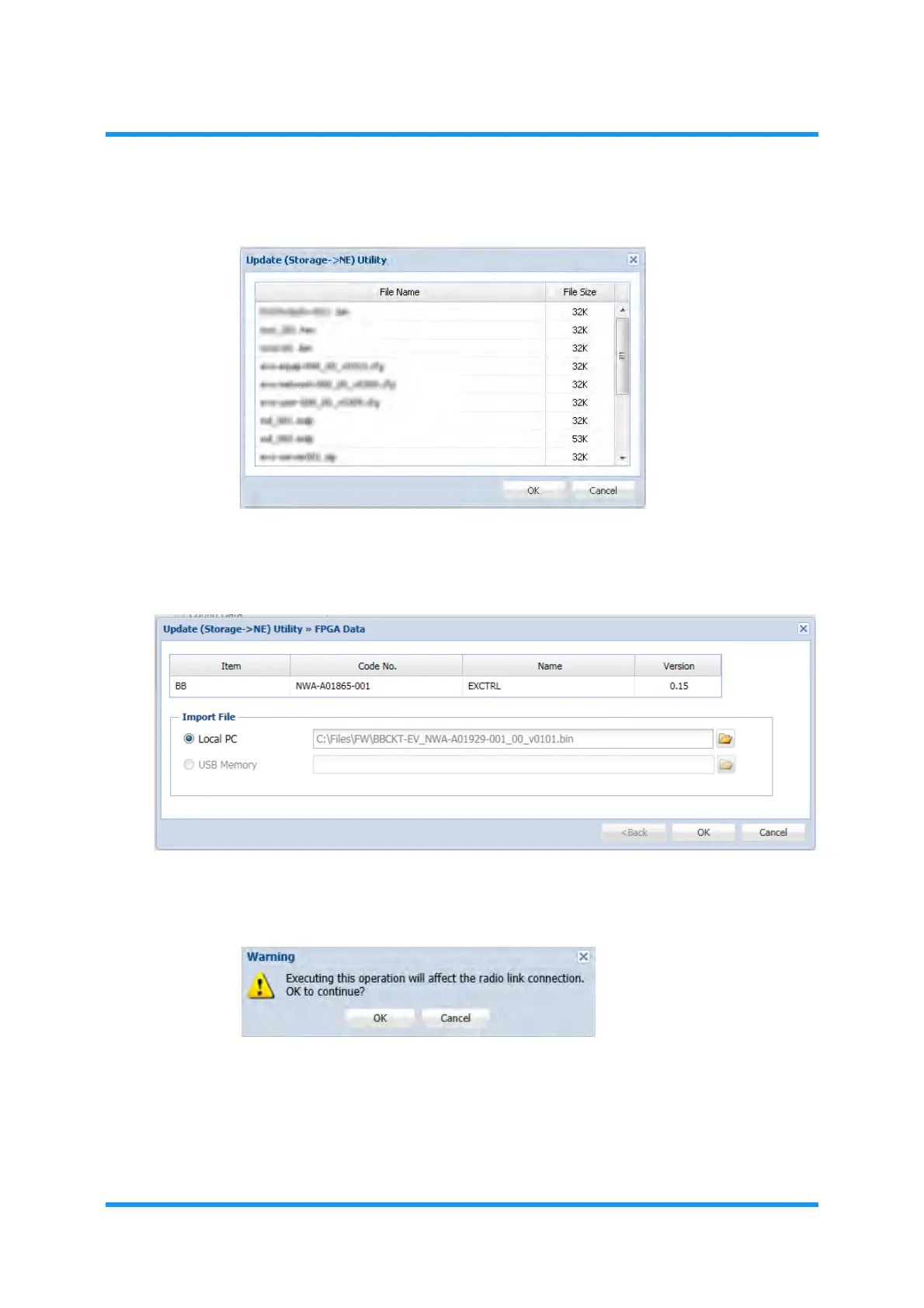
Figure 4-129 Update (Storage -> NE) Utility Option Window
6. The Program File option window displays the selected directory. Click the OK
button.
Figure 4-130 FPGA Data Option Window
7. Warning message dialog box appears. Click the OK button.
Figure 4-131 Warning Dialog Box
File downloading starts. During the downloading process, the progress bar
shows up.



 To Next Page