4-94 CONTROL ITEMS
GGS-000548-01E iPASOLINK EX Advanced: Operation & Maintenance
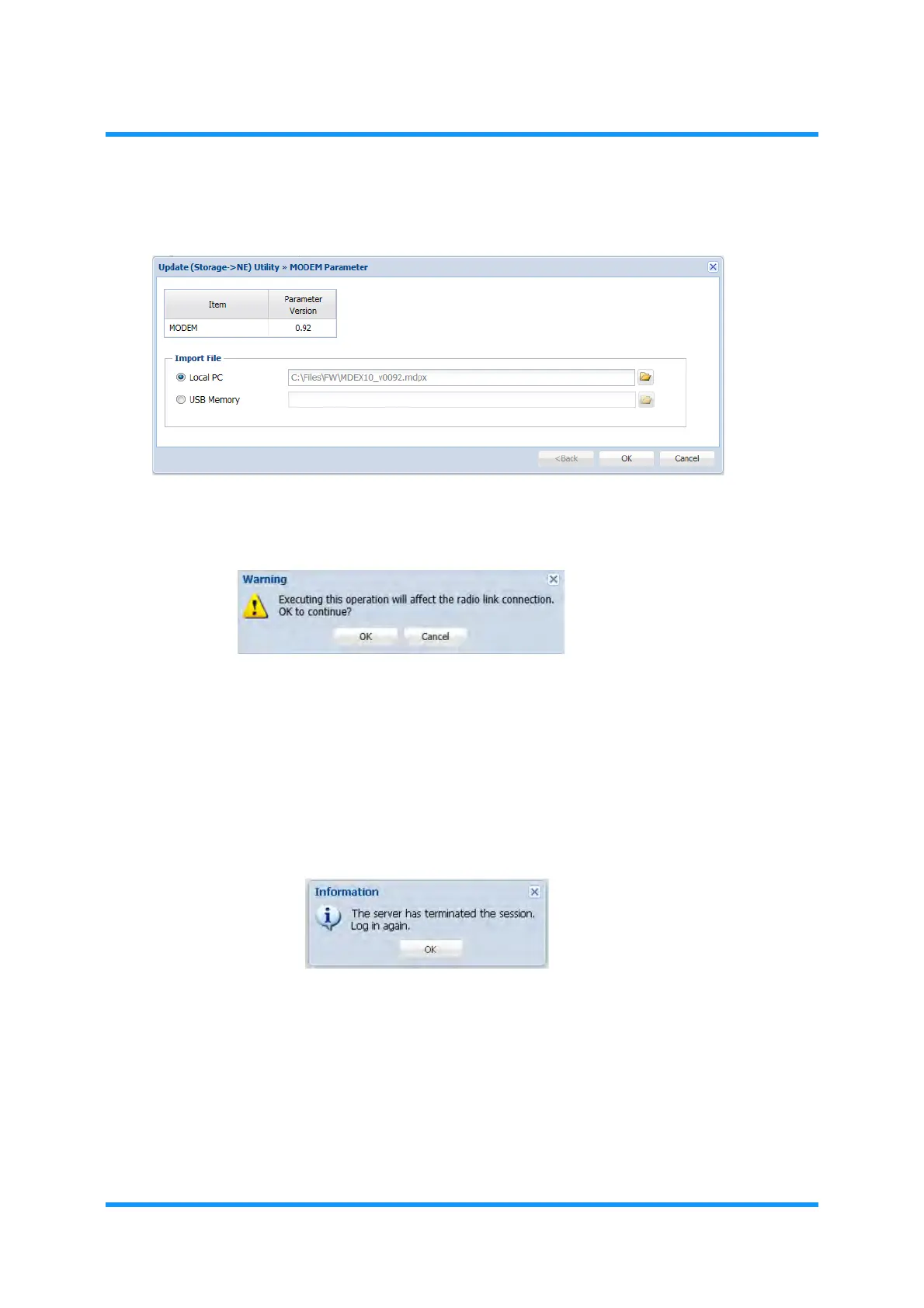
6. Click the OK button.
Figure 4-155 MODEM Parameter Option Window
7. Warning message dialog box appears. Click the OK button.
Figure 4-156 Warning Dialog Box
File downloading starts. During the downloading process, the progress bar
shows up.
8. When completed, Information dialog box appears. Click the
OK button to
proceed.
Figure 4-157 Information Dialog Box
9. Launch and log in to the WebLCT.
10. From the
WebLCT menu, select the Inventory Equipment Inventory
Information
from the WebLCT menu. The Equipment Inventory Information
window appears.
11. Check the latest MODEM Parameter Data running by comparing the
confirmed parameter of specified MODEM.



 To Next Page