4-98 CONTROL ITEMS
GGS-000548-01E iPASOLINK EX Advanced: Operation & Maintenance
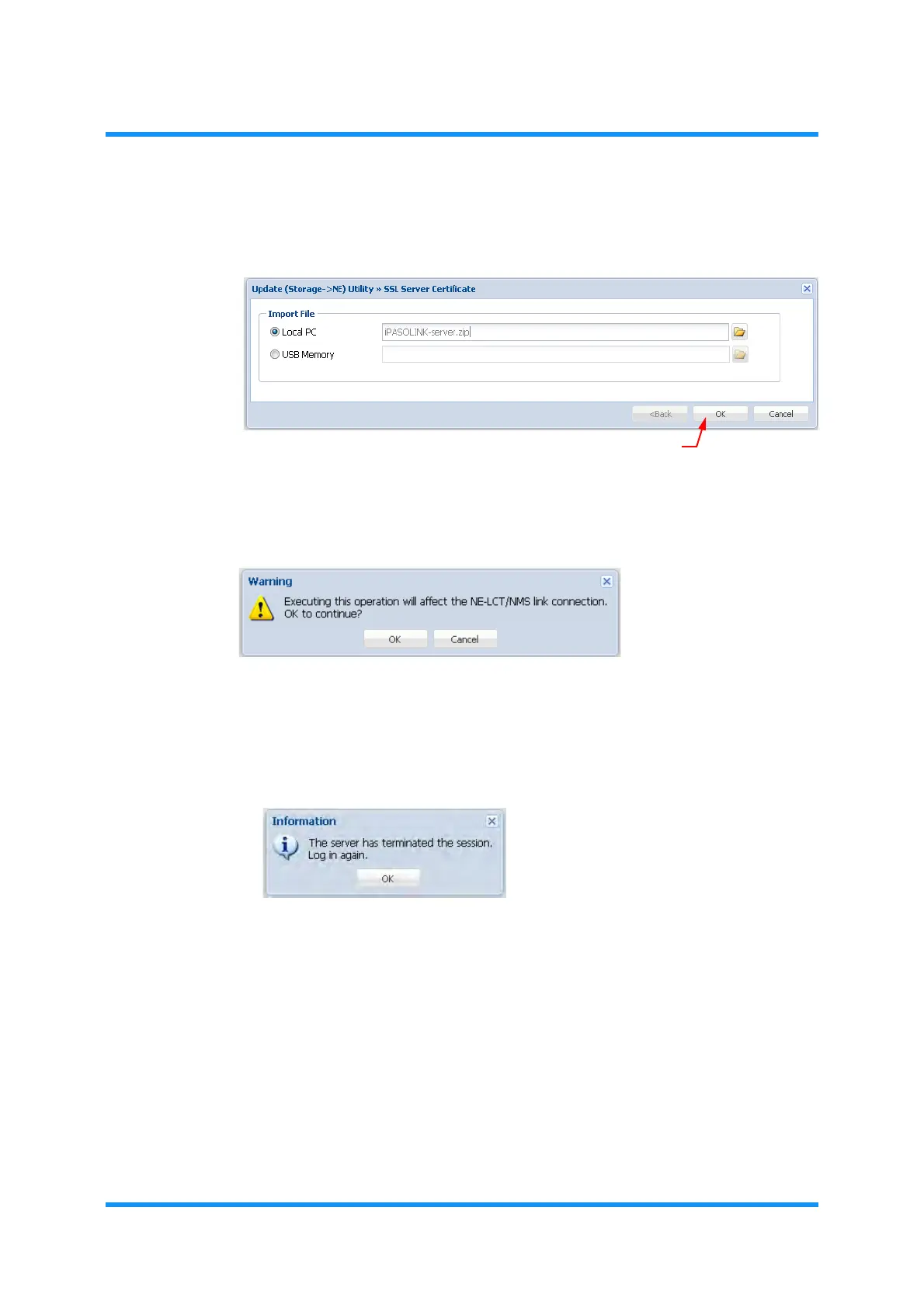
6. SSL Server Certificate option window indicates the selected file. Click the OK
button to proceed.
Figure 4-163 SSL Server Certificate Option Window
7. Warning dialog box appears. Click the OK button to proceed.
Figure 4-164 Warning dialog Box
During the process, a progress bar shows up.
8. When the process is completed, following Information dialog box appears.
Click the
OK button to proceed
Figure 4-165 Information Dialog Box
The system starts updating SSL Server Certificate file.
WebLCT is automatically logged off from the equipment.
It may take a few minutes to 10 minutes (depending on your PC’s capacity)
for updating process, during which the equipment does not allow another
logging in.
This step ends the procedure.



 To Next Page