4-106 CONTROL ITEMS
GGS-000548-01E iPASOLINK EX Advanced: Operation & Maintenance
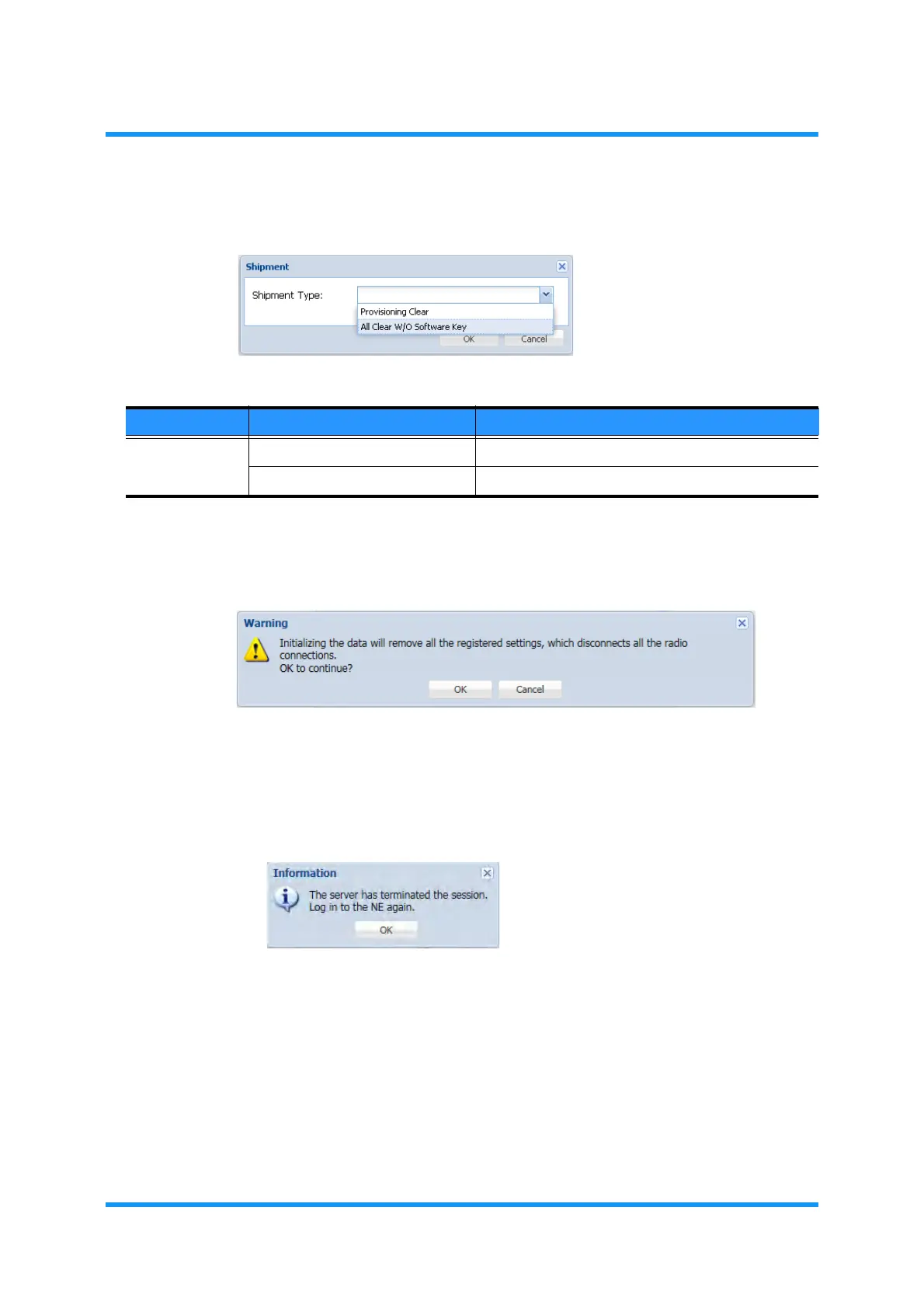
4. Select the operation from the drop-down list, and click the OK button.
Figure 4-181 Shipment Option Window
5. Warning dialog box appears. Click the OK button.
Figure 4-182 Warning Dialog Box
iPASOLINK EX/A will restart automatically.
6.
Another Information dialog box appears. Click the OK button. The WebLCT will
shut down automatically.
Figure 4-183 Information Dialog Box
7. When the iPASOLINK EX/A restarts, launch the WebLCT and log in to the
iPASOLINK EX/A again.
This step ends the procedure.
Table 4-12 Shipment Parameter
Parameter Value Description
Shipment Type Provisioning Clear Restore the provisioning data only.
All Clear w/o Software Key Restore all the data except Software Key.



 To Next Page